
JPG vs PNG vs WebP: Which Image Format is Best in 2026?
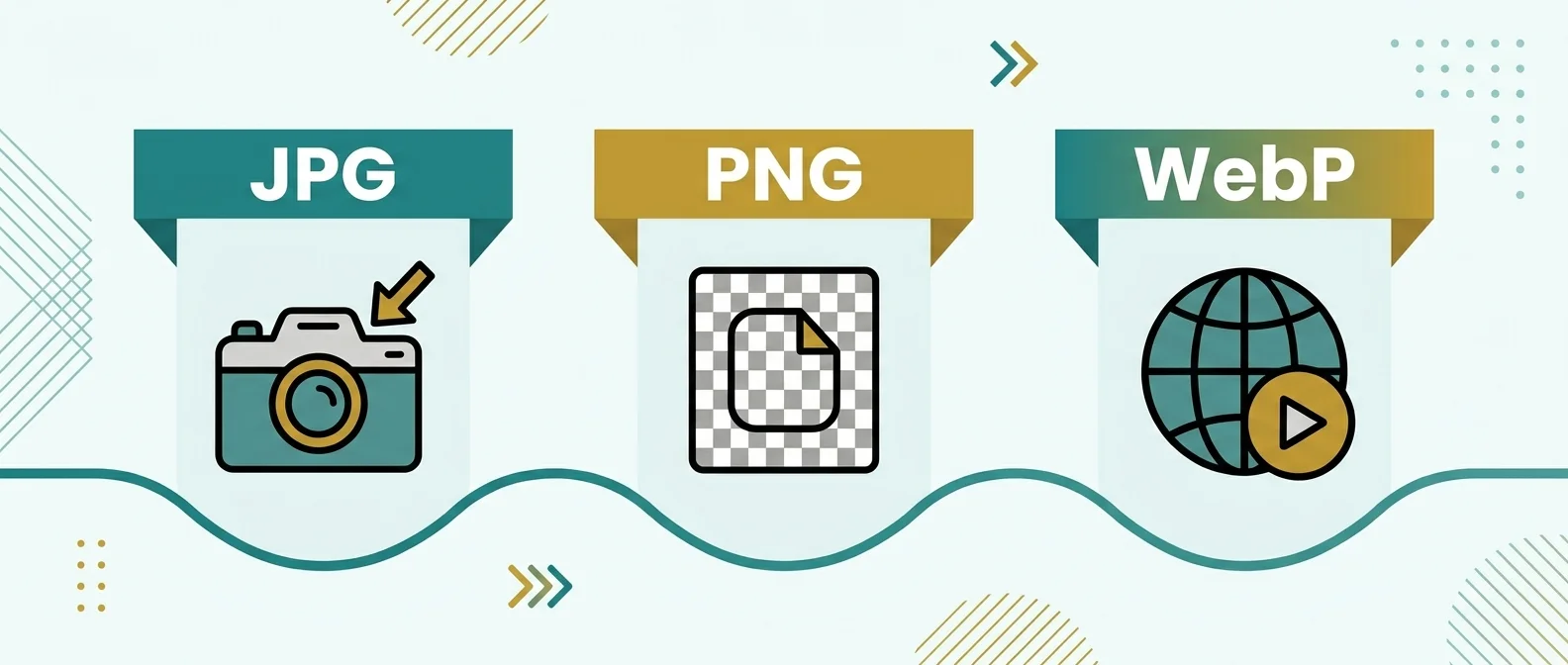
Choosing between JPG, PNG, and WebP is no longer a minor design choice. In 2026, image format selection directly affects page speed, Core Web Vitals, storage cost, and ad revenue. If your site relies on organic traffic or ad monetization, image bytes influence how quickly users see useful content and whether they stay long enough to convert.
The right format depends on image type, transparency needs, quality tolerance, and browser compatibility policy. This guide gives a practical format decision framework for publishers, developers, and content teams that need consistent performance at scale.
Short answer
Use JPG for photos when compatibility is your top concern, PNG for graphics that require lossless quality or transparency, and WebP for most modern web delivery because it usually provides smaller file sizes at similar visual quality. For production websites in 2026, WebP should be your default delivery format unless a specific workflow requires JPG or PNG.
Format fundamentals
JPG
JPG uses lossy compression and is broadly supported. It is ideal for photographs where slight quality trade-offs are acceptable for smaller size.
PNG
PNG uses lossless compression. It preserves fine edges and transparency very well, but files are often larger than JPG or WebP.
WebP
WebP supports both lossy and lossless modes and transparency. It usually beats JPG and PNG in compression efficiency for web delivery.
Comparison table
| Feature | JPG | PNG | WebP |
|---|---|---|---|
| Compression model | Lossy | Lossless | Lossy + Lossless |
| Transparency | No | Yes | Yes |
| Typical size for photos | Small | Large | Smaller than JPG in many cases |
| Edge/line-art clarity | Medium | High | High with proper settings |
| Modern web performance | Good | Average | Best default option |
How format choice affects SEO and AdSense outcomes
Google Search quality systems and page experience signals reward usable pages that load quickly and remain stable. Image payload is a major contributor to Largest Contentful Paint. Smaller image transfer often means faster visual completion, lower bounce, and better engagement depth. That helps both organic performance and ad viewability.
For ad-supported pages, heavy images can delay ad rendering contexts and reduce session quality. Format optimization is not a silver bullet, but it is one of the highest-leverage technical changes because it can be applied across thousands of assets.
Decision framework for real projects
- Start with intent: is this a photo, logo, screenshot, or transparent graphic?
- Check transparency: if transparency is required, PNG or WebP should be preferred.
- Set quality floor: define acceptable visual threshold before compressing aggressively.
- Generate WebP derivative: use WebP as primary delivery for modern browsers.
- Keep fallback where needed: store JPG/PNG originals for editing and compatibility fallback.
Examples
1. Blog hero photo
Best default: WebP.
Why: strong compression with good detail retention helps improve load performance.
2. Transparent product badge
Best default: WebP or PNG.
Why: both support alpha channel; choose based on quality and final size tests.
3. UI screenshot documentation
Best default: PNG for source, WebP for delivery.
Why: preserve sharp text in source, publish compressed web variant for speed.
Common mistakes
- Using PNG for every photograph.
- Keeping very high quality values for thumbnails.
- Skipping responsive image sizes and serving one large file to all devices.
- Compressing blindly without visual QA at 100% zoom.
- Ignoring transparent background requirements during conversion.
Operational workflow for teams
- Keep originals in a source library.
- Generate size variants per breakpoint.
- Create WebP derivatives as primary web assets.
- Run periodic audits for oversized legacy images.
- Track performance impact in Lighthouse and field data.
TryFormatter image tools
Format conversion workflow
Frequently asked questions
Not always in every edge case, but for most web photos WebP provides smaller size at similar visual quality and is the best default for delivery.
Keep PNG when lossless precision is required, especially for source files, line art, and assets with transparency that need exact fidelity.
Format itself is not a ranking switch. The impact comes from performance and user experience improvements caused by smaller, faster-loading images.
Prioritize high-traffic pages first. Migrate key assets to WebP in phases and validate quality before bulk replacement.
Conclusion
In 2026, the practical default for most web delivery is WebP, with JPG and PNG used intentionally where they fit better. The winning strategy is not format loyalty; it is workload-aware delivery with quality checks and clear performance targets.