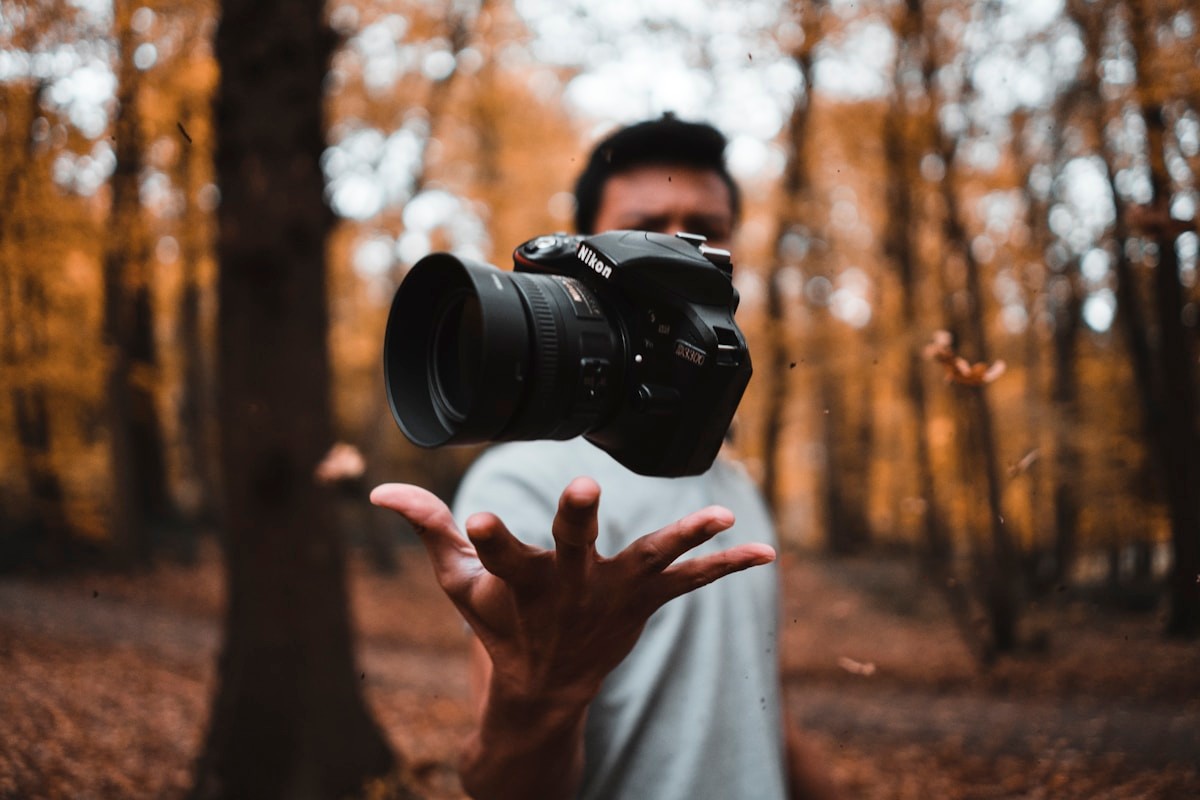
Original JPG
Format
JPG
Size
126.3 KB
Dimensions
1200 × 800

Convert JPG and PNG images to WebP for faster websites. This free online WebP converter runs entirely in your browser, requires no server upload, and keeps your photos and design files on your device. All processing happens locally in your browser.
Choose one or more JPG, JPEG or PNG files to convert to WebP.
Files are processed in your current browser session. No account is required.
An Image to WebP converter changes a JPG, JPEG or PNG image into a WebP file.
WebP is commonly used for website images because it can create smaller files while keeping acceptable visual quality. The final result depends on the source image and the selected quality level.
This converter keeps the original width and height and lets you compare the source image with the WebP result before downloading it.
A photo can often become smaller after WebP conversion, but the actual result depends on the source file and selected quality.
WebP can keep transparent areas from a PNG while using a different compression method.
The quality setting controls the balance between visible detail and file size.
A lower value usually creates a smaller file but may soften fine details or introduce visible compression. A higher value usually keeps more detail but creates a larger file.
Check the preview and output size instead of using the same setting for every image.
| Quality | Good starting point | What to check |
|---|---|---|
| 65 | Small thumbnails and preview images | Text, edges and visible compression |
| 80 | Website photos and blog images | Balance between detail and file size |
| 90 | Large product or portfolio images | Fine texture and smooth colour changes |
These values are starting points, not fixed rules. Different images can produce different results.
| Format | Best for | Transparency | Compression | Typical use |
|---|---|---|---|---|
| WebP | Modern website images | Yes | Lossy or lossless | Photos, graphics and web assets |
| JPG | Photos and broad compatibility | No | Lossy | Camera photos and general sharing |
| PNG | Sharp graphics and transparent assets | Yes | Lossless | Logos, screenshots and interface graphics |
WebP may be smaller than JPG or PNG, but the result depends on the source image and selected quality.
Use WebP copies for blog images, banners and photo galleries when a smaller file still looks clear.
Create lighter product images while checking texture, colour and small details before publishing.
Smaller thumbnail files can reduce the amount of image data loaded on listing pages.
Convert transparent PNG graphics when the WebP result keeps the required transparency and visual quality.
Use WebP for supported interfaces where reducing image weight is useful.
No. Converting an image to WebP does not add detail that is missing from the source file.
The selected quality level controls how much visible detail is kept during encoding.
A smaller WebP may look close to the original at normal display size, but fine details should still be checked before publishing.
Transparent areas from PNG files should remain transparent in the WebP output. JPG files do not contain transparency, so conversion does not remove their visible background.
Some colours may look slightly different depending on the source image, colour profile and browser.
The new WebP file may not keep camera details, dates, GPS information or other metadata from the original image. Keep the source file when this information matters.
Recent browsers generally support WebP export, but support should be checked before conversion starts.
A WebP file is not guaranteed to be smaller than every JPG or PNG source.
Conversion cannot recover detail removed by an earlier JPG save.
High-resolution images may work better when converted in smaller batches.
Animated GIF files need a tool that can process every animation frame.
Use the SVG Optimizer or SVG to PNG tool for vector files.
The selected images are processed in your current browser session. They do not need to be uploaded to TryFormatter servers for conversion.
Keep the page open until processing and ZIP creation are complete. Large images may use more device memory, so use smaller batches if the page becomes slow.
You can convert JPG, JPEG and PNG images on this page.
Yes. Add multiple supported images, convert them as one batch and download completed files individually or as a ZIP.
A value near 80 is a practical starting point for many website images. Check the preview and file size because each image responds differently.
No. WebP is often smaller, but the result depends on the source image, dimensions and selected quality.
No. Conversion does not restore missing detail. It creates a new file using the pixels available in the source image.
Transparent PNG areas should remain transparent in the WebP output when the browser export works correctly.
No. The converter keeps the original width and height.
Not always. Camera details, dates, GPS data and other metadata may be removed during conversion.
No file upload is needed for conversion. The images are processed in your current browser session.
The image may be damaged, unsupported, too large for available memory or the browser may not support WebP export correctly.