Syntax Validation
Checks whether the input can be parsed as valid JSON and displays useful error details when available.

Format, beautify, validate, minify, and explore JSON in an interactive tree view. Detect syntax errors, inspect nested data, and copy or download clean JSON.JSON formatting and validation run directly in your browser.
A JSON Formatter converts compact or inconsistently indented JSON into a clean, readable structure. TryFormatter also validates JSON syntax, creates minified output, and displays valid data as an expandable tree.
JSON, or JavaScript Object Notation, is widely used for API responses, configuration files, application settings, logs, database exports, and data exchange between services. Production payloads are often compressed onto one line, which is efficient for machines but difficult for people to inspect.
Paste JSON into the source editor or upload a supported file, then format, validate, minify, or visualize it. You can inspect nested objects and arrays, copy paths and values, and download the resulting JSON.
Use one workspace to clean, validate, compress, and explore JSON without switching between separate tools.
Checks whether the input can be parsed as valid JSON and displays useful error details when available.
Adds line breaks and consistent indentation using the spacing options supported by the editor.
Removes unnecessary whitespace and line breaks to produce a compact, valid JSON representation.
Explore nested objects and arrays, expand nodes, inspect value types, search data, and copy supported paths.
Formatted text and tree visualization present the same parsed JSON in different ways. The best view depends on whether you need editable text or faster structural exploration.
| View | What It Shows | Best Used For |
|---|---|---|
| Formatted JSON |
|
Editing, documentation, code reviews, configuration files, debugging, and comparing payloads. |
| Tree View |
|
Exploring API responses, locating deeply nested values, understanding hierarchy, and inspecting large structures. |
| Minified JSON |
|
API requests, fixtures, storage, testing, and situations where compact output is preferred. |
Follow this workflow to inspect and prepare a JSON document:
Paste JSON into the source editor, choose a sample, or upload a supported .json file.
Select Format JSON, Visualize, Validate, or Minify depending on your task.
If parsing fails, inspect the available error message and check nearby commas, quotation marks, braces, brackets, keys, and values.
Switch between formatted text, Tree View, and minified output. In Tree View, expand nodes, search keys or values, and inspect nested paths.
Copy the active result or download the underlying JSON for use in your code, documentation, tests, or configuration files.
JSON follows stricter rules than JavaScript object literals. Even a small punctuation or quotation error can prevent a document from being parsed.
JSON keys and string values must use double quotation marks.
Invalid{ 'name': 'John' }
Valid{ "name": "John" }
Every object key must be enclosed in double quotation marks.
Invalid{ name: "John" }
Valid{ "name": "John" }
The final property or array item must not end with a comma.
Invalid{ "id": 1, }
Valid{ "id": 1 }
Objects use braces and arrays use brackets. Every opening character needs a matching closing character.
Invalid{ "items": [1, 2 }
Valid{ "items": [1, 2] }
This formatter checks whether the input is valid JSON syntax. It does not confirm required properties, allowed values, data types, or application-specific rules. Use the JSON Schema Validator for schema-based validation.
Formatting and visualizing JSON uses the processing power and memory available to the browser tab. Small and medium-sized documents generally work smoothly, while very large or deeply nested files may take longer to parse and render.
Tree View may keep deeper nodes collapsed to reduce rendering work. For large structures, use tree search, level-based expansion, or open only the branches you need instead of expanding every node.
The practical limit depends on the browser, device memory, document size, nesting depth, and editor implementation. A streaming parser or desktop utility may be more appropriate for exceptionally large datasets.
The formatting, syntax validation, minification, and tree-generation features are designed to run in the browser. The JSON text should not be included in analytics events; only non-sensitive actions such as formatting, visualization, copying, or downloading should be tracked.
Avoid pasting passwords, access tokens, private keys, production credentials, personal records, or confidential customer data into any online webpage unless it is permitted by your organization and you have reviewed the application’s implementation.
Use this checklist before adding JSON to an application, API request, configuration file, or deployment workflow.
Continue your data workflow with these TryFormatter tools:
The JSON Formatter converts compact or inconsistently indented JSON into a readable structure. It also validates JSON syntax, creates minified output, and displays valid data in an expandable tree view.
The formatter displays JSON as indented text that is convenient for editing, copying, and documentation. The visualizer displays objects and arrays as expandable nodes so you can inspect nested values, indexes, data types, and paths.
Common causes include trailing commas, missing commas, single quotation marks, unquoted object keys, mismatched braces or brackets, comments, undefined values, unsupported expressions, and incomplete strings.
No. Standard JSON does not allow a comma after the final property in an object or the final item in an array.
No. JSON object keys and string values must use double quotation marks. Single-quoted strings may be valid in some programming languages, but they are not valid JSON.
Formatting adds indentation and line breaks to improve readability. Minifying removes unnecessary whitespace and line breaks to produce a compact representation.
Formatting valid JSON should change only whitespace and indentation. The keys, values, arrays, objects, and data types should remain unchanged.
JSON is a strict text format. It requires double-quoted keys and strings and does not support comments, functions, methods, undefined values, or trailing commas.
Yes, when file upload is available in the editor. Select a supported JSON file, then format, validate, minify, or visualize its contents.
The practical limit depends on the browser, device memory, file size, nesting depth, and editor implementation. Very large documents may take longer or work better with a dedicated streaming or desktop tool.
No. The formatter checks JSON syntax. Use the JSON Schema Validator to check required properties, data types, patterns, allowed values, and application-specific structural rules.
Yes, when the Tree View path action is available. Object keys generally use dot notation, while array indexes and keys containing special characters may use bracket notation.
Yes. After formatting and validating the document, use the JSON to YAML, JSON to CSV, or JSON to XML converters available on TryFormatter.
The formatter is designed to parse, validate, beautify, minify, and visualize JSON in the browser. Avoid entering passwords, private keys, access tokens, or confidential records unless permitted by your security policy.

Are online JSON formatters safe? Learn the hidden security risks of uploading API keys and sensitive data to cloud-based tools and why local processing is the future.
Read Guide →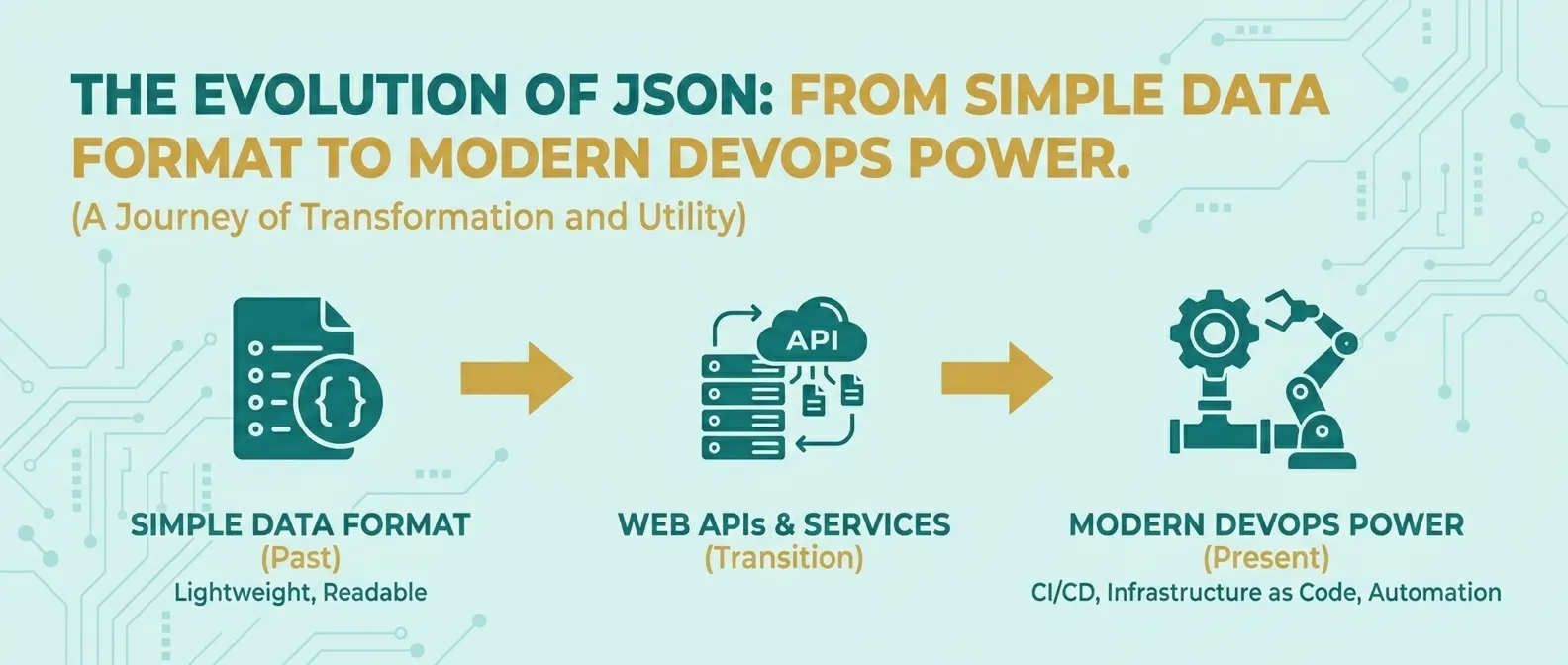
Discover how JSON evolved from a simple lightweight format into the global standard for APIs, cloud configuration, and DevOps automation.
Read Guide →