
Free SEO Audit Tool
Audit a public webpage through TryFormatter’s server fetch, or paste HTML for browser-based analysis. Review metadata, headings, links, images, schema, and prioritized fixes.
Audit a publicly accessible webpage. TryFormatter retrieves the page's public HTML through a protected server route.
Live URL Auditor retrieves public HTML via isolated SSRF-guarded gateway. No HTML is logged.
What is an SEO Audit Tool?
An SEO audit tool reviews one webpage for common on-page and technical SEO issues. It can inspect metadata, headings, canonical signals, links, image attributes, structured data, social metadata, indexability directives, and other page-level elements.
TryFormatter's SEO Audit Tool is designed for page-level diagnosis. Use it when you want to understand what may need attention on a specific page, review the detected evidence, and work through practical fixes.
The tool organizes supported checks into categories and produces a weighted score out of 100. Findings include passed checks, prioritized issues, detected values, and recommended actions. The score is a diagnostic summary of the checks included in this tool. It is not a Google ranking score and does not guarantee rankings, indexing, traffic, or rich results.
9 Audit Categories
Review metadata, content structure, technical signals, links, images, structured data, social metadata, accessibility-related signals, and indexability.
Two Audit Modes
Audit a publicly accessible webpage or paste HTML to review source markup before publishing.
Evidence and Fixes
See the detected value behind a finding together with an explanation and a practical recommendation where the tool can provide one.
One Page at a Time
Use the audit to investigate a specific webpage in detail. It is not a full-domain crawler or site-wide SEO audit.
How to Run an SEO Audit
Audit a public webpage or paste HTML directly into the analyzer. The checks available depend on the mode you select.
-
1
Select an Audit Mode
Choose Live URL Auditor for a public webpage, or use HTML Analyzer to inspect pasted markup from development, a template, generated HTML, or pre-deployment output.
-
2
Enter a URL or Paste HTML
Enter a complete URL such as
https://example.com/blog/guide, or paste the HTML document into the editor. If a Focus query field is available, it can provide an additional relevance review without changing the main SEO score. -
3
Run the Audit
Click Run SEO Audit. Live URL mode retrieves the public page and analyzes the information available to the auditor. HTML mode reviews the markup you provide.
-
4
Review the Findings
Start with higher-priority findings and their evidence. Then review individual categories such as Metadata, Content, Technical SEO, Links, Images, Structured Data, and Indexability.
-
5
Fix and Recheck
Make the appropriate changes in your CMS or codebase and run the audit again to check whether the issue has been resolved.
Page Elements the Audit Can Review
SEO recommendations are best treated as practical guidance rather than fixed ranking rules. Search-result display, crawling, indexing, and page interpretation can vary by search engine, query, device, and page type.
| Page Element | Practical Guidance | What the Audit Reviews | Why It Matters |
|---|---|---|---|
| Title Tag | Write a concise title that accurately describes the page and makes sense to the intended visitor. | Presence, content, approximate display length, and multiple title elements when detectable. | The title helps users and search systems understand the page and may be used as the main search-result link. |
| Meta Description | Write a useful summary of the page. Search engines may truncate or replace the description depending on the query and result layout. | Presence, content, approximate display length, and obvious placeholder patterns when detectable. | A useful description can help searchers understand what a page contains before clicking. |
| Primary Heading | Use a clear main heading and organize sections in a way that makes the document easy to understand. | H1 presence, heading structure, empty headings, duplicate heading text, and unusual hierarchy patterns. | Headings improve page structure for users, assistive technologies, and systems processing the document. |
| Canonical Link | Point the canonical to the preferred version of the page. Absolute URLs are generally easier to verify and maintain. | Presence, URL format, target consistency, and supported conflicts with the audited URL. | Canonical signals can help search engines choose a preferred URL when similar versions exist. |
| Robots Directives | Make sure indexing directives match what you intend for the page. | Meta robots directives and other supported indexability signals. | An unintended noindex or related directive can prevent a page from appearing in search. |
| Image Alt Attributes | Give informative images useful alternative text. Decorative images should normally use alt="". |
Missing alt attributes and other image properties supported by the analyzer. | Appropriate text alternatives improve accessibility and provide context for informative images. |
| Structured Data | Use structured data only when it accurately represents the visible page content. | JSON-LD detection, parsing problems, and detected Schema.org types. | Structured data can help search systems understand entities and page types, but valid markup does not guarantee rich results. |
| Social Metadata | Add Open Graph or supported social-card metadata when link previews matter to the page. | Common Open Graph and Twitter/X card fields. | These fields can affect how supported services display a shared link. |
When is a Page-Level SEO Audit Useful?
A page-level audit is useful for several common use cases when you want to investigate one important URL before or after making a change.
Pre-Launch Review
Check metadata, headings, indexing directives, image attributes, and structured data before an important page goes live.
SEO Troubleshooting
Inspect a page that is not behaving as expected and review detected values before deciding what to change.
Post-Migration Checks
Review important URLs after a migration for canonical signals, metadata, response information, redirects, and other supported page-level checks.
Content Update Review
Recheck a page after changing its title, description, headings, links, images, or structured data.
Common Technical SEO Mistakes
Technical issues are often introduced during development, redesigns, migrations, or content updates. Context matters when deciding whether a finding needs a change.
1. Blocking a Page That Also Uses Noindex
The issue: A URL contains a noindex directive but is also blocked from crawling through robots.txt.
Why it matters: If a crawler cannot fetch the page, it may not see and process the on-page noindex directive.
Better approach: If you want an eligible crawler to process noindex, make sure it can access the page long enough to see that directive.
2. Canonical Pointing to the Wrong Page
The issue: The canonical points to an unintended URL, redirecting destination, or another page that is not the preferred version.
Why it matters: Conflicting URL signals can make your preferred version less clear.
Better approach: Point the canonical to the intended preferred URL. Relative canonicals can work, but absolute URLs are generally easier to verify.
3. Important Content Depends Entirely on Client-Side Rendering
The issue: Important headings, links, or body content appear only after JavaScript runs.
Why it matters: Search systems can process JavaScript, but rendering and technical failures can affect what is available when a page is processed.
Better approach: Make important page content reliably available in the rendered document. Server rendering or static generation can be useful when it fits the application architecture.
4. Heading Structure Used Only for Styling
The issue: Heading tags are empty, unrelated to their sections, or selected only because of their default visual size.
Why it matters: Poor heading structure can make a page harder to navigate and understand.
Better approach: Use headings to describe the structure of the content. Multiple H1 elements are valid HTML and are not automatically an SEO problem.
SEO Audit Tool vs SEO Report Generator
Both TryFormatter tools can review page-level SEO information, but they are designed for different jobs.
| SEO Audit Tool | SEO Report Generator |
|---|---|
| Designed for investigating a webpage | Designed for producing a concise summary |
| Review individual findings and evidence | Review the overall result and priority findings |
| Useful while actively fixing a page | Useful when you need a PDF to save or share |
| Focuses on diagnosis and rechecking | Focuses on documentation and reporting |
Need a concise PDF instead of an interactive investigation? Use the SEO Report Generator.
Understanding the 100-Point SEO Score
TryFormatter uses a weighted scoring model so that larger issues can affect the result more than minor observations. Always read the score together with the individual findings.
| Category | Max Weight | Examples of Signals Reviewed |
|---|---|---|
| Metadata | 20 Points | Title, meta description, canonical, viewport, charset, language, and supported head elements. |
| Technical SEO | 20 Points | HTTP status, HTTPS, redirects, document structure, and technical information available in the selected mode. |
| Content & Headings | 15 Points | Primary heading, heading structure, visible content, empty headings, and placeholder content. |
| Links | 10 Points | Internal and external links, destinations, anchor text, and supported link attributes. |
| Images | 10 Points | Alt attributes, dimensions, loading behavior, responsive-image markup, and source information. |
| Structured Data | 10 Points | JSON-LD detection, parsing validity, and detected schema types. |
| Social Metadata | 5 Points | Open Graph and Twitter/X card metadata. |
| Accessibility-Related Signals | 5 Points | Language declaration, image alternatives, viewport settings, and selected document-structure signals. |
| Indexability & Crawlability | 5 Points | Robots directives, noindex signals, and crawl information available to the auditor. |
What Does a 100 Score Mean?
A score of 100 means the page passed the checks included in this version of the tool. It does not mean the page is fully optimized and does not predict rankings, traffic, indexing speed, conversions, authority, or rich-result eligibility.
Example Page Metadata
This example shows several common metadata elements. Use only the elements that are appropriate for the real page and replace all sample values with accurate information.
<!DOCTYPE html>
<html lang="en">
<head>
  <meta charset="UTF-8">
  <meta name="viewport" content="width=device-width, initial-scale=1.0">

  <title>Descriptive Page Title | Brand Name</title>

  <meta
    name="description"
    content="Write a clear summary that accurately describes this page."
  >

  <link
    rel="canonical"
    href="https://www.example.com/preferred-page"
  >

  <meta property="og:type" content="website">
  <meta property="og:title" content="Descriptive Page Title">
  <meta property="og:description" content="A clear description for supported social previews.">
  <meta property="og:url" content="https://www.example.com/preferred-page">
  <meta property="og:image" content="https://www.example.com/social-image.jpg">

  <script type="application/ld+json">
  {
    "@context": "https://schema.org",
    "@type": "WebPage",
    "name": "Descriptive Page Title",
    "description": "A description that matches the visible page.",
    "url": "https://www.example.com/preferred-page"
  }
  </script>
</head>Privacy and Data Processing
Live URL auditing and pasted HTML analysis use different workflows because browsers normally cannot read arbitrary third-party webpages directly.
Live URL Mode: The tool retrieves publicly accessible webpage data through its server-side fetch process. Private network addresses, localhost destinations, and unsupported targets should remain blocked by the application's URL-fetch security rules.
HTML Analyzer Mode: When the current local analyzer implementation is used, pasted HTML is analyzed in the browser rather than being submitted to the Live URL fetch endpoint.
The SEO Audit Tool is intended for reviewing public page-level SEO information. It is not a security scanner, complete accessibility audit, backlink checker, or private-site crawler.
Page Launch SEO Checklist
Use this checklist before publishing an important page or after changing its template, metadata, or primary content.
- The
<title>clearly describes the page and makes sense to the intended visitor. - The meta description accurately summarizes the page without unnecessary keyword repetition.
- The canonical points to the intended preferred URL.
- The page has a clear primary heading that represents its main purpose.
- Subheadings describe the content structure rather than being used only for styling.
- Informative images have useful alt text and decorative images use
alt=""where appropriate. - Important internal links lead to useful destinations and use understandable anchor text.
- Structured data, when used, is valid and accurately represents visible page content.
- Social metadata accurately represents the page where social previews are needed.
- The public URL returns the intended response and does not contain an accidental indexing restriction.
Frequently Asked Questions
What does the SEO Audit Tool analyze?
It reviews one webpage for supported on-page and technical SEO signals such as metadata, headings, links, images, structured data, social metadata, and indexability information. The exact checks available depend on the audit mode.
What is the difference between a page-level SEO audit and a site crawl?
A page-level audit investigates one webpage. A site crawler follows or receives many URLs so it can find broader issues such as duplicate metadata, redirect chains, site architecture problems, and patterns across multiple pages.
How does the TryFormatter SEO score work?
The tool uses a weighted 100-point model across the checks included in the current audit. More important findings can affect the score more than lower-priority observations. The score should always be read together with the individual findings.
Why can a JavaScript-heavy page appear to have little content?
The Live URL Auditor reviews the page information it can retrieve. If important content is added only after JavaScript runs, it may not be present in the fetched HTML. This does not automatically mean the page has a search problem, but the audit may not see everything a fully rendered browser displays.
Can I audit a password-protected or local website?
The Live URL Auditor requires a publicly accessible page. For localhost, private networks, authenticated pages, or staging pages that cannot be retrieved publicly, use the HTML Analyzer when you can safely paste the page markup.
Is having more than one H1 always an SEO problem?
No. Multiple H1 elements are valid HTML and are not automatically an SEO error. What matters more is whether the page has a clear, understandable heading structure.
What is the difference between the SEO Audit Tool and SEO Report Generator?
The SEO Audit Tool is designed for interactive diagnosis, evidence, and rechecking while you work on a page. The SEO Report Generator is designed to create a concise page-level summary that can be downloaded as a PDF and shared or saved.
Does a 100/100 SEO audit score guarantee better rankings?
No. A score of 100 means the page passed the checks included in this tool. Search rankings depend on many other factors that this audit cannot measure or predict.
Related SEO Tools
Expert Guides & Tutorials
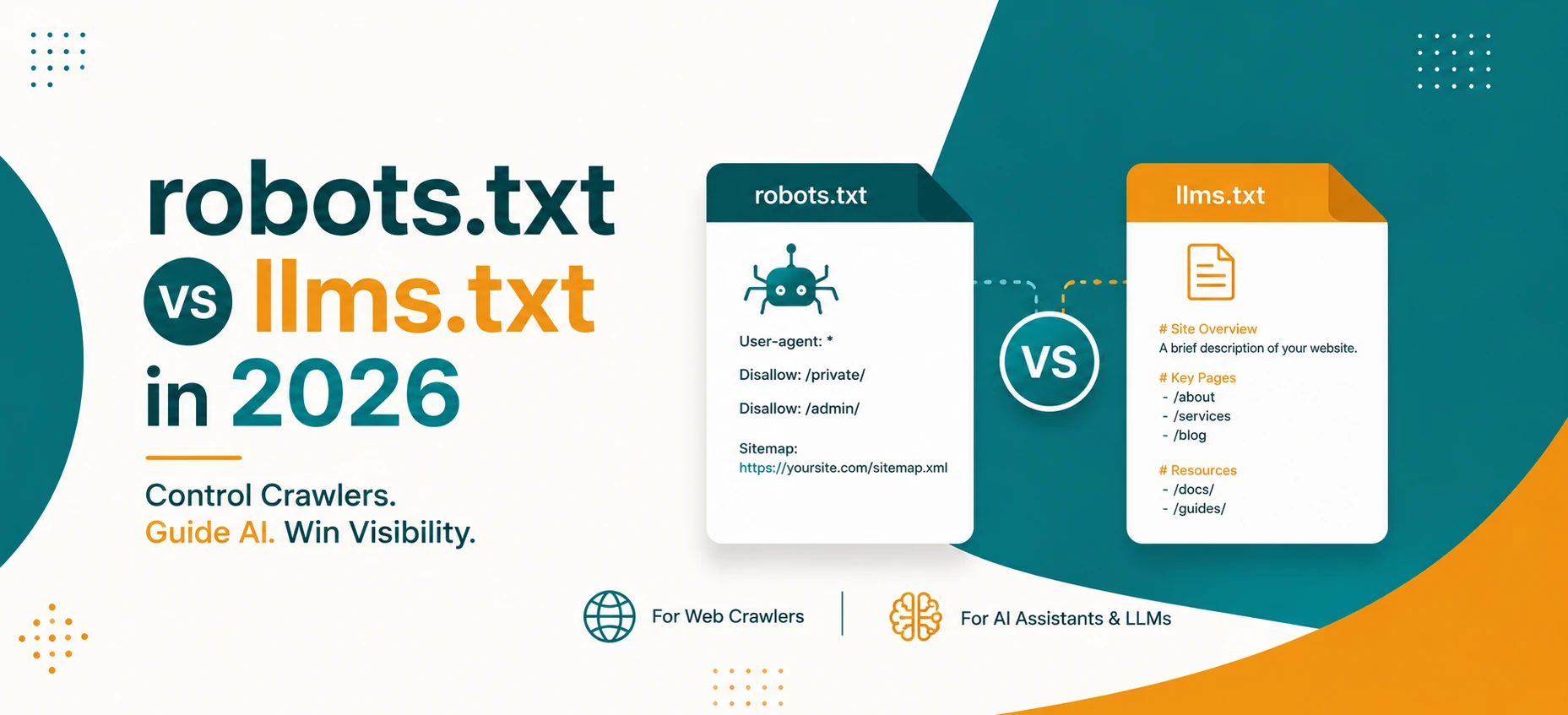
robots.txt vs llms.txt in 2026: What AI Crawlers Actually Use
A practical guide to robots.txt, llms.txt, Google AI features, OpenAI crawlers, snippets, indexing controls, and safe crawler policy in 2026.
Read Guide →
AI Agents and Web Tools: How to Make Your Website Agent-Friendly
A practical guide to making websites easier for AI agents to read, navigate, cite, and use without confusing users or weakening privacy.
Read Guide →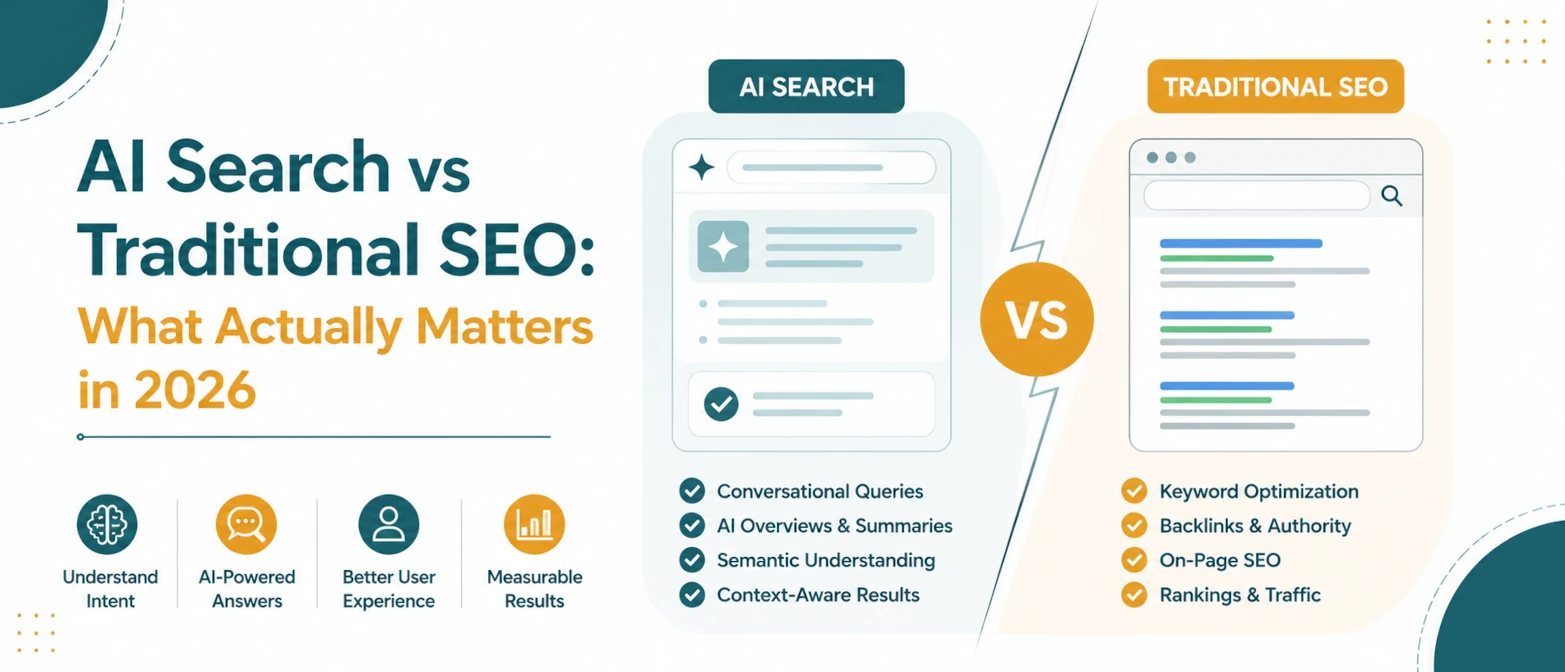
AI Search vs Traditional SEO: What Actually Matters in 2026
A simple guide to what still matters in traditional SEO, what changes for AI search, and how to prepare pages for both in 2026.
Read Guide →
AI Search SEO in 2026: How to Optimize Your Website for ChatGPT, Gemini & Google AI
Learn how AI Search SEO and Generative Engine Optimization help websites appear in ChatGPT, Gemini, Google AI Overviews, Claude, and Perplexity.
Read Guide →