PDF Merger Online - Combine PDF Files in Your Browser
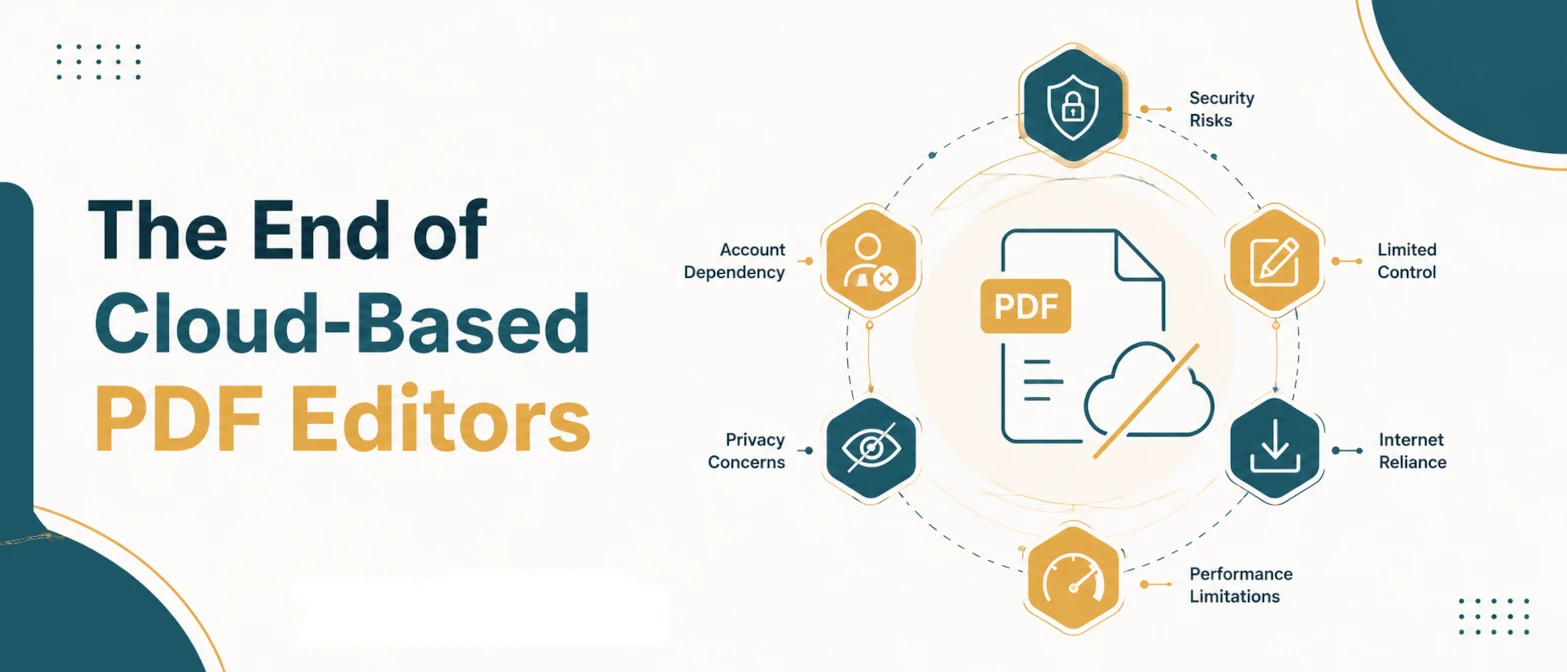
Merge multiple PDF files into one document directly in your browser. No upload, no registration, no cloud storage. Combine resumes, certificates, reports, and application documents privately. All processing happens locally in your browser.
Merge Analytics
RAM Processing Only
Your documents are processed within your system's memory. No external API hooks or cloud caching are used.
What is a PDF Merger?
A PDF Merger is a tool that combines two or more separate PDF files into a single, unified document. TryFormatter PDF Merger runs entirely in your browser, requires no server upload, and your data never leaves your device. That matters when the files contain private documents like resumes, salary slips, identity proof, mark sheets, certificates, contracts, or business reports.
Many everyday tasks require you to submit several documents as one file. Job portals, university admissions, government portals, HR systems, and client delivery workflows often expect a single PDF attachment. Instead of emailing multiple files or asking recipients to download a folder, you can merge everything into one clean document before sharing.
The merger works by reading each PDF file locally in your browser, copying the pages in the sequence you specify, and writing a new combined PDF entirely within your browser tab. No file is sent to TryFormatter servers at any point. The merged result is downloaded directly to your device.
Why Use This PDF Merger?
- Combine multiple PDF files into one document without installing software.
- Works entirely in your browser with no upload to any cloud or remote server.
- Supports any number of files and lets you reorder them before merging.
- Free to use with no file size restrictions imposed by a server.
- Compatible with modern desktop and mobile browsers.
- Useful for job applications, admissions, government submissions, and business document delivery.
How to Merge PDF Files
- Drag and drop all the PDF files you want to combine into the Document Assembly Queue, or click to browse and select them from your device.
- Review the file list. Each PDF shows the filename, page count, and file size so you can confirm the right documents are loaded.
- Use the up and down arrow buttons next to each file to set the exact order you want the pages to appear in the merged document.
- Click Combine Docs. The browser processes all the PDFs locally and merges them in sequence.
- Your merged PDF downloads automatically to your device. Open it to confirm the page order is correct before submitting or sharing.
Common Use Cases
- Job Applications: Many companies and recruiters ask for a single PDF containing your resume, cover letter, degree certificate, and reference letters. Merge them in the correct order before uploading to a job portal or emailing an HR team.
- University Admissions: Admission portals often accept one PDF containing your application form, identity proof, mark sheets, transcripts, and income certificate. Merge these files in the order the portal specifies.
- Government Submissions: Several government portals and schemes require merged application documents. Combine your form, supporting certificates, and ID proof into one PDF before uploading.
- Financial Reporting: Merge monthly financial statements, supporting invoices, and bank reconciliation sheets into a single package for accountants, auditors, or internal finance teams.
- Legal and Contract Management: Combine agreements, addendums, amendments, and signed annexures into a single chronological document for client delivery or filing.
- Business Proposals: Merge a cover letter, main proposal document, pricing sheet, and terms of service into one professional PDF before sending to a client.
Examples of PDF Merging
| Scenario | Files to Merge | Output |
|---|---|---|
| Job application portal | Resume + Cover Letter + Certificates | Single PDF for upload |
| University admission | Form + Marksheets + ID Proof | One combined submission PDF |
| Client invoice package | Invoice + PO + Delivery Receipt | Merged billing PDF |
| Legal agreement set | Agreement + Annexure + Amendment | Complete contract PDF |
File Order and Page Sequence
When you merge PDFs, the final document contains the pages of each input file in the order you arranged them. If you upload File A (3 pages), File B (2 pages), and File C (5 pages), the merged result will be 10 pages total: pages 1–3 from A, pages 4–5 from B, and pages 6–10 from C.
Always drag files into the correct sequence before clicking Combine Docs. If you need to insert a document in the middle of an existing stack, add it using the "Inject More Files" button and reorder it with the arrow controls. Reviewing the merged PDF after download is good practice, especially for document submissions where the order matters for the reviewer.
Common Mistakes When Merging PDFs
- Wrong page order: Double-check file sequence before merging. Submitting a resume after certificates looks unprofessional and may confuse reviewers.
- Uploading password-protected PDFs: Some PDFs cannot be merged if they are password-locked. Remove the password first, or use the PDF Protector tool after merging.
- Merging large files unnecessarily: If the final merged PDF will be very large, consider running it through the PDF Compressor first to meet any portal upload size limits.
- Including wrong document versions: Check each file name and page count before merging to ensure you are combining the latest, correct versions.
Privacy and Data Handling
PDF files often contain highly private information. TryFormatter PDF Merger runs entirely in your browser, requires no server upload, and your data never leaves your device. Each PDF is read into browser memory, the pages are combined within the same tab, and the result is downloaded directly to your device. TryFormatter does not receive your documents, store your files, or create any server-side copy.
This makes the tool safe for confidential files such as salary slips, bank statements, identity proof, legal contracts, medical records, and private business documents. When you close the tab, the browser session releases all working data.
Related PDF Tools
After merging, you may need to resize the combined file before uploading. Use PDF Compressor to reduce the merged PDF to a specific size such as 500KB or 1MB. If a merged document has too many pages, use PDF Splitter to extract only the required pages. Use PDF Password Protector to secure the merged file before sharing, or PDF Metadata Editor to update document title and author fields on the final file. Use Image to PDF to convert scanned document photos into PDF format before merging.
Frequently Asked Questions
How many PDF files can I merge at once?
There is no hard limit set by TryFormatter. You can add as many PDFs as your browser can handle in memory. For most practical tasks like job applications, admissions, or invoice packages, merging 2 to 10 files works smoothly. Very large files or a large number of files may require more browser memory and time to process.
Can I change the order of pages before merging?
Yes. Use the up and down arrow buttons next to each file in the queue to rearrange the sequence. The merged PDF will contain pages in the exact order you set. You can also remove individual files by clicking the trash icon before merging.
Does merging PDFs upload my documents to a server?
No. PDF merging runs entirely in your browser. Your files are read into local browser memory and combined without any data being sent to TryFormatter or any third-party server. This is important for private documents like certificates, salary slips, and identity proof.
Why is my merged PDF larger than the portal size limit?
The merged PDF size equals roughly the sum of all input file sizes. If the result is too large for a portal, run it through the PDF Compressor after merging. Use Balanced or Maximum compression to reduce the file size to 500KB, 1MB, or whatever the portal requires.
Can I merge password-protected PDFs?
Password-protected PDFs usually cannot be read by the merger unless you enter the password first. Most standard PDF readers can export or print a PDF without a password if you know it. Remove the password protection before uploading to the merger.
Can I use this on mobile to merge PDFs for job applications?
Yes. The tool works on modern mobile browsers including Chrome on Android and Safari on iOS. Tap to select your PDF files, arrange the order, and download the merged document. Mobile processing may be slightly slower for very large files compared to a desktop browser.
Will my PDF fonts, images, and formatting be preserved after merging?
Yes. The merger copies the original PDF pages without re-rendering them. Fonts, images, tables, signatures, stamps, and formatting are preserved exactly as they appeared in the source files. The output is a clean PDF that looks identical to the source documents page by page.
Can I merge a scanned PDF with a regular text PDF?
Yes. The merger combines any PDF files regardless of how they were created. A scanned certificate PDF and a typed resume PDF can be merged into a single document. The pages will appear in the order you specify regardless of whether individual files are image-based or text-based.