
Secure Online JSON Minifier (Free & No Upload)
The TryFormatter JSON Minifier is a professional-grade optimization tool designed for backend engineers and data scientists who require absolute privacy and minimum payload overhead. In the world of high-frequency API communication, every unnecessary byte in a JSON document contributes to network latency and increased infrastructure costs. Our tool provides a high-speed, browser-native workspace to strip your data objects down to their functional core. By processing your JSON entirely in your browser's RAM, we ensure that your proprietary datasets and internal schemas never leave your device, offering a secure alternative to cloud-based compressors. All processing happens locally in your browser.
JSON Minifier Studio
What is JSON Minifier & Compressor?
JSON Minifier & Compressor is a free online formatter tool for working with online json minifier content. It runs entirely in your browser, requires no server upload, and data never leaves your device. Use it when you need readable, structured output without sending code, configuration, or private data to a remote service.
The tool is built for everyday developer workflows. You can paste input, format or validate it, inspect the output, then copy or download the result. This browser-local model is especially useful for API responses, internal snippets, database queries, configuration files, and draft content that should stay private.
Good formatting is more than visual cleanup. It helps you compare structure, find missing delimiters, explain code to another person, and reduce mistakes when moving data between editors, terminals, pull requests, issue trackers, and documentation.
Because the output is produced instantly on your device, you can repeat the workflow as many times as needed while tuning indentation, checking syntax, comparing versions, or preparing a clean version for another tool, teammate, reviewer, or release note.
The Architecture of Efficiency: Professional JSON Minification
In the modern landscape of distributed computing, JSON (JavaScript Object Notation) has solidified its position as the universal medium for data exchange. While the "human-readable" nature of JSON—with its meticulous indentation and generous whitespace—is a boon for developers during the debugging phase, these same characters are technically "dead weight" in a production environment. Our Professional JSON Minifier is engineered to perform high-fidelity structural compression, stripping away every non-functional character to ensure your data travels at the absolute speed of the wire.
The process of minification is not merely about "cleaning up code." It is a fundamental pillar of **Performance Engineering**. Every extra space, newline, or tab in a JSON payload represents unnecessary bytes that a browser must download and parse before rendering your page. In high-frequency API environments, where millions of requests are processed per hour, the difference between a 100KB unminified file and a 60KB minified file translates directly into significant reductions in bandwidth costs and a marked improvement in Time to First Byte (TTFB).
Secure Browser Privacy: Why Local Processing is Non-Negotiable
At TryFormatter, we believe that your data belongs to you. The most significant threat to data privacy in the modern developer ecosystem is the "Cloud-First Trap." Many online utility tools operate by transmitting your data to a remote server for processing. When you are minifying a JSON payload that contains **Personally Identifiable Information (PII)**, API credentials, financial records, or proprietary system configurations, uploading that data to a third-party server creates a massive security loophole and a potential compliance breach under GDPR, SOC2, and HIPAA.
Our secure browser tool model eliminates this risk entirely. The JSON minification engine executes 100% within your browser's local sandbox. When you paste your JSON into our workstation, the transformation logic is handled by your local CPU and RAM. Your data never touches the network, never sits in a remote log file, and never enters a third-party database. This makes TryFormatter the only safe choice for enterprise-grade security auditing and data optimization.
Impact on Core Web Vitals and SEO
Google's search ranking algorithms now place a heavy emphasis on Core Web Vitals, specifically metrics like Largest Contentful Paint (LCP) and Interaction to Next Paint (INP). Large, unoptimized JSON payloads can significantly delay the "hydration" phase of modern single-page applications (SPAs) built with React, Vue, or Next.js. If the browser must spend excessive time downloading and parsing a bloated JSON state before the UI becomes interactive, your performance scores—and your search rankings—will suffer.
By delivering minified JSON, you ensure that your application's initial state is as lean as possible. This is particularly critical for Mobile SEO. Users on constrained 3G or 4G networks face higher latency and lower bandwidth; for these users, every kilobyte saved in the initial data transfer is the difference between a smooth experience and a high bounce rate. Minification ensures that your data is machine-optimized for the fastest possible rendering path.
Minification vs. Compression: The Multi-Layered Optimization Strategy
A common question among performance engineers is: "Why should I minify my JSON if I already use GZIP or Brotli at the server level?" The answer lies in the concept of **Multi-Layered Optimization**. While network-level compression is excellent at finding patterns in data, minification reduces the amount of data the compression algorithm has to handle in the first place.
| Optimization Layer | Technical Mechanism | Client-Side Benefit |
|---|---|---|
| Source Minification | Removes whitespace and redundant tokens. | Faster parsing and lower memory usage. |
| Network Compression | Uses GZIP/Brotli for mathematical reduction. | Reduced transfer time (over the wire). |
| Local Cache | Stores optimized payloads on the device. | Instant state restoration on revisit. |
Furthermore, minification reduces the **Memory Footprint** on the client side. Even after a file is decompressed by the browser, the JavaScript engine must still parse the resulting string into a memory object. A minified JSON string is inherently faster to parse because the lexical analyzer doesn't have to skip over thousands of meaningless whitespace tokens, leading to lower CPU usage and a more responsive device experience.
Advanced Technical Use Cases in Modern DevOps
Our JSON Minifier Studio is designed to integrate into the high-stakes engineering workflows of modern DevOps teams:
- Serverless Function Optimization: Cloud providers like AWS Lambda, Vercel, and Cloudflare Workers have strict limits on payload sizes and execution memory. Minifying your configuration and state JSON ensures your serverless functions stay within these limits and achieve faster "Cold Start" times.
- Log Aggregation and Cost Management: High-volume logging services (Splunk, Datadog, ELK) often bill based on the volume of data ingested. Minifying your JSON logs before ingestion can save thousands of dollars in annual storage and processing fees by reducing the total data footprint.
- NoSQL Database Seeding: When performing bulk inserts or seeding databases like MongoDB or DynamoDB, using minified JSON strings reduces the total write time and storage overhead on your production clusters.
- Real-Time IoT Data Sync: For IoT devices and mobile apps operating on low-power or intermittent networks, every byte is precious. Minified JSON is the industry standard for efficient data synchronization in these constrained environments.
Step-by-Step: Mastering the Minification Studio
- Input & Validation: Paste your raw JSON into the secure workstation. Our engine includes a real-time **Syntax Auditor** that will instantly flag missing commas, unquoted keys, or structural errors before minification begins.
- One-Click Optimization: Click "Minify JSON." The engine executes an aggressive structural collapse, removing all indentation and newlines while maintaining 100% functional integrity of your strings and values.
- Performance Audit: Check the header for the "Reduction Percentage." This provides immediate feedback on your optimization success, showing you exactly how many bytes were saved.
- Export for Production: Use the one-click "Copy" or "Download" to move your production-ready, machine-optimized JSON directly into your deployment workflow or codebase.
Expert Note: JSON vs. JSON5 and Minification
While standard JSON is strict, modern extensions like JSON5 allow for comments and trailing commas. Our minifier strictly adheres to the **RFC 8259** standard. If your input contains comments or non-standard syntax, our auditor will help you clean those up first, ensuring that your final minified output is compatible with 100% of all programming languages, APIs, and databases in existence.
By enforcing this strict standard, we protect your production systems from "Runtime Surprises." Many legacy systems will fail to parse JSON if it contains a single unexpected character. By running your data through the TryFormatter Studio first, you gain the peace of mind that your data is both optimized and perfectly compliant.
Conclusion: Empowering Performance-First Engineering
TryFormatter is not just a collection of utility tools; it is a professional developer environment that lives entirely in your browser. By providing a secure, local-first platform for JSON minification, we empower engineers to build faster, more efficient, and more private web services. Whether you are optimizing a high-traffic API or securing a sensitive configuration file, our studio provides the precision and privacy required for modern data engineering.
Experience the efficiency of Local Hardware Acceleration and the security of a private-first data studio. Join the global community of developers who trust TryFormatter as their daily driver for high-performance data management.
How to use JSON Minifier & Compressor
- Paste your human-readable JSON data into the secure workstation.
- The engine applies strict structural compression and validation instantly.
- Copy your production-ready .min.json resolution—processed 100% on-device.
After running the tool, scan the output before copying it into another system. Formatting can make structure easier to read, but you should still verify that the final result matches your project requirements.
Examples
These examples show common formatter workflows. Exact output depends on the source content and the options available in the tool.
| Input | Action | Output |
|---|---|---|
| Minified or hard-to-read code | Format it with JSON Minifier & Compressor | Indented output that is easier to inspect and share |
| Snippet copied from logs, APIs, or documentation | Paste it into the editor and run the tool | Cleaner content for debugging, review, or storage |
| Private configuration or draft code | Process it locally in the browser | Formatted output without server transfer |
Use cases
- Clean messy online json minifier content before debugging or review.
- Prepare readable code snippets for documentation, pull requests, tickets, and knowledge bases.
- Validate structure locally before pasting code into production systems or shared workspaces.
JSON Minifier & Compressor is helpful for developers, analysts, technical writers, students, QA testers, and support teams who need a quick way to clean or inspect structured text.
Validation checklist
- Confirm that the output still represents the same data or code intent.
- Check errors or warnings before copying the result into a project.
- Use consistent indentation when sharing snippets with a team.
- Keep sensitive tokens, credentials, and private customer data inside browser-local tools only.
Privacy and data handling
JSON Minifier & Compressor uses browser-local processing. Your pasted content is handled in your browser memory, and the tool does not need to upload it to TryFormatter servers. This is important when formatting API responses, database queries, environment examples, internal HTML, CSS, JSON, YAML, SQL, or other private snippets.
When you finish, clear the editor or close the tab if the content is sensitive. For production work, also remove secrets before sharing formatted output in tickets, chat messages, documentation, or pull requests.
Common mistakes to avoid
Do not treat formatting as a replacement for testing. A formatter can improve readability, but it does not prove that code is correct for your application. Always run project tests, validators, or linters when the output will be used in production.
Do not paste secrets into tools that require uploads. This TryFormatter page runs locally in your browser, but the same habit matters across your workflow. Keep API keys, access tokens, passwords, and private customer data out of cloud-based utilities unless your organization has approved them.
Related formatter workflow tips
If online json minifier is part of a larger workflow, combine this tool with nearby validators, minifiers, diff viewers, and converters. Format first for readability, validate next for correctness, and minify only when you are preparing output for deployment or transfer.
For team workflows, keep a short note about the source of the snippet and the setting you used. This makes formatted output easier to review later, especially when the same data moves between debugging notes, documentation, code review, and production configuration.
Frequently Asked Questions
Is my JSON data safe?
Yes. All minification and parsing happen locally in your browser RAM. Your sensitive data and schemas are never sent to our servers.
Will it change my data?
No. Our minifier only removes whitespace and newlines that do not affect the data structure. The resulting JSON remains 100% functionally identical.
Does it validate the JSON?
Yes. The tool will check for syntax errors before minification, ensuring you don't compress invalid data.
Can it handle large files?
Yes. Our tool is optimized for performance and can handle multi-megabyte JSON files directly in your browser.
Does it work offline?
Yes. Once the page is loaded, the minification engine runs entirely on your device, allowing for secure offline optimization.
Is it free to use?
Yes, TryFormatter provides this professional JSON minifier 100% free with no registration required.
Related Tools
Expert Guides & Tutorials

Why Online JSON Formatters Are a Security Risk (And How to Stay Safe)
Are online JSON formatters safe? Learn the hidden security risks of uploading API keys and sensitive data to cloud-based tools and why local processing is the future.
Read Guide →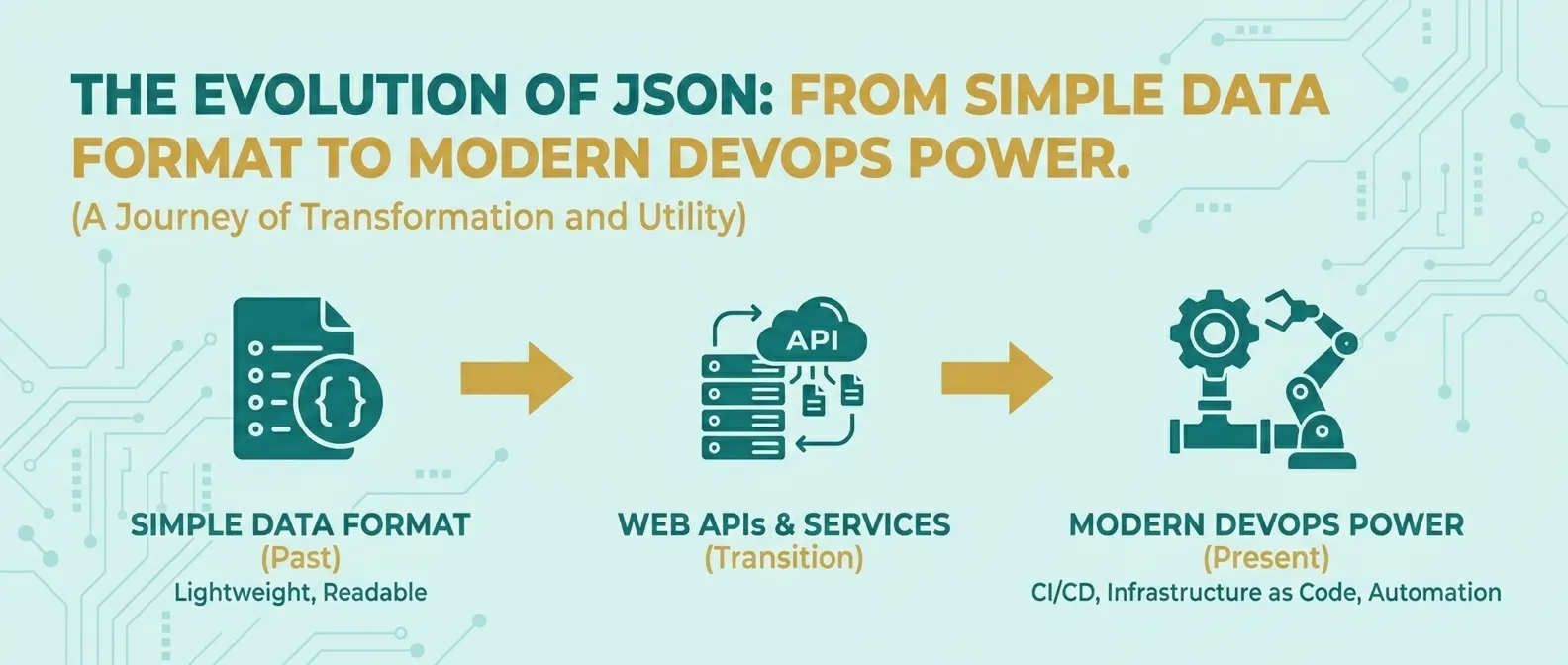
The Evolution of JSON: From Simple Data Format to Modern DevOps Power
Discover how JSON evolved from a simple lightweight format into the global standard for APIs, cloud configuration, and DevOps automation.
Read Guide →