PDF Watermark Adder Online - Add Watermarks to PDF for Free
Stamp text watermarks like CONFIDENTIAL or DRAFT onto a PDF file directly in your browser. Customize size, position, color, transparency, and rotation with full live previews. Safe, private, and runs entirely on your device. All processing happens locally in your browser.
Design Settings
Local Sandboxing
Stamping vectors are embedded locally within browser cache. Documents never travel across the web.
What is the PDF Watermark Adder?
The PDF Watermark Adder is a secure, browser-native utility designed to let you stamp text watermarks onto your PDF files without uploading documents to remote cloud servers. Whether you need to mark a document as "CONFIDENTIAL", "DRAFT", "DO NOT COPY", or stamp it with a proprietary brand name, this tool allows you to customize and embed watermarks directly on your device. Since all processing runs inside your browser sandbox, your sensitive contracts, blueprints, and reports remain 100% private and protected.
Our tool uses client-side WebAssembly compiling to parse the PDF document's binary data structure and draw custom vectors. You can configure watermark text properties including font size, color, opacity, rotation angle, page selection, and page placement. Once you execute the process, the tool compiles a fresh PDF document with embedded metadata and downloads it immediately.
How to use the PDF Watermark Adder
Applying text watermarks to your PDF pages is fast and straightforward. Follow these steps to secure your documents:
- Choose your PDF file: Drag and drop your file into the secure workspace, or click "Upload File" to select it locally.
- Configure your watermark text: Enter your custom stamp (e.g. "DRAFT", "CONFIDENTIAL") in the sidebar input box.
- Customize layout and design: Adjust controls for text color, font size, rotation angle (e.g. -45 degrees), transparency (opacity), and position (e.g., Diagonal, Center, Top, or Bottom).
- Select active pages: Choose whether to add the watermark to all pages, only the first page, or a custom range (such as "2-4").
- Download your document: Click the "Add Watermark" button. The local CPU will process the file and download the watermarked PDF in seconds.
Use cases for watermarking PDFs
Adding a watermark is a standard business and legal practice to control document distribution. Common use cases include:
- Protecting proprietary drafts: Mark documents as "DRAFT" or "INTERNAL USE ONLY" to prevent teams or clients from sharing unfinished work as final material.
- Securing legal agreements: Stamp contracts with "COPY" or "DO NOT SIGN" to ensure draft versions are not executed prematurely.
- Protecting copyright & digital assets: Add an author name, website URL, or copyright string across pages before posting ebooks or guides online.
- HIPAA and financial compliance: Stamp medical or tax documents with "FOR REVIEW ONLY" or "CONFIDENTIAL" to guarantee sensitive personal data is handled appropriately.
Examples of watermark text styling
Depending on your goal, you can style watermarks to be prominent or unobtrusive:
- Confidential Diagonal Stamp: Red color (
#EF4444), -45 degree angle, size 60, and opacity 0.2. This overlay sits across the center of every page, blocking easy reading or copying without hindering legibility. - Subtle Footer Mark: Light gray color (
#9CA3AF), 0 degree angle, size 14, and opacity 0.5. Positioned at the bottom-center of the page, acting as a discreet citation. - Urgent Top Banner: Dark orange color (
#F59E0B), 0 degree angle, size 18, and opacity 0.8. Positioned at the top-center to catch immediate attention.
Privacy and data handling
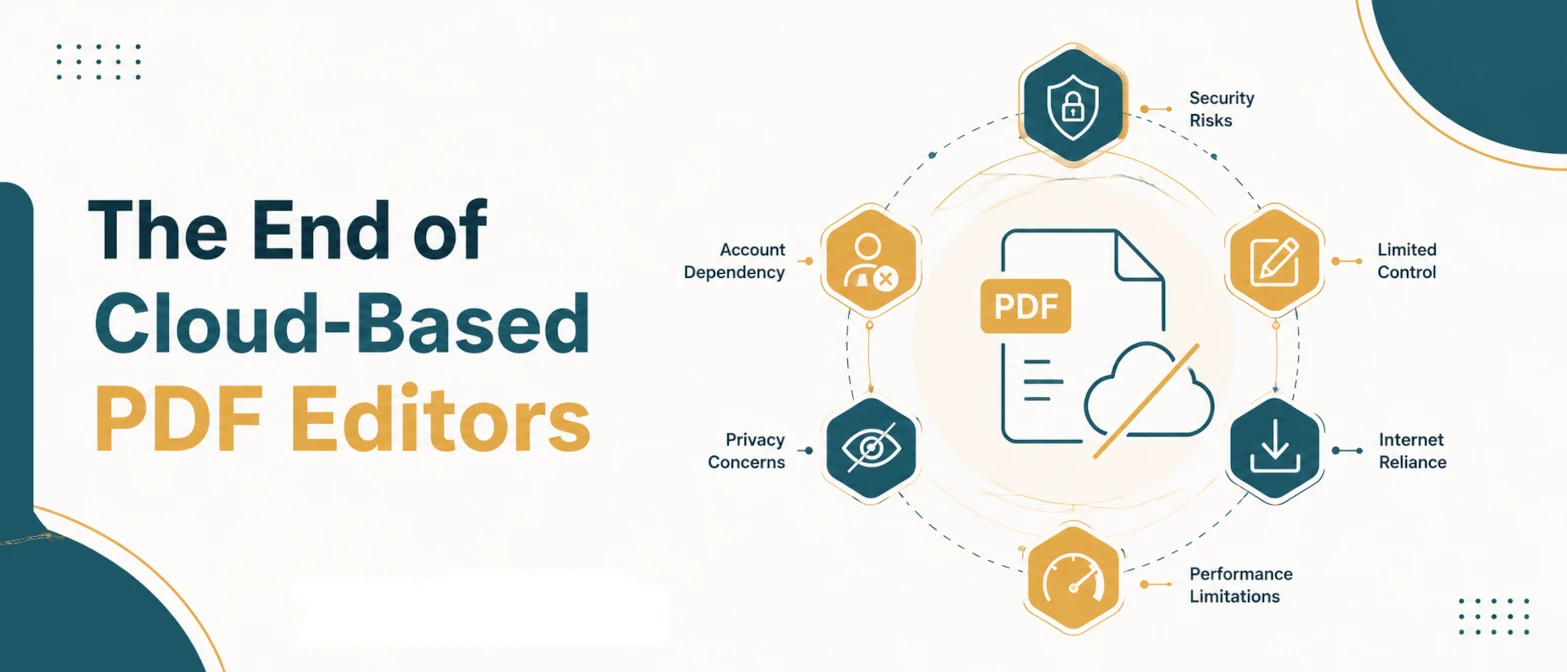
At TryFormatter, we believe that security should never be traded for convenience. Many online converters require you to upload documents to their cloud servers, leaving a digital trail of your invoices, agreements, and personal IDs. Our PDF Watermark Adder runs **100% locally in your browser**. Using advanced libraries like pdf-lib, the stamp vectors are drawn directly inside your browser memory cache. **No file contents are ever uploaded, logged, or shared.** The tool runs fully sandbox-confined, which means it remains secure for enterprise compliance (including GDPR, HIPAA, and CCPA). You can even load the page, disconnect from the internet, and watermark all your files completely offline.
Common mistakes when watermarking PDFs
To ensure your watermarks look professional and serve their security purpose, avoid these common layout mistakes:
- Setting the opacity too high: If the transparency is too high (e.g. opacity 0.8 or 1.0), the watermark text will block the underlying document content, making it difficult to read. Keep watermarks between 0.15 and 0.3 opacity for best results.
- Selecting incorrect page ranges: Double-check page selections. If you choose "First Page Only" when you intended to stamp the entire document, sensitive content on subsequent pages will remain unprotected.
- Forgetting to save the original copy: Watermarking is permanent on the newly generated file. Always keep your original, clean PDF stored in a safe backup location in case you need to distribute the unmarked version later.
Frequently Asked Questions
Does this tool upload my files to a server?
No. The PDF Watermark Adder processes your files entirely within your local browser's memory using advanced client-side JavaScript. Your documents never touch our servers.
What is the best opacity for a watermark?
We recommend an opacity setting of 0.15 to 0.3. This ensures that the watermark text is visible enough to protect the page, but transparent enough that it does not interfere with the readability of your document.
Can I remove the watermark later using this tool?
No. Once a watermark is stamped and saved, it becomes a permanent part of the PDF's layout vectors. To get a clean document, you should modify your original clean PDF backup file.
Can I watermark multiple PDFs at the same time?
This version of the Watermark Adder supports processing one PDF document at a time to ensure optimal memory performance in the browser sandbox. You can process documents sequentially in seconds.
Does this tool support image watermarks?
This version supports high-performance text-based watermarks. Text stamps are extremely lightweight, preventing file size bloating and ensuring fast processing.