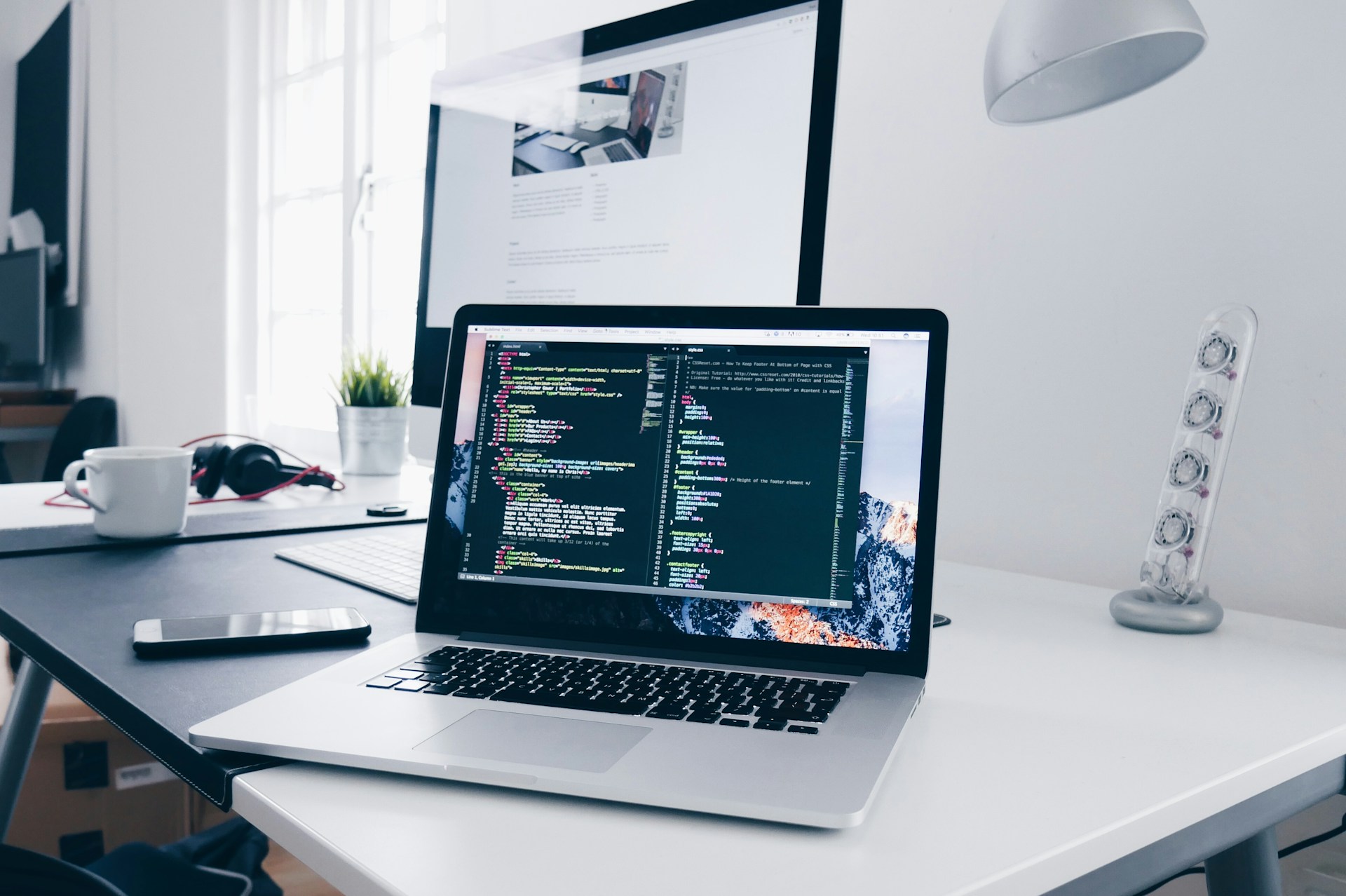
Original Source Photo
The starting image may have unused background space or a subject that needs repositioning for a wide thumbnail.

Create a 1280 × 720 YouTube thumbnail from your own image. Crop or fit your photo, add readable title and subtitle text, apply outline and shadow effects, and download a JPG or PNG file in your browser. All processing happens locally in your browser.
Drop a JPG, PNG or WebP image here, or choose one from your device.
Supports JPG, PNG and WebP • Recommended: landscape formatA YouTube thumbnail creator helps you turn your own photo or artwork into a clear 1280 × 720 cover image for a video.
You can position the background, add a title and subtitle, adjust text styling, preview the layout at smaller sizes and export the result as JPG or PNG.
A good thumbnail should remain easy to understand when it appears in search results, suggested videos, channel pages and mobile feeds.
A source image may contain extra space, an off-centre subject or no text. Framing the image and adding a short title can make the video topic easier to understand.
The starting image may have unused background space or a subject that needs repositioning for a wide thumbnail.
The result uses a 16:9 layout, a clearer subject position and readable title text.
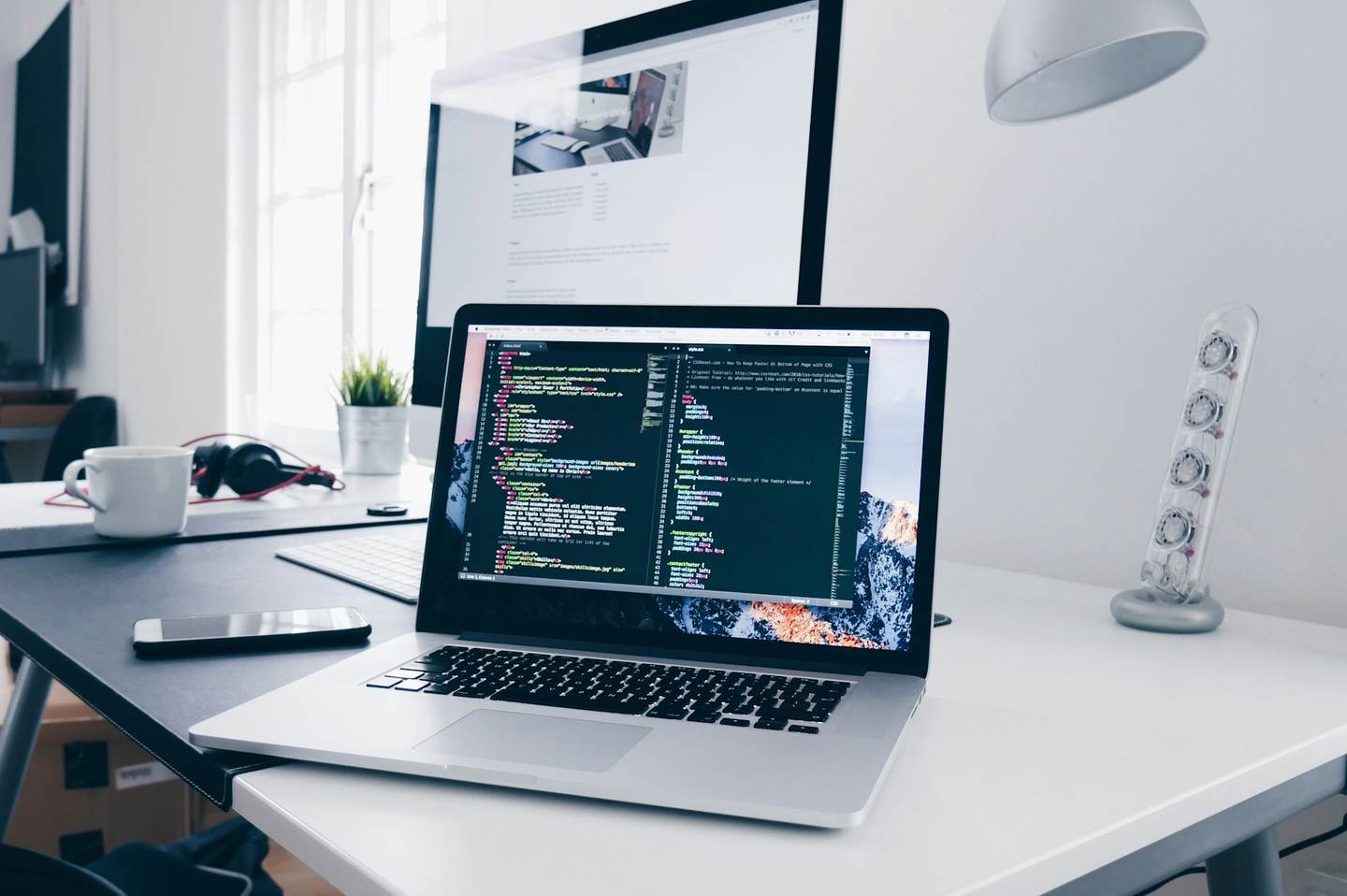
The final file size depends on the image, format, quality and design settings used.
This tool creates a thumbnail at 1280 × 720 pixels using a 16:9 aspect ratio.
A wide 16:9 layout matches the shape used for standard YouTube video thumbnails and gives enough space for both a subject and short title text.
The generated thumbnail is 1280 × 720 pixels.
The canvas uses a wide 16:9 layout.
Choose JPG for photos or PNG for graphics and sharp text.
Check the design at a reduced size before downloading.
Thumbnail text should be short enough to read quickly. It should support the video title rather than repeat the full title word for word.
A detailed or bright background can make plain text difficult to see. Simple contrast controls can separate the title from the image.
Use only the effects needed for readability. Too many effects can make the thumbnail look crowded.
Place the main face, product or object where it remains visible beside the title text.
The best format depends on the type of image you create.
Review the generated file size before downloading, especially when the design contains a detailed photo or several text effects.
Select JPG and lower the quality slightly when the generated file is larger than required.
You can also enable Maximum File Size and enter a limit. The tool will try to create a file at or below that value while keeping the canvas at 1280 × 720 pixels.
A very small limit may reduce image clarity. When the target cannot be reached, try a larger limit, use JPG or simplify the background.
| Video type | Useful layout | Text approach |
|---|---|---|
| Tutorial | Place the subject or result on one side | Use a short action-focused title |
| Product review | Keep the product large and clearly visible | Use the product name or main comparison |
| Vlog | Use a clear face or location image | Add a short topic or episode label |
| Gaming video | Use a focused screenshot with one main subject | Keep the wording brief and high contrast |
| Podcast or interview | Balance speaker photos with open text space | Use the guest name or discussion topic |
The selected image is processed in your current browser session and does not need to be uploaded to TryFormatter servers to create the thumbnail.
Image positioning, text rendering and file creation take place while the editor remains open.
Large source images and detailed designs may use more device memory and take longer to process.
The tool creates a 1280 × 720 pixel thumbnail with a 16:9 aspect ratio.
Yes. You can add a main title and an optional subtitle, then adjust the font, size, colour, alignment, outline, shadow and background panel.
Yes. You can drag the image, adjust its position and change the zoom using Fill Canvas or Fit Image.
JPG is useful for photos and usually creates a smaller file. PNG is useful for graphics, screenshots and sharp text, but it may create a larger file.
Yes. Enable Maximum File Size and enter the required limit. The tool will try to create a file at or below that value without changing the 1280 × 720 dimensions.
The text may be too small or have weak contrast with the background. Try shortening the title, increasing its size or adding an outline, shadow, overlay or text panel.
Yes. The editor supports responsive controls and touch input, although a larger screen may make precise positioning easier.
The selected image is processed in the current browser session and does not need to be uploaded to TryFormatter servers to create the thumbnail.