Resize and crop an image for social media posts, stories, covers and pins. Choose a platform preset, adjust the framing and download JPG or PNG in your browser. All processing happens locally in your browser.
Platform requirements can change. Check the latest upload guidance when preparing an important campaign or branded asset.
Add Your Image
Drop a JPG, PNG or WebP image here, or choose a file from your device.
Supports JPG, PNG and WebP
The selected image is processed in your current browser session.
What is a Social Media Image Resizer?
A social media image resizer is a specialized browser utility that reframes, crops, and resizes photos to exact pixel dimensions and aspect ratios required by social platforms including Instagram, Facebook, X (Twitter), LinkedIn, Pinterest, and YouTube.
Rather than uploading uncropped images that get awkwardly cropped or stretched by social media algorithms, a resizer gives content creators, social media managers, and marketers precise control over subject framing, zoom, padding background, output dimensions, and target file sizes.
You can choose from verified platform presets, adjust framing with Fill Canvas or Fit Image modes, reposition key visual elements, verify safe area margins, and export crisp JPG or PNG images with zero server uploads.
How to Resize Images for Social Media
Add your image source:
Drag and drop a JPG, PNG, or WebP photo into the editor, or choose a file from your device.
Pick a post preset:
Select square feed post, portrait story, reel cover, header banner, or pin preset.
Choose canvas framing:
Use Fill Canvas for full-bleed edge-to-edge coverage or Fit Image to keep the entire original photo visible with a custom background.
Position main subject:
Drag the image directly on the canvas preview or fine-tune positioning and zoom controls.
Verify safe area overlay:
Turn on the platform safe-area guide to ensure text, logos, and facial features stay clear of story UI overlays and profile avatars.
Select output format & size:
Choose JPG for photos or PNG for crisp text/graphics, and optionally set a maximum file-size limit in KB.
Generate & download:
Click Create Resized Image, inspect the live dimensions and file size, and download the finished social media graphic.
Examples of Social Media Image Resizing
A single high-resolution landscape photo can be adapted into multiple social post formats while preserving visual appeal and keeping the main subject perfectly centered in each placement. Explore our gallery view below:
Original Source Photo
High-resolution camera photo
3:2 Ratio
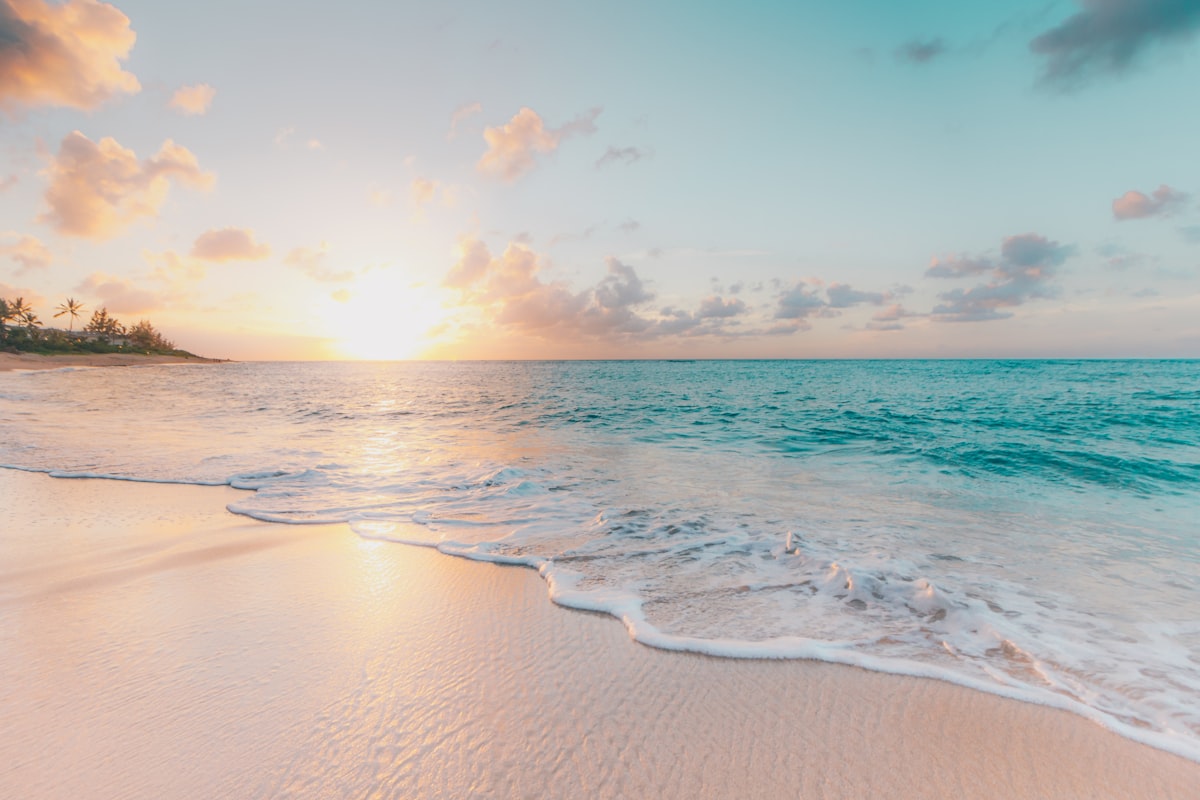
Full-size landscape photo before cropping, framing, or aspect ratio adjustments.
Source 3:2
Target FormatSource Photo
Pixel Specs1200 × 800 px
Aspect Ratio3:2 Landscape
Best ForMaster Asset
Instagram Square Post
Instagram & Facebook feeds
1:1 Ratio
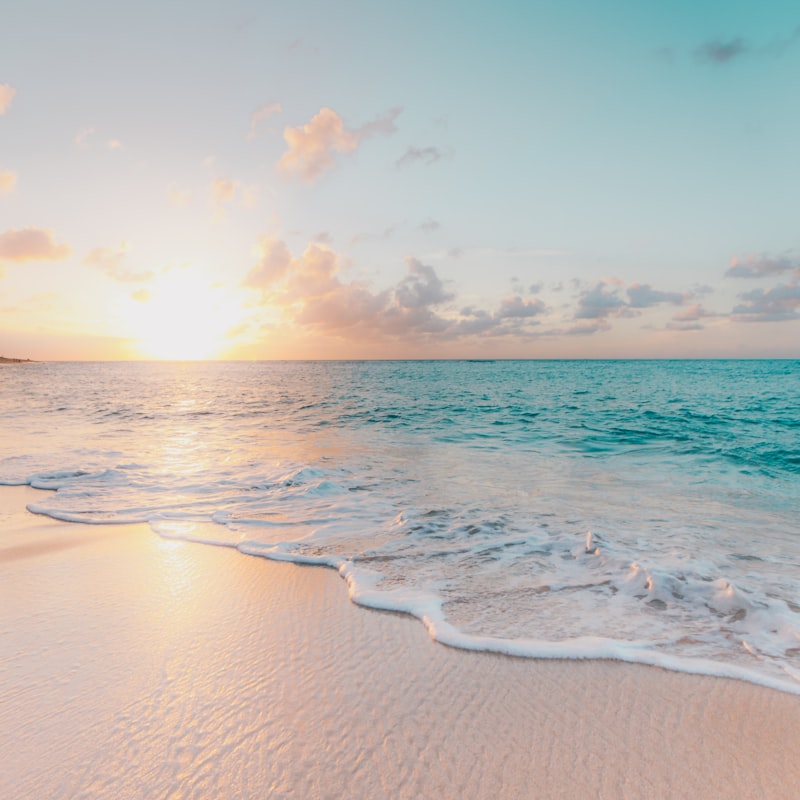
Reframed to a 1:1 square canvas, keeping the horizon and shoreline centered in the post frame.
tryformatter
❤️ 1.2k💬 84✈️
Target FormatInstagram Feed
Pixel Specs1080 × 1080 px
Aspect Ratio1:1 Square
Best ForFeed & Profile Grid
Vertical Story / Reel
Stories, Reels & TikTok
9:16 Ratio
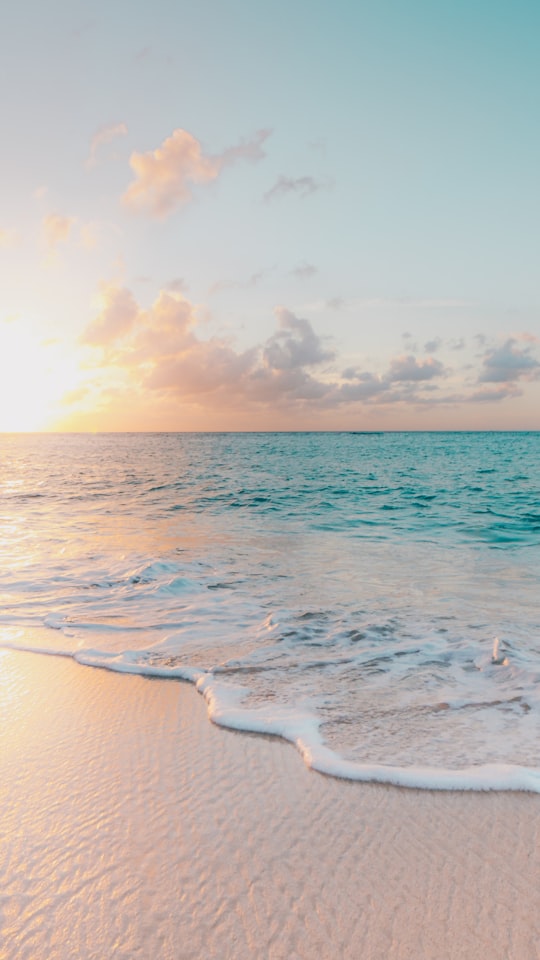
Vertical full-screen framing with critical visual details kept inside the safe area margins.
Target FormatStories & Reels
Pixel Specs1080 × 1920 px
Aspect Ratio9:16 Vertical
Best ForFull-Screen Mobile
LinkedIn / X Link Post
LinkedIn & Twitter feeds
1.91:1 Ratio
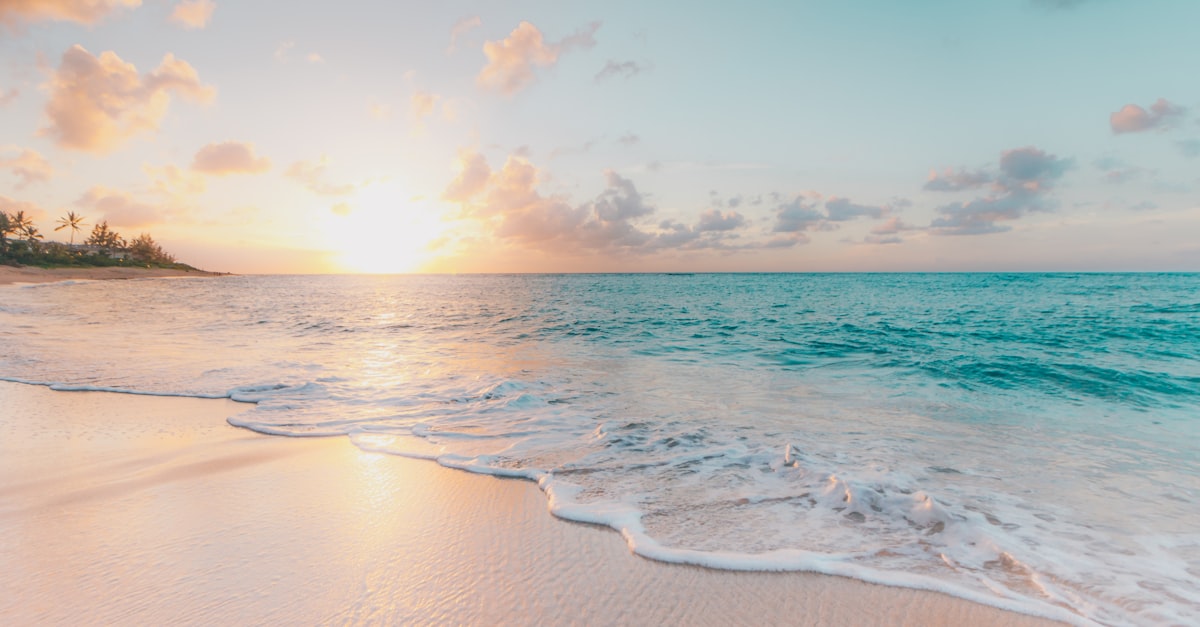
Widescreen layout optimized for link preview banners and professional timeline updates.
tryformatter.comSocial Media Image Resizer – Free Online Tool
Target FormatLinkedIn & X Feed
Pixel Specs1200 × 627 px
Aspect Ratio1.91:1 Landscape
Best ForLink Previews
Social Media Image Resizing Use Cases
Different social media publishing workflows require tailored image dimensions and aspect ratios to maximize engagement and prevent awkward automated crops:
Multi-Platform Brand Campaigns:
Prepare one hero campaign image into Instagram square, vertical story, LinkedIn post, and X header layouts simultaneously without losing brand consistency.
E-Commerce & Product Showcase:
Resize product photography to 1:1 square ratio for Instagram shop posts and 2:3 vertical ratio for Pinterest product pins with crisp detail.
Content Creators & Influencers:
Format YouTube thumbnails (16:9) and Instagram Reel covers (9:16) with safe-area guides so overlay text is never obscured by interface controls.
Profile & Channel Branding:
Crop and center avatars, channel banners, and profile headers to exact platform specifications to present a polished, professional brand image.
Choosing a Platform and Post Format
Each social network uses specific display dimensions for different placement types across mobile apps and web browsers.
Standard tall pins (1000×1500, 2:3 ratio) and Square pins (1000×1000, 1:1 ratio).
YT
YouTube Presets
Video thumbnails (1280×720, 16:9 ratio) and Channel Banner artwork (2560×1440).
Understanding Social Media Aspect Ratios
Aspect ratio refers to the proportional relationship between width and height. Selecting the correct aspect ratio ensures your image fills the screen naturally without black bars or forced center-cropping.
1:1 Square
Universal feed standard for Instagram, Facebook, and LinkedIn updates.
4:5 Portrait
Takes up maximum vertical feed real estate on mobile Instagram feeds.
9:16 Vertical
Full-screen layout for Instagram Stories, Reels, TikTok, and YouTube Shorts.
16:9 Landscape
Standard widescreen format for YouTube thumbnails and link posts.
2:3 Vertical Pin
Optimal ratio for Pinterest pins and tall visual infographic posts.
Fill Canvas vs Fit Image Framing
When your source photo aspect ratio does not match the target platform preset, choose between two primary framing modes:
Fill Canvas (Cover Mode):
Scales the photo to completely fill the target width and height without leaving empty space. Unused outer edges of the photo are cropped. Use this mode for vibrant, edge-to-edge social posts.
Fit Image (Contain Mode):
Scales the photo so the entire source image remains 100% visible inside the frame. Any remaining canvas area is filled with your chosen solid background color (or transparent PNG background). Use this mode when no part of the original image should be cropped.
Safe Areas for Stories and Covers
Social media apps display interface elements (profile headers, action buttons, caption text, search bars) over top of vertical stories, reels, and profile banners.
Safe Area Guide Tip: Always keep key logos, brand titles, and subject faces within the dashed safe-area guide box. The safe area guide is displayed only inside the TryFormatter editor for placement reference and is never exported into your final downloaded graphic.
Common Social Media Cropping Problems
Avoid these frequent social media upload mistakes by reviewing your graphics before publishing:
Faces or text cut off by app UI:
Position subjects away from the top 15% and bottom 15% of vertical story frames.
Stretched or distorted images:
Never force unequal width/height scaling. Use Fill Canvas or Fit Image to maintain aspect ratio integrity.
Blurry or pixelated exports:
Ensure source photos have sufficient pixel resolution before enlarging to high-DPI presets.
File size exceeds platform limits:
Enable the Maximum File Size option in KB to automatically adjust compression for strict upload forms.
Privacy and Data Handling
TryFormatter processes all social media image resizes locally inside your web browser using HTML5 Canvas APIs.
No Server Uploads:
Your source photos, graphics, and exported images are never transmitted to external servers or cloud storage.
Complete Data Confidentiality:
Unpublished promotional assets, personal photos, and brand graphics remain entirely on your local device.
Instant Offline Processing:
Once loaded, resizing, panning, background color filling, and file generation take place in your local browser memory.
Frequently Asked Questions
How do I resize an image for social media?
Upload an image, select a target platform and post preset, choose Fill Canvas or Fit Image framing, adjust the crop position, and click Create Resized Image to download.
Which social media dimensions and presets are supported?
The tool includes presets for Instagram, Facebook, X (Twitter), LinkedIn, Pinterest, and YouTube, alongside custom pixel width and height options.
Can I crop an image without stretching it?
Yes. Fill Canvas crops outer areas while preserving the original image proportions. Fit Image keeps the complete photo visible without stretching.
What is the difference between Fill Canvas and Fit Image?
Fill Canvas covers the full frame edge-to-edge and may trim photo edges. Fit Image keeps the entire source visible and fills unused space with a solid background color.
How do I make sure text is not cut off on Instagram Stories?
Enable the Safe Area guide in the editor. Keep text, logos, and faces inside the dashed boundary to avoid overlapping with Instagram story interface controls.
Should I export as JPG or PNG for social media?
JPG is best for photos and offers smaller file sizes. PNG is best for graphics, vector logos, screenshots, sharp typography, and transparent backgrounds.
Can I limit the output image file size in KB?
Yes. Turn on Maximum File Size, enter your target KB limit, and the tool will automatically tune JPG compression quality to stay under your limit.
Is my image uploaded to any server?
No. All image resizing, cropping, panning, and file creation take place directly in your web browser. Your photos are never uploaded to any server.

 Source 3:2