
CSS Minifier Online: Secure No-Upload Optimization
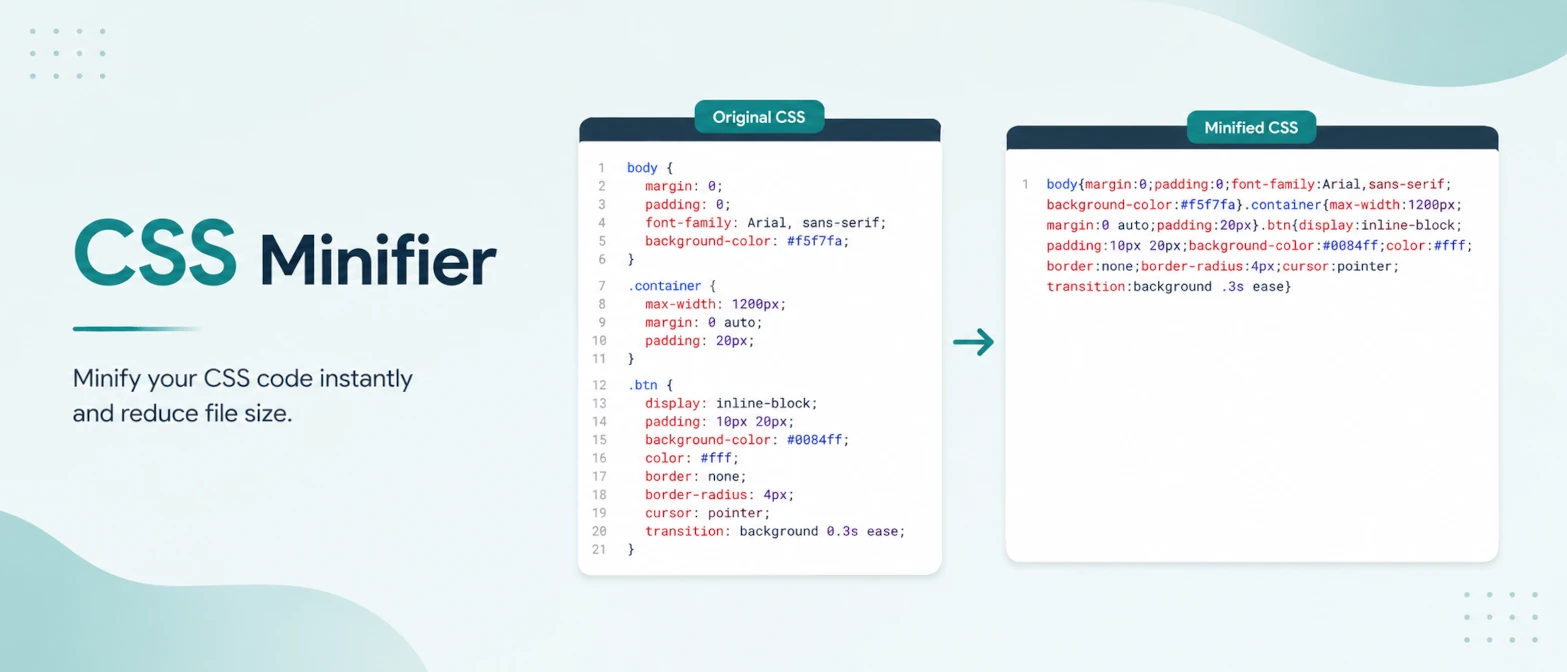
CSS minification is one of the simplest performance improvements in frontend delivery, yet teams often treat it as optional. In reality, every extra byte in render-blocking styles affects first paint and interaction readiness. If your site carries multiple themes, component libraries, and legacy selectors, minification can provide measurable wins with almost no feature risk.
This guide covers a practical and secure CSS minification workflow for 2026. It focuses on safe production output, privacy protection, and quality controls that avoid accidental styling regressions.
Short answer
CSS minification removes comments and unnecessary whitespace while preserving rule behavior. Use local, no-upload minification for private codebases so stylesheets never leave your device. Keep readable source CSS in version control, and publish minified output only in production builds.
Why CSS size still matters
Browsers must download and parse CSS before rendering styled content. Large stylesheets can delay first meaningful paint and increase total blocking time on lower-power devices. Minification alone does not solve all CSS performance problems, but it reduces transfer and parse overhead at almost zero operational cost.
What minification changes
- Removes comments and line breaks.
- Collapses unnecessary spaces.
- Compacts repeated separators and optional tokens.
- Produces dense output optimized for transfer.
What minification does not change
- It does not remove unused CSS by itself.
- It does not redesign cascade strategy.
- It does not replace proper critical CSS planning.
Safe production workflow
- Maintain human-readable source files.
- Run formatter/linter checks before minification.
- Generate minified output as a build artifact.
- Smoke-test key layouts in desktop and mobile views.
- Publish minified CSS only after QA validation.
Privacy benefits of local minification
Stylesheets can expose unreleased class names, feature paths, design experiments, and internal component naming conventions. Upload-based tools add unnecessary exposure. Browser-local minification avoids this by keeping source and output on-device with no network transfer of raw CSS.
Examples
1. Product launch theme bundle
Issue: theme CSS too large for campaign landing pages.
Action: minified release bundle and validated key templates.
Result: lower stylesheet payload and faster first render.
2. Internal admin console
Issue: private class names and route hints in exported CSS comments.
Action: local minification to strip comments before publish.
Result: reduced information leakage and cleaner output.
3. Email template CSS cleanup
Issue: long inlined styles increased template size.
Action: minified CSS before embedding.
Result: smaller payload and cleaner delivery.
Quality checklist
- Verify font loading and fallback behavior.
- Confirm critical breakpoints and layout shifts.
- Check interactive states (hover, focus, active).
- Retest dark mode surfaces where supported.
TryFormatter frontend tools
CSS and frontend optimization workflow
Frequently asked questions
Reliable minifiers preserve behavior. Regressions usually come from pre-existing cascade issues, not minification itself.
Generally no. Keep readable source files in version control and generate minified artifacts in build pipelines.
No. Combine it with unused CSS reduction, caching strategy, and responsive delivery for best results.
They reduce exposure of proprietary frontend code and keep processing within your local environment.
Conclusion
CSS minification is a low-risk, high-return step for production performance. With a local no-upload workflow, you gain speed benefits without exposing private code to third-party platforms.