
AI Meta Tag Generator
Draft SEO titles and meta descriptions with browser-based suggestions and character counts. Review the wording against your page; Google may rewrite search snippets. All processing happens locally in your browser.
Metadata Configurations
Primary HTML Header Tags
Social Sharing Metadata
Missing title tag
1. Meta Tags Explained
In the technical landscape of web publishing, meta tags represent the primary machine-readable headers embedded directly inside a webpage's HTML source code. Specifically situated within the <head> element, these tags provide key metadata about the document that is not rendered on the visible viewport itself. What is a meta tag in practice? It is a structured code directive that informs search engines, social media crawlers, browser engines, and AI scrapers about the document's canonical title, contextual summary, keywords, author details, viewports, index rules, and Open Graph connections.
Standard web documents require clean metadata structures to translate raw copy into organized, searchable nodes. By providing these structured directives, you can explicitly configure how your pages look in search results, how links render when shared on social networks, and how crawlers index your assets. Without these tags, crawlers must use fallbacks or guess intents, which often results in broken visual cards or low search ranks.
2. Why Meta Tags Matter (Common Use Cases)
Metadata serves as the primary bridge between your human-readable page body and the automated systems that parse the internet. Having complete, optimized meta tags is crucial for search engine discoverability, link sharing, and conversational search answering. In day-to-day website management, teams leverage meta tags across multiple critical scenarios, including marketing campaigns, site migrations, and indexing control.
Refer to these core use cases of metadata configurations:
CTR Optimization
Fine-tuning page titles and meta descriptions to improve user Click-Through Rates (CTR) on search results pages.
Social Sharing Engagement
Using Open Graph and Twitter tags to display beautiful images, headlines, and summaries on feeds.
Duplicate Content Consolidation
Using absolute canonical links to consolidate ranking metrics for pages with similar content.
Crawler Exclusions
Applying robots noindex directives to secure private, staging, admin, or search result paths.
3. AI Meta Tag Workflow
To secure a successful launch, follow the technical metadata optimization lifecycle. This structured roadmap shows how content flows from creation to search index preparation:
Write Content
Draft your page copy, articles, or product catalogs within your local workspace.
Generate Meta Tags
Use local browser heuristics to parse content, extract keyword targets, and draft metadata.
Preview Google Snippet
Simulate pixel-width limits to check desktop and mobile search layout titles.
Preview Facebook
Inspect Open Graph configurations and verify absolute URL image dimensions.
Preview Twitter
Toggle summary or large image cards to optimize timeline click-through rates.
Validate Metadata
Run intelligent diagnostics checks for missing parameters or syntax mistakes.
Publish
Embed the optimized headers inside your website's HTML <head> block.
Request Indexing
Submit your canonical link directly via Google Search Console or sitemap sync.
4. Meta Tag Cheat Sheet
Use this reference table to understand the requirements, parameters, and roles of core meta headers:
| Meta Header | Requirement | Purpose & Limits |
|---|---|---|
| Title Tag | ✅ Required | Supplies a title Google may use in search. Review its wording and character count; display length varies. | Meta Description | ✅ Required | Summarizes the page for possible use in search snippets. Google may use different page text. |
| Canonical Link | ✅ Required | Consolidates index ranking and prevents duplicate content issues. Must be absolute URL. |
| Robots Tag | ⚠️ Recommended | Directs index engines to index, follow, noindex, or noarchive. |
| Open Graph (og:) | ⚠️ Recommended | Formats links when shared on Facebook, LinkedIn, Slack, and Discord. |
| Twitter Card | ⚠️ Recommended | Directs Twitter/X to render links as square summaries or large banners. |
| Viewport | ✅ Required | Configures page responsiveness on mobile devices (width=device-width). |
| Charset | ✅ Required | Declares document character encoding (UTF-8) to prevent corrupt symbols. |
5. Metadata Before & After Comparison
Compare these examples of generic meta tags against optimized parameters to see how structural improvements boost relevance:
| Header Type | Before (Generic / Bad) | After (Optimized / Better) |
|---|---|---|
| SEO Title | Home | Free AI Meta Tag Generator | SEO Metadata Tool |
| Meta Description | Welcome to our website. | Generate optimized SEO meta titles, descriptions, Open Graph and Twitter cards instantly. |
| Canonical Link | /page-one | https://www.example.com/page-one |
| Robots Tag | none | index, follow |
6. Metadata Audit Scoring Example
This is an example of the reports generated by our audit studio, demonstrating how issues are categorized and graded:
7. Browser Compatibility
The AI Meta Tag Generator operates entirely client-side. Our HTML parsing, local heuristics auditing, and PDF report generator engines are fully supported on all modern web browsers:
8. AI Search Metadata Optimization Tips
Optimize your website's meta tags specifically for LLM search assistants (like Perplexity, ChatGPT Search, and Gemini):
- ✓ Use descriptive titles: Give LLMs context about what entities are discussed rather than generic keywords.
- ✓ Mention the primary entity: Clearly declare your primary subjects, names, services, or locations in your description.
- ✓ Keep metadata aligned: Ensure descriptions match the actual copy on the page to prevent scraper mismatches.
- ✓ Avoid keyword stuffing: Search bots identify stuffed phrases as low quality and may refuse to cite the source URL.
- ✓ Add structured data: Pair your meta tags with correct JSON-LD schema layouts.
9. Recommended SEO Workflow
Metadata optimization is just the first step. Follow our recommended SEO Studio workflow to audit, optimize, and deploy crawlable websites:
AI Meta Generator
Optimize technical page title, description, and canonical headers first using browser-local heuristics.
SEO Audit Tool
Run a website SEO audit to inspect titles, descriptions, canonical tags, headings, and technical issues online.
Broken Link Checker
Check the entire website directory for redirect chains, broken href paths, and 404 response loops.
JSON-LD Schema Generator
Construct structured schema script microdata to qualify page layouts for rich snippet display targets.
XML Sitemap Generator
Map canonical URLs to a structured index path sitemap to coordinate search crawlers indexing updates.
Google Indexing & Overwrites Disclosures
Please note that search engines (including Google and Bing) reserve complete authority to rewrite titles and description tags on search snippets. Descriptions are rewritten if algorithms determine that another section of page copy matches the user's specific query better. Configuring optimal metadata increases snippet controls but does not guarantee rich previews.
10. Deployment Checklist
Use this step roadmap to embed your metadata tags inside your hosting platforms and monitor indexing changes:
Finished Metadata
Copy the clean HTML code block generated by the workspace.
Paste into <head>
Pasted code must sit before any scripts or closing head tags in your CMS or layout template.
Publish
Save and deploy the updated template to production hosting.
Clear CDN Cache
Purge CDN cache (Cloudflare, Vercel, etc.) to force crawlers to see the new headers immediately.
Request Indexing
Use Google Search Console's URL Inspection tool to trigger an indexing request.
Check Search Console
Monitor crawl status reports in your Search Console dashboard over the next 48-72 hours.
Monitor CTR
Track performance reports to measure clicks and click-through-rate changes on target keywords.
11. Validation Checklist
Track your metadata launch operations. These states are saved locally in your browser's localStorage session. How to validate meta tags before deployment:
Privacy note: Draft generation and checks run in your browser. Checklist choices may be saved in this browser's local storage. Avoid entering sensitive information on a shared device.
Frequently Asked Questions
What is the maximum length for a Google title tag?
Google has no fixed title character or pixel limit. Use the character count to keep a title concise, then check that its first words describe the page. Google may show different title text in search results.
Does Google use meta keywords for ranking?
No. Google officially announced in 2009 that the meta keywords tag is not used for search rankings. While optional, some smaller directories or internal search engines may read them, but they are not needed for main SEO.
What is the correct size for Open Graph images?
The recommended size for Open Graph images is 1200 x 630 pixels. This aspect ratio (1.91:1) ensures that shared links display as a large card snippet across Facebook, LinkedIn, Twitter/X, and Slack.
Can I use relative paths for my canonical URLs?
No. You should always use absolute URLs (e.g., https://www.example.com/page) for canonical links. Relative paths (like /page) can confuse crawlers when parsing duplicate host names or staging sites.
Where should meta tags be placed in the HTML document?
All meta tags must be placed inside the <head> section of your HTML document, situated before any body tags or script code elements.
How does ChatGPT or Claude read webpage meta tags?
AI crawlers fetch the static HTML of a webpage and parse the title, description, and schema markup to quickly classify the page theme, primary keywords, and reading difficulty before summarizing it for conversational replies.
What is a robots noindex directive?
A robots noindex directive (<meta name="robots" content="noindex">) tells search engines not to display the page in search results. This is useful for privacy policy pages, admin dashboards, or user profiles.
What is the difference between Twitter summary and summary_large_image cards?
A summary card displays a small square thumbnail next to the title and description. A summary_large_image card renders a full-width banner image above the title, capturing more user attention on feeds.
Is this metadata tool safe for company intranet pages?
Draft generation and checks run in your browser without submitting the text to a generation API. Review local storage and browser access on shared devices before working with sensitive drafts.
How do I fix a meta description that Google keeps overwriting?
Google overwrites descriptions if they do not match the user's search intent or feel low quality. Make sure your meta description is descriptive, features matching search phrases, matches the page body content, and includes an active call-to-action.
Why are my social share previews not updating after changes?
Social networks cache meta tags. To force an update, use the platforms' debugging tools (like the Facebook Sharing Debugger or Twitter Card Validator) to clear their servers' cache for your URL.
What is a canonical redirect loop?
A canonical redirect loop occurs when Page A points to Page B as canonical, but Page B redirects back to Page A. This causes indexing errors and waste of crawl budget. Always keep your canonical URLs pointing to their exact address.
Should every page on my website have unique metadata?
Yes. Duplicate titles and descriptions confuse search engines when choosing which page to rank for a query, often resulting in cannibalization warnings or poor search display setups.
Can my SEO Title and H1 tag be different?
Yes. The SEO Title tag target is users on search results pages, which often requires adding brand names or list numbers. The page H1 tag is for users already on the page, keeping visual focus simple and descriptive.
How often should I review and update my page metadata?
Review metadata during major content updates, sitemap restructures, or if search console shows keyword click-through-rate drops. Updating metadata once or twice a year keeps titles current.
What happens if my canonical link points to a broken URL?
Search engines will ignore the canonical directive completely. They will try to choose another canonical page on their own, dividing authority and ranking scores across duplicate URLs.
Does optimized metadata improve my visibility in AI Search results?
Yes. AI engines (like ChatGPT Search and Perplexity) read canonical metadata, summary description sentences, and structured schemas to understand entity topics before displaying citation references.
Do Open Graph (og:) tags directly influence Google search ranks?
No, Google does not read Open Graph tags for organic ranking scores. However, high-quality og:image visual cards increase link shares and social referrals, boosting brand authority.
Should e-commerce product pages use different metadata parameters than blog posts?
Yes. Product page titles and descriptions should focus on transactional intents, including features like pricing, shipping availability, and buy actions, whereas blog metadata targets educational intent.
Related SEO Tools
Expert Guides & Tutorials
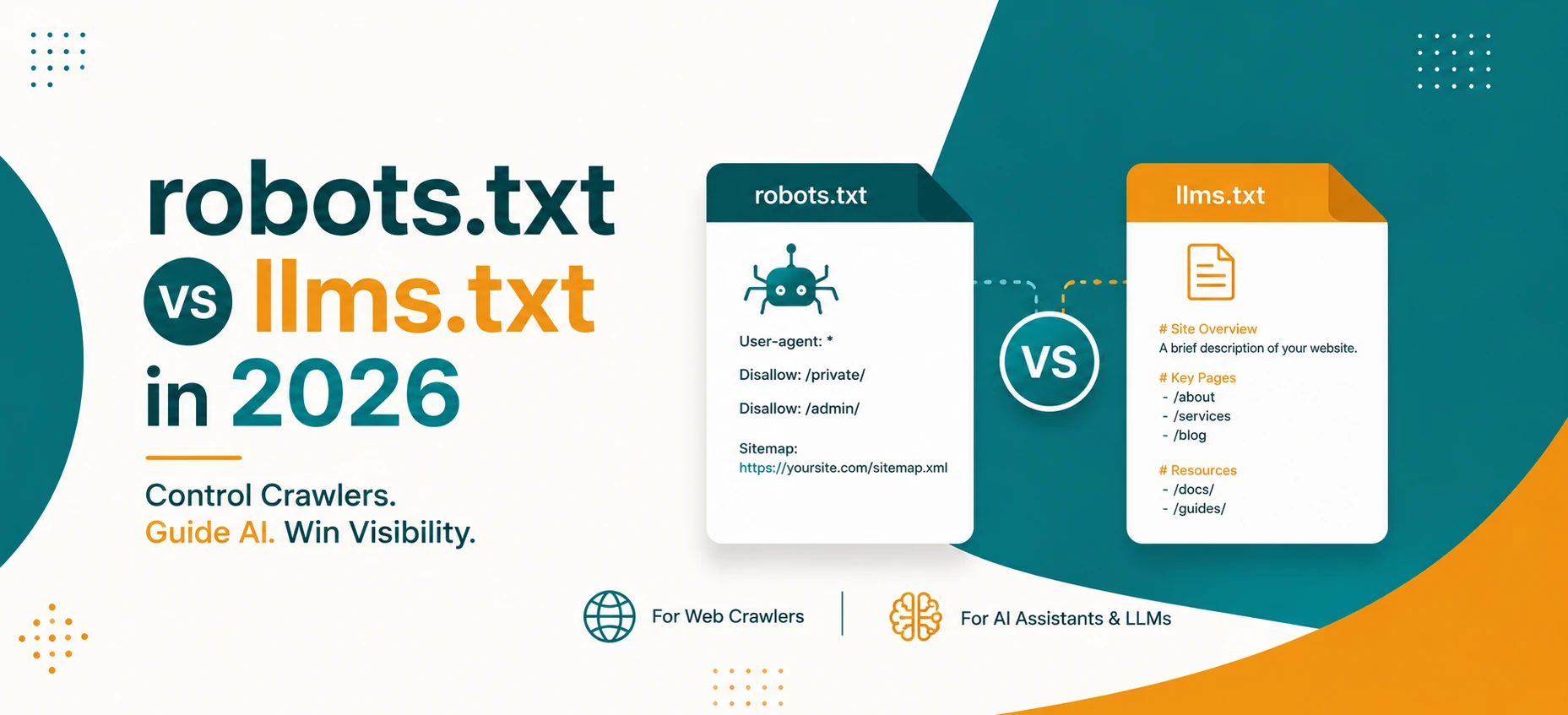
robots.txt vs llms.txt in 2026: What AI Crawlers Actually Use
A practical guide to robots.txt, llms.txt, Google AI features, OpenAI crawlers, snippets, indexing controls, and safe crawler policy in 2026.
Read Guide →
AI Agents and Web Tools: How to Make Your Website Agent-Friendly
A practical guide to making websites easier for AI agents to read, navigate, cite, and use without confusing users or weakening privacy.
Read Guide →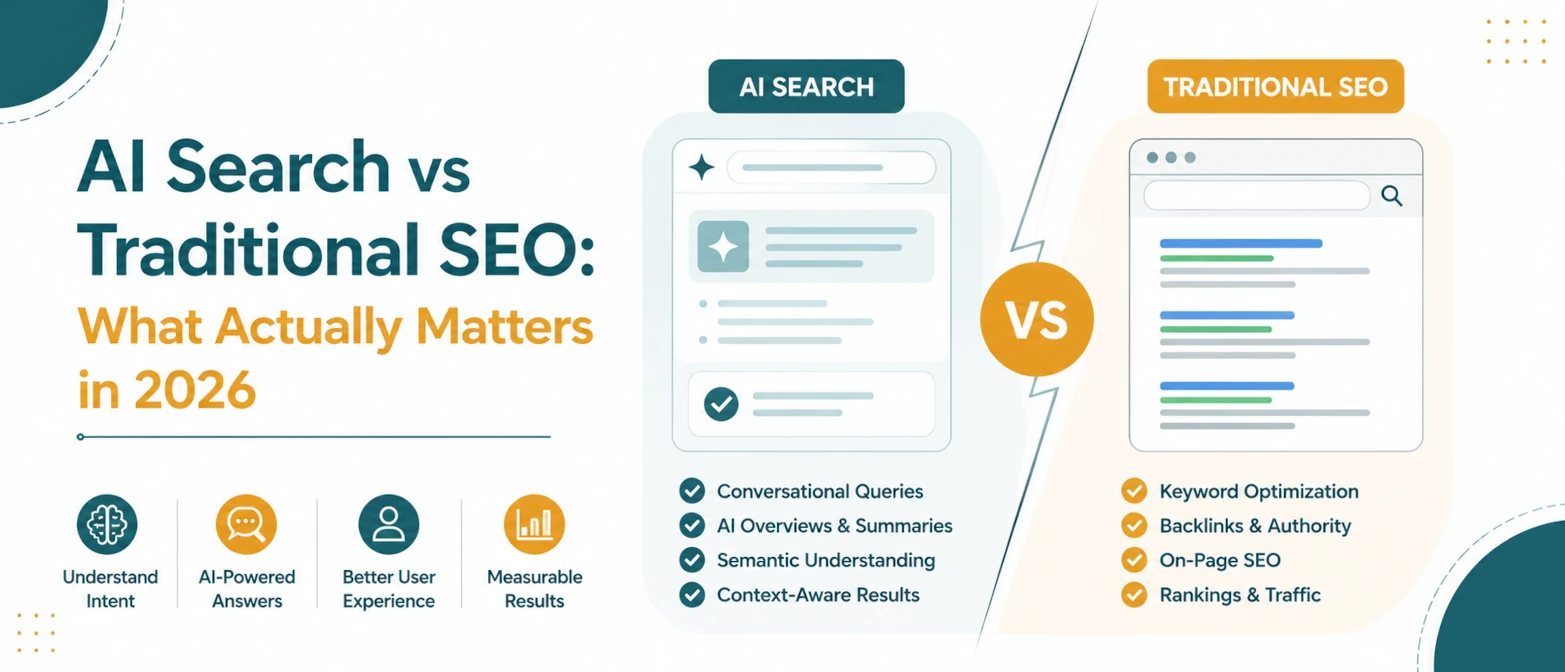
AI Search vs Traditional SEO: What Actually Matters in 2026
A simple guide to what still matters in traditional SEO, what changes for AI search, and how to prepare pages for both in 2026.
Read Guide →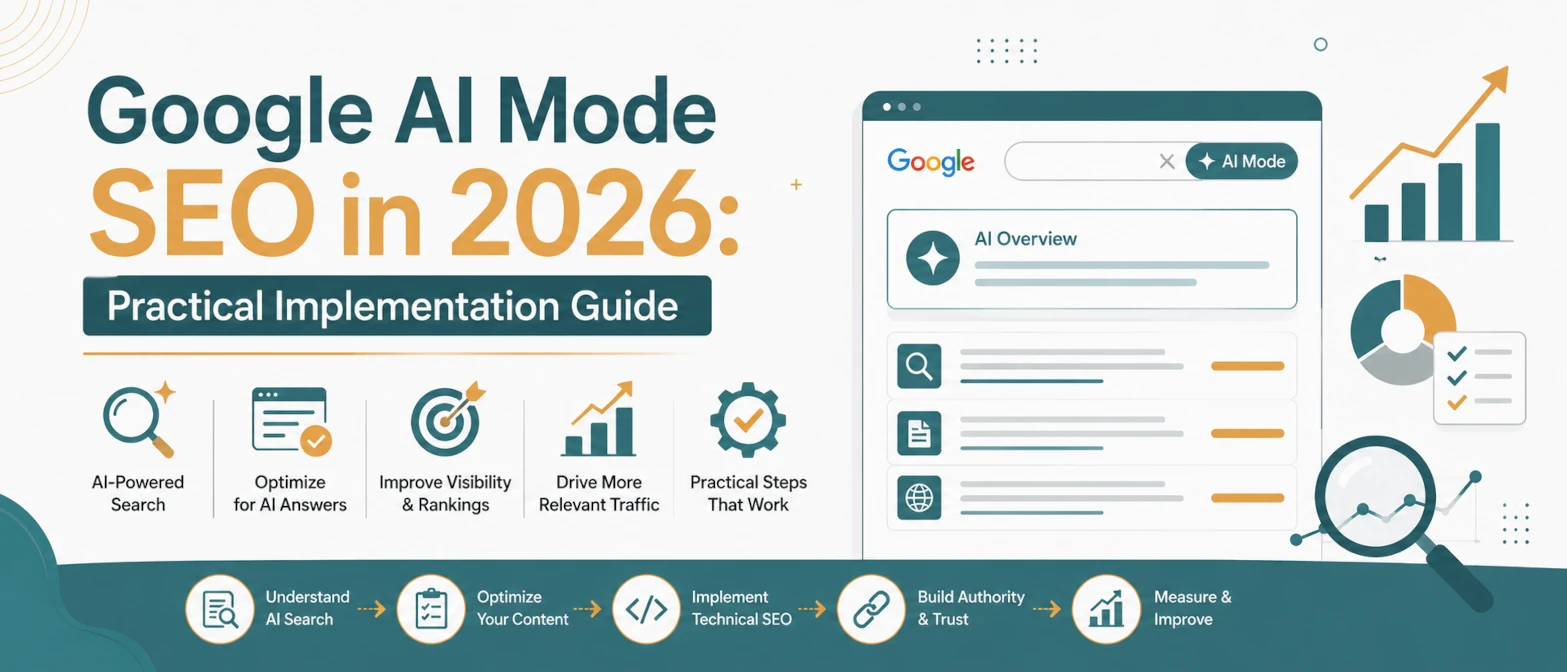
Google AI Mode SEO in 2026: Practical Implementation Guide
A practical AI Mode SEO guide for structuring pages so Google can crawl, understand, extract, and cite clear answers.
Read Guide →
AI Search SEO in 2026: How to Optimize Your Website for ChatGPT, Gemini & Google AI
Learn how AI Search SEO and Generative Engine Optimization help websites appear in ChatGPT, Gemini, Google AI Overviews, Claude, and Perplexity.
Read Guide →