
JSON to YAML Converter
Convert JSON into YAML with quoting decided correctly, so values like yes, no and 1.0 stay strings instead of turning into booleans and numbers. All processing happens locally in your browser.
Convert JSON into YAML
Quoting is decided by the js-yaml serialiser, so a string such as yes, no, on, null or 1.0 is quoted automatically rather than being left to be reinterpreted as a boolean or a number by whatever reads the file.
apiVersion: apps/v1
kind: Deployment
metadata:
  name: web-api
  labels:
    app: web-api
spec:
  replicas: 3
  template:
    spec:
      containers:
        - name: web
          image: web-api:1.4.2
          ports:
- containerPort: 8080Comments cannot be created by conversion: JSON has none to carry over. Anchors and aliases are likewise not generated, because JSON has no way to express shared references.
What is the actual difficulty in converting JSON to YAML?
Not the structure. Objects become mappings, arrays become sequences, and nesting becomes indentation. That part is mechanical.
The difficulty is quoting. YAML tries to be readable, which means it guesses the type of an unquoted value. JSON never guesses, because a string is always in quotes. So the conversion has to decide, for every string, whether YAML would still read it as a string once the quotes are gone.
Get that wrong and the data changes type silently:
JSON:  { "enabled": "yes", "version": "1.0" }

Naive YAML:     enabled: yes        ← now a boolean
                version: 1.0        ← now a number, trailing zero gone

Correct YAML:   enabled: 'yes'
                version: '1.0'
This page uses the js-yaml serialiser, which applies the full quoting rules rather than a shortlist of special cases. The stats row tells you how many values needed quoting, which is usually more than people expect.
Values that must be quoted, and why
| String in JSON | Unquoted YAML would be | Reason |
|---|---|---|
"yes", "no", "on", "off" |
Boolean | YAML 1.1 accepts all of these as booleans |
"y", "n" |
Boolean | Single-letter boolean forms |
"true", "false" |
Boolean | The obvious case |
"null", "~", "" |
Null | An empty value is null in YAML |
"1.0" |
Number 1 | The trailing zero is lost |
"012" |
Number 12, or octal 10 | A leading zero can mean octal in YAML 1.1 |
"12:30" |
Number 750 | YAML 1.1 sexagesimal: 12 × 60 + 30 |
"2026-03-14" |
Date object | YAML has a timestamp type |
"a # b" |
a with a comment |
# starts a comment |
"key: value" |
Parse error or nested mapping | : is the mapping separator |
"- item" |
Sequence entry | - starts a list item |
" padded " |
padded |
Leading and trailing spaces are stripped |
The Norway problem
The most famous instance of this. A list of ISO country codes:
countries: [GB, NO, DE, FR]reads as ["GB", false, "DE", "FR"], because NO is a YAML 1.1 boolean. The same applies to ON for Ontario and Y in a single-letter code list. Converting from JSON here quotes them, so the problem cannot occur in the generated output.
Version note: YAML 1.2 narrowed booleans to true/false and dropped octal-by-leading-zero and sexagesimals. But most tooling — including many Kubernetes and CI parsers — still behaves like YAML 1.1, so the conservative quoting used here is the safe choice regardless of which version your reader claims.
How to convert
- Paste JSON An invalid document is reported with the line and column rather than a generic failure.
- Pick the indentation Two spaces is the near-universal convention. YAML forbids tabs entirely, so this is always spaces.
-
Choose the quote character
Single quotes need no backslash escapes, so they read more cleanly. Double quotes support
\nand\tescapes. - Optionally sort keys or force quotes Sorting makes two configs diffable. Forcing quotes everywhere is verbose but leaves nothing to interpretation.
Examples: multi-line strings become block scalars
A JSON string containing newlines has only one representation — escaped \n. YAML has three, and the readable one is a block scalar:
JSON:
{ "description": "First line.\nSecond line.\nThird line." }

YAML:
description: |-
  First line.
  Second line.
  Third line.
The indicators are worth knowing because they change what the value actually is:
| Indicator | Newlines inside | Trailing newline |
|---|---|---|
| literal |
Preserved | Exactly one kept |
|- literal, strip |
Preserved | Removed |
|+ literal, keep |
Preserved | All kept |
> folded |
Folded into spaces | One kept |
The serialiser picks the indicator that reproduces your JSON string exactly, which is usually |- because a JSON string rarely ends with a newline.
What conversion cannot add
Some YAML features have no JSON source, so they cannot appear in converted output. This is not a tool limitation — the information does not exist in the input.
- Comments. JSON has no comment syntax, so there is nothing to carry across. If you are regenerating a config from JSON, any comments in the original YAML are gone.
- Anchors and aliases.
&defaultsand*defaultsexpress shared structure. JSON duplicates the data instead, so the shared relationship is not recoverable from the JSON alone. - Merge keys.
<<: *defaultsdepends on anchors, so the same applies. - Multiple documents. A YAML stream can hold several documents separated by
---. One JSON document produces one YAML document, though you can add the---marker if you intend to concatenate several. - Explicit tags.
!!set,!!binaryand custom tags describe types JSON has no way to signal.
Going the other way makes the loss concrete: the YAML to JSON converter lists exactly which of these features it had to discard from your input.
Use cases
- Writing a Kubernetes manifest. Cluster APIs return JSON; manifests are conventionally YAML. Converting gives you a starting file, though you will want to add comments back.
- Producing a GitHub Actions workflow. Generate the structure programmatically as JSON, then convert to the YAML the runner expects.
- Making a config readable for review. YAML is typically 20–30% shorter than the equivalent JSON and easier to scan in a pull request.
- Building a Docker Compose file. Convert a JSON service definition into the
compose.yamllayout. - Creating an OpenAPI document. Both formats are valid; YAML is easier to hand-edit afterwards.
- Seeding an Ansible or Helm values file. Convert existing JSON defaults into the YAML those tools read.
Related config conversions: TOML to JSON, Properties to YAML, and the YAML Formatter for tidying an existing file.
Privacy
Parsing and serialising both run in your browser. The JSON is not uploaded, which matters when a config contains internal hostnames or secret references. Usage analytics record only the indentation setting and a coarse size band.
Frequently Asked Questions
Why did my string values come out with quotes around them?
Because without them YAML would read them as something other than a string. "yes" becomes a boolean, "1.0" becomes the number 1, "12:30" can become 750, and "null" becomes null. The quoted-values counter shows how many needed protecting in your document.
Can I get comments in the converted YAML?
No, because JSON has no comments to convert. Nothing is being withheld — the information does not exist in the input. If you are round-tripping a config through JSON, plan to reapply comments by hand, or use a YAML-aware editing library that preserves them.
Why is my multi-line string rendered as a block with a | marker?
Because a literal block scalar reproduces the newlines readably instead of writing them as escaped \n on one long line. The exact indicator — |, |-, or |+ — is chosen to reproduce your original string byte for byte, including whether it ended with a newline.
Should I use 2 or 4 spaces?
Two, in almost every case. Kubernetes, GitHub Actions, GitLab CI, Docker Compose and Ansible all conventionally use two. What matters more is consistency: YAML requires siblings to align exactly, and mixing widths within a file is a parse error rather than a style issue.
Is YAML always smaller than the equivalent JSON?
Usually, by roughly 20 to 30%, because it drops braces, brackets and most quotes. Documents that are mostly strings needing quotes save less, and one with many short arrays can even grow, since each item becomes its own line with a dash.
Why does the tool never generate anchors?
Anchors express that two places share the same structure. JSON has no way to record that relationship — it just repeats the data — so there is nothing in the input to detect. Guessing from identical values would be wrong as often as it was right.
Can I use tabs for indentation?
No. The YAML specification forbids tabs as indentation entirely, and a parser will reject the document. This is one of the few places YAML is strict, and it is the most common cause of "works in my editor, fails in CI" errors.
Related Tools
Expert Guides & Tutorials
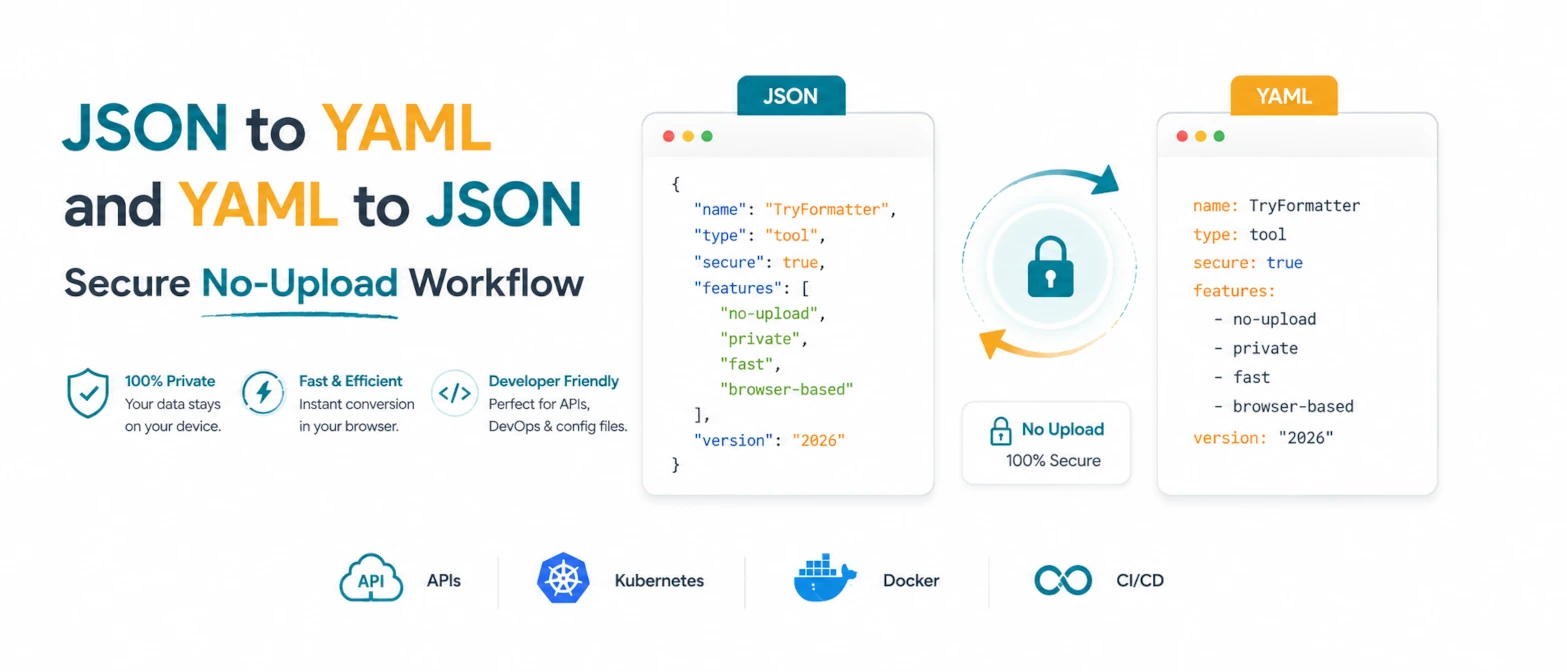
JSON to YAML and YAML to JSON: Secure No-Upload Workflow
A practical guide to converting JSON and YAML locally for APIs, Kubernetes, Docker, and configuration review without uploading private data.
Read Guide →
The Evolution of JSON: From Simple Data Format to Modern DevOps Power
Discover how JSON evolved from a simple lightweight format into the global standard for APIs, cloud configuration, and DevOps automation.
Read Guide →