
JSON to CSV, TOML to JSON, and Schema Validation: No-Upload Workflow
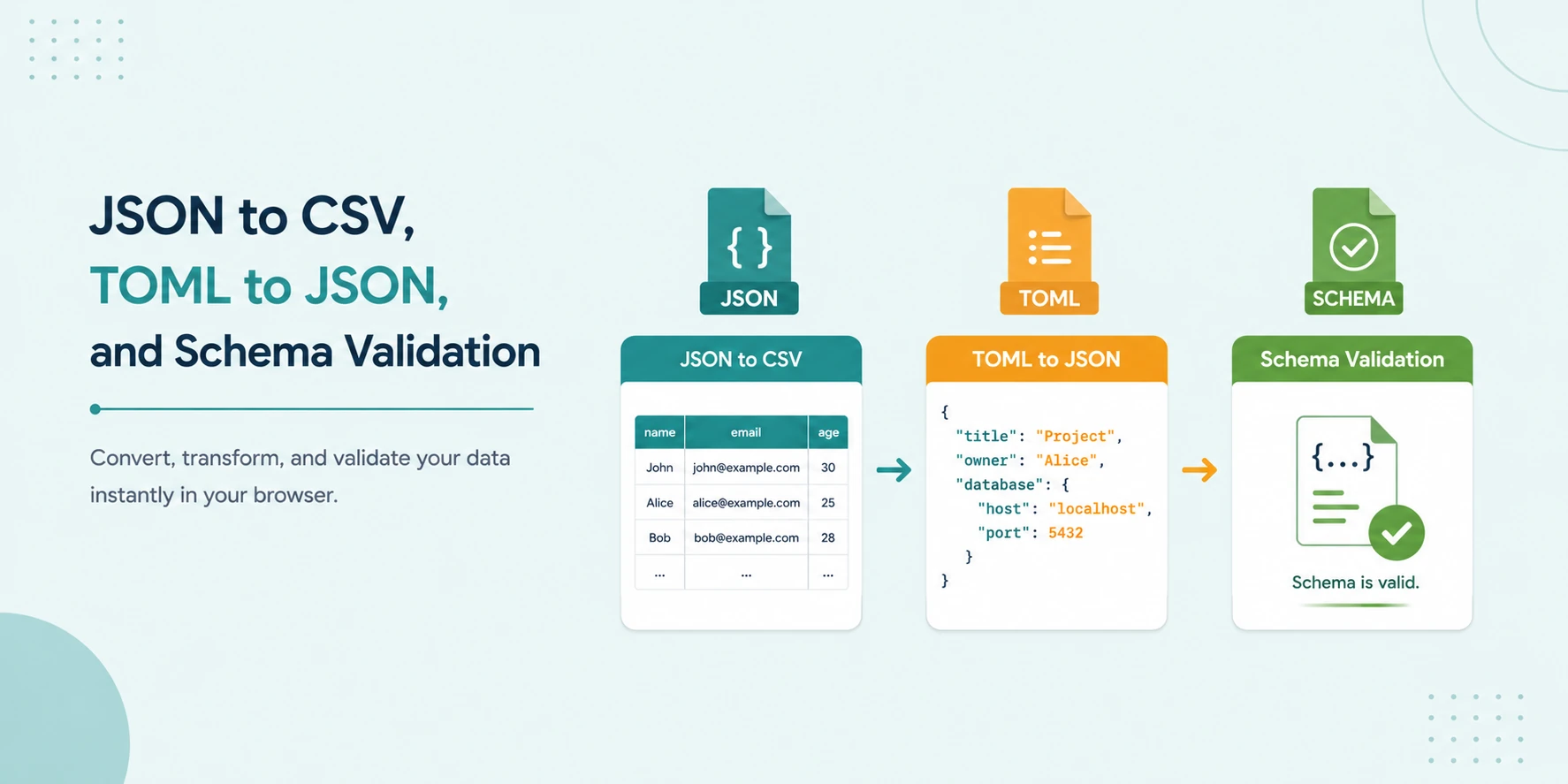
Data teams and developers often move between JSON, CSV, and TOML in the same task. API payloads are JSON, analysts need CSV, and build or runtime settings may be in TOML. The risk is not the conversion itself. The risk is doing conversion and validation in upload-based tools that expose private records, config values, or schema logic to third-party systems.
This guide provides a secure browser-local workflow: convert JSON to CSV, transform TOML to JSON, validate output with schema checks, and move forward with confidence. The process is fast, repeatable, and requires no server upload.
Short answer
Use a no-upload browser workflow for JSON to CSV conversion, TOML to JSON transformation, and schema validation. Keep source data local, validate structure before downstream use, and export only the final output required for your target system.
Why this workflow matters
- Operational safety: catch structural errors before import or deploy.
- Data privacy: avoid uploading sensitive payloads and configs.
- Team consistency: use repeatable steps across QA, dev, and ops.
Step 1: JSON to CSV for reporting and operations
JSON is flexible, but many business and audit workflows still need tabular output. Converting JSON arrays to CSV lets teams review data quickly in spreadsheets and BI tools.
Best practice: define flattening rules for nested objects so columns stay predictable across exports.
Step 2: TOML to JSON for runtime integrations
TOML is common in configuration ecosystems. JSON is more convenient for API payload tooling and schema validation. Convert TOML to JSON when you need interoperability with scripts, service contracts, or browser validators.
Step 3: Validate with schema before handoff
Once data is transformed, validate structure and required keys with JSON Schema. This prevents downstream failures caused by missing fields, wrong types, or malformed arrays.
Reference workflow
- Paste source JSON or TOML in local editor.
- Run conversion to target format.
- Apply schema validation on converted JSON where needed.
- Inspect errors and correct source data.
- Export final CSV/JSON output for target system.
Examples
1. API response to operations report
Input: nested JSON orders array.
Output: flattened CSV for reconciliation and review.
2. Deployment config migration
Input: TOML app config.
Output: JSON object for policy checking and script automation.
3. Contract compliance check
Input: transformed JSON payload.
Output: schema validation pass/fail report before API submission.
Common pitfalls
- Flattening nested arrays without stable column rules.
- Treating null and empty string values as equivalent.
- Skipping schema checks after format conversion.
- Running private payloads through unknown upload sites.
Privacy-first checklist
- Use browser-local conversion tools.
- Avoid storing sample payloads with real identifiers.
- Mask secrets before sharing debug screenshots.
- Clear local buffers after sensitive sessions.
Schema-first operations model
Teams handling frequent conversions should adopt a schema-first model. Instead of fixing broken data after import, define expected shape early and validate at every stage. This approach reduces runtime surprises and stabilizes downstream automation.
- Define source schema assumptions.
- Convert data into target format.
- Validate transformed payload against target contract.
- Export only validated output to production systems.
Error handling playbook
When validation fails, avoid ad hoc fixes. Use a repeatable review flow:
- Identify exact path of failure: required field, type mismatch, or enum mismatch.
- Confirm whether the source data or schema is outdated.
- Patch transformation rules and retest with representative samples.
- Document recurring failures to improve mapping logic.
Governance and compliance benefits
Local conversion workflows are especially valuable when payloads include customer identifiers, billing records, or operational metadata. Keeping processing in-browser can reduce exposure surface and simplify compliance discussions, as long as internal policy still controls access, retention, and sharing.
For enterprise teams, this pattern supports better auditability: conversion steps are standardized, schema checks are explicit, and data movement is minimized.
TryFormatter tools for this pipeline
No-upload data workflow stack
Frequently asked questions
Yes, with flattening rules. Consistent key mapping is critical for reliable column output.
JSON is easier to validate against schemas and integrate with many API-oriented workflows.
If output will feed production logic or external APIs, validation is strongly recommended.
It helps significantly, but teams should also follow internal data handling and access-control policies.
Conclusion
A structured no-upload workflow for JSON, CSV, TOML, and schema validation reduces both technical errors and data exposure. It is a practical standard for modern engineering and analytics teams.