
Secure Google SERP Preview Tool
Draft a Google-style search result preview with desktop and mobile layouts plus character-count guidance. Google can rewrite or truncate titles and descriptions, so use the preview as an editing aid rather than an exact result. All processing happens locally in your browser.
SERP Preview Studio
Example Title: Practical SEO Tools
Discover the best free SEO tools that run entirely in your browser. Optimize your metadata, generate schemas, and preview your SERP results instantly.
1. What is a Google SERP Preview Tool?
A Google SERP (Search Engine Results Page) preview tool is an editing aid that places a draft title, URL, and meta description into desktop and mobile search-style cards. This tool also displays character counts so you can compare variants and keep the clearest information near the beginning.
The preview is not a copy of a future Google result. Google generates title links and snippets automatically, may rewrite supplied text for a query, and can truncate it for the available device layout. This tool does not measure exact rendered pixel width or guarantee that every character shown here will appear in Search.
2. Key Use Cases for Visual SERP Auditing
Previewing your search listing before launching or updating a page provides tangible performance benefits across multiple workflows:
Copy Variant Review
Compare headline and description drafts for clarity, specificity, and a useful match with the page content.
Important Wording Placement
Place the page topic and differentiating detail early so the result can remain understandable if later text is truncated.
Desktop and Mobile Layout Review
Switch between the two card widths to inspect line wrapping and the visual balance of the title, URL, and description.
Confidential Campaign Planning
Draft and inspect marketing headlines for unreleased products or private client sites without exposing drafts to public web crawlers.
3. Why Character Counts Are Only a Guide
Character counts are easy to compare, but Google does not publish one fixed title or description length that guarantees display. Font width, device layout, query context, and automated rewriting all affect the result:
| Letter / Character Type | Relative Visual Width | Typography Example | What This Tool Shows |
|---|---|---|---|
| Wide Letters (W, M, O, Q, C) | Usually wider in proportional fonts | MMMMMMMMMM |
Counts ten characters and renders the draft; it does not calculate an exact Google pixel measurement. |
| Narrow Letters (i, l, t, j, f) | Usually narrower in proportional fonts | iiiiiiiiii |
Counts the same ten characters, showing why count alone cannot predict truncation. |
| Standard Characters (a, e, o, u, r) | Varies by letter and font | normal words |
Provides a visual draft and total count, not a fixed safe zone. |
| Uppercase vs Lowercase | Often wider and visually heavier | ALL CAPS PHRASE |
Lets you compare appearance, while the final Search treatment remains Google's decision. |
4. How to Use the Google SERP Preview Tool
Follow these four simple steps to preview and optimize your search snippet:
-
1
Enter Your Canonical URL
Type the display URL you want to review. The card shows the value as entered; it does not fetch or validate the page.
-
2
Draft Your SEO Title Tag
Type a descriptive title and watch the live character count. Keep the page topic specific and place important wording before optional branding.
-
3
Write an Action-Oriented Meta Description
Draft a concise description that accurately summarizes the page. The count is a comparison aid, not a promise that Google will use the supplied description.
-
4
Toggle Desktop & Mobile Views
Switch between Desktop and Mobile preview modes to compare wrapping and readability. Test the published page in Search Console after Google processes it.
5. Examples: Front-Loaded vs Delayed Information
These examples show why the strongest context should appear early. They do not predict an exact cutoff:
| Title Formulation | Character Count | Information Order | Editing Observation |
|---|---|---|---|
How to Compress Large Images Online Without Losing Any Quality (Free Tool 2026) |
79 characters | The format and tool detail appear at the end. | Review: If Google truncates or rewrites the title, the late qualifier may not survive. |
Compress Images Online Free | WebP and JPG Tool |
47 characters | The task and supported formats appear early. | Review: The wording is concise and remains understandable even if branding is added later. |
6. Practical Tips for Clear Search Snippets
Use the preview to improve clarity before publishing, then evaluate actual Search performance with first-party data:
- Front-Load the Page Topic: State what the page provides early, using natural wording that matches the visible content.
- Use Numbers and Dates Only When Accurate: Concrete details such as an actual item count, file-size target, or publication year should help a reader choose the result, not create artificial urgency.
- Craft Compelling Meta Descriptions: Google bolds search query terms in the meta description when they match what the user searched for. Use synonyms and clear active verbs to capture attention.
- Expect Automated Changes: Google controls title-link and snippet generation. Make every supplied field accurate, but do not treat the preview as a guaranteed rendering.
7. Privacy and In-Browser Previewing
Many online SERP previewers transmit your title drafts and unreleased product URLs across remote servers for analytics logging and keyword tracking. That can expose confidential product announcements, embargoed press releases, and client strategies to third parties.
TryFormatter's Google SERP Preview Tool renders the cards and calculates character counts in the current browser tab. The preview feature does not fetch the entered URL or send the title and description to a remote analysis service.
Frequently Asked Questions
Is there a maximum pixel width that guarantees my full Google title will display?
No fixed width guarantees display. Google creates title links automatically and may truncate or rewrite them based on the device, query, and available layout. This tool provides a visual draft and character count, not an exact pixel measurement.
How long should a meta description be in 2026?
There is no universal length that Google promises to display. Write a concise, accurate summary, put the main value early, and use the character count to compare drafts. Google may select different page text when it better answers a query.
Why does Google sometimes rewrite or replace my title tag in search results?
Google algorithms dynamically rewrite title tags if they determine the original tag is too short, overly stuffed with keywords, boilerplate across multiple pages, or poorly aligned with the specific search query. Providing an accurate, human-readable title that reflects page content minimizes rewrites.
Does having a higher Click-Through Rate (CTR) in search results improve SEO rankings?
Do not treat CTR as a direct ranking formula or optimize copy with unsupported promises. A clear title can help the right searcher understand the page, but rankings depend on many systems. Evaluate impressions, clicks, and query fit in Search Console.
What is the difference between desktop and mobile SERP snippet displays?
Mobile and desktop results use different available widths and can wrap text differently. Both may show site information, a favicon, title links, and snippets, but the exact presentation changes over time and by result type. Use both preview modes as layout approximations.
Can I include emojis in my SEO title tags and meta descriptions?
Yes, emojis (like checkmarks or stars) are technically supported, and Google will occasionally render them if they are contextually relevant. However, Google frequently filters out distracting or excessive emojis, so use them sparingly.
Related SEO Tools
Expert Guides & Tutorials

AI Agents and Web Tools: How to Make Your Website Agent-Friendly
A practical guide to making websites easier for AI agents to read, navigate, cite, and use without confusing users or weakening privacy.
Read Guide →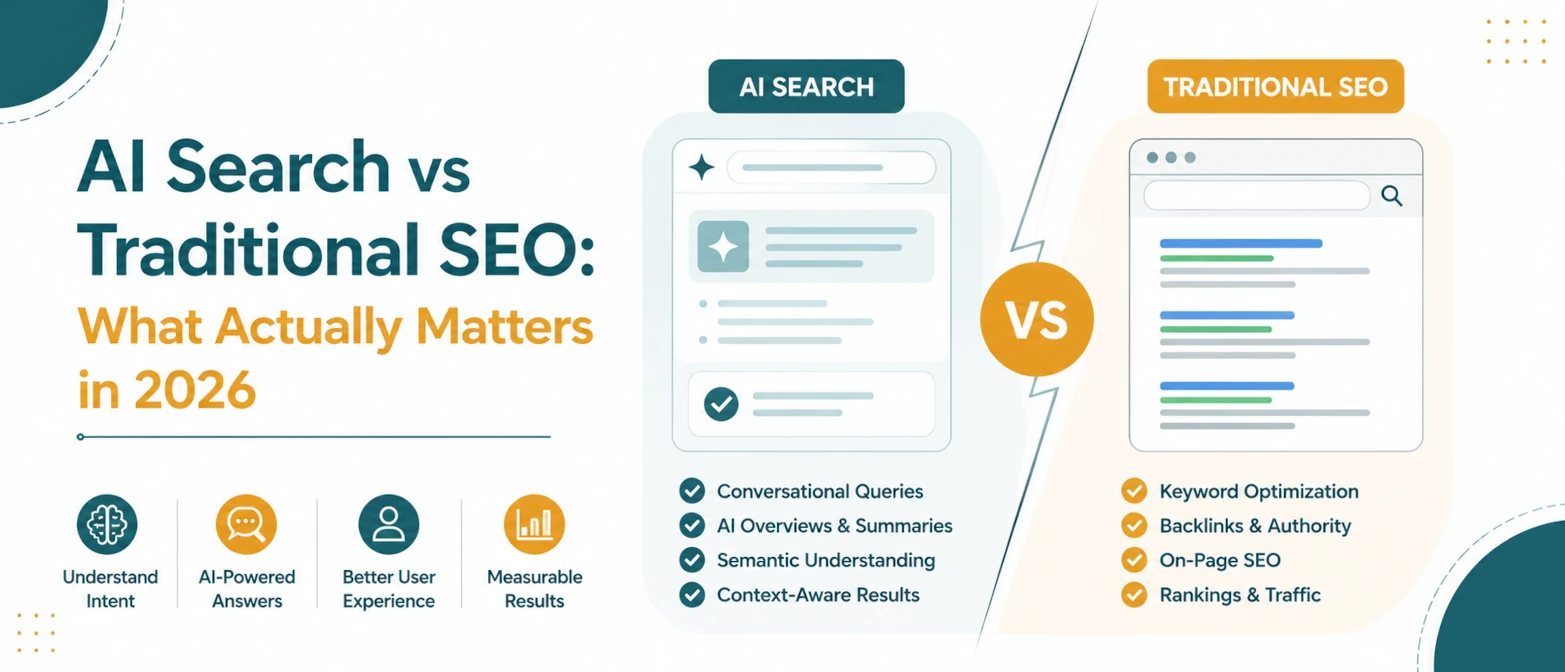
AI Search vs Traditional SEO: What Actually Matters in 2026
A simple guide to what still matters in traditional SEO, what changes for AI search, and how to prepare pages for both in 2026.
Read Guide →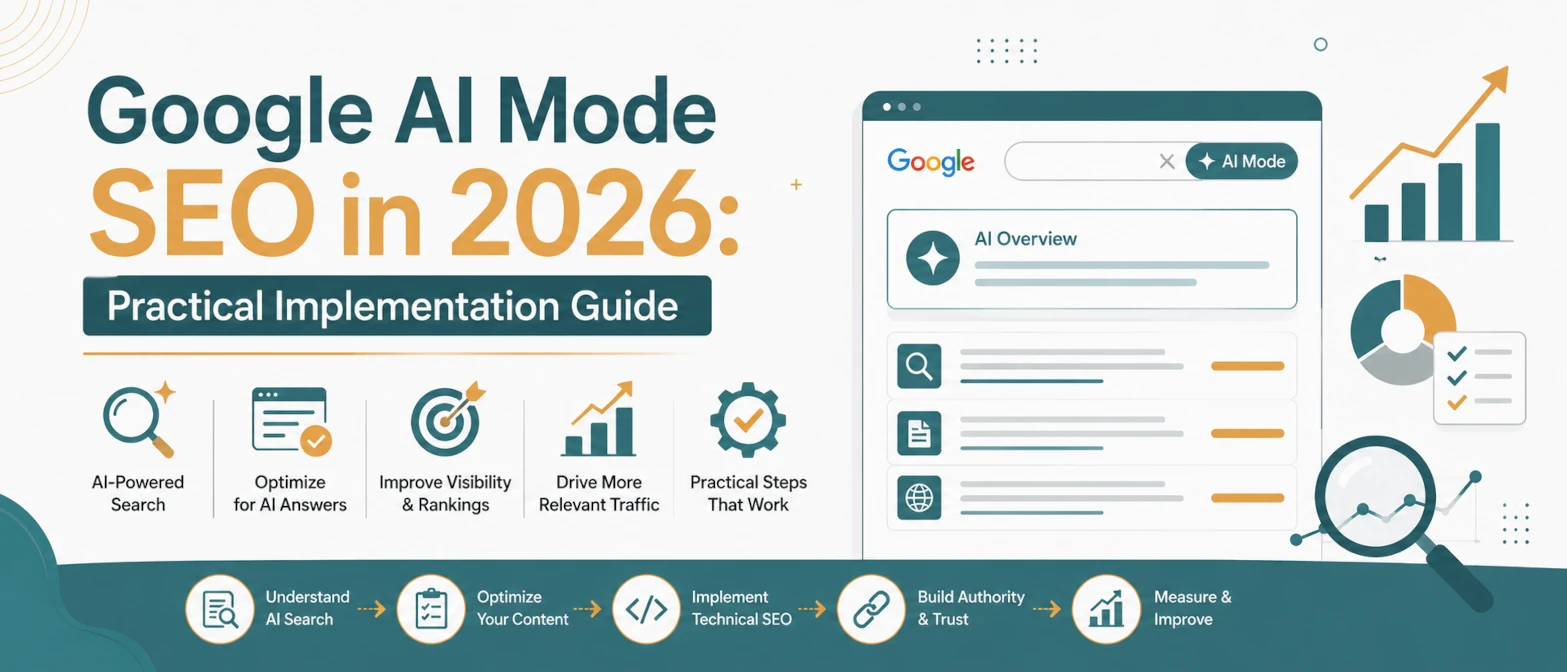
Google AI Mode SEO in 2026: Practical Implementation Guide
A practical AI Mode SEO guide for structuring pages so Google can crawl, understand, extract, and cite clear answers.
Read Guide →
AI Search SEO in 2026: How to Optimize Your Website for ChatGPT, Gemini & Google AI
Learn how AI Search SEO and Generative Engine Optimization help websites appear in ChatGPT, Gemini, Google AI Overviews, Claude, and Perplexity.
Read Guide →