
JSON to XML Converter
Convert JSON into XML with control over the root element, how arrays are wrapped, and how nulls are represented — with every renamed key reported. All processing happens locally in your browser.
Convert JSON into XML
The two data models differ, so every mapping decision is reported: keys rewritten to valid element names, arrays turned into repeated siblings, and how nulls are represented.
<?xml version="1.0" encoding="UTF-8"?>
<root>
  <order>
    <id>A-1001</id>
    <customer>
      <name>Grace Hopper</name>
      <email>grace@example.com</email>
    </customer>
    <total>249.99</total>
    <paid>true</paid>
  </order>
</root>XML has no arrays, no null and no number type. Everything becomes an element containing character data, so the resulting document is not a lossless copy of the JSON.
What is the mismatch between the JSON and XML data models?
Converting JSON to XML is not a formatting change. The two formats describe data differently, and four gaps have to be bridged by convention rather than translation.
| JSON has | XML has | Consequence |
|---|---|---|
| Several top-level keys | Exactly one root element | A wrapper element must be invented |
| Arrays | No array type | Repeated sibling elements are the nearest equivalent |
null, true, numbers |
Character data only | Types are lost unless a convention encodes them |
| Any string as a key | Restricted element names | Keys often have to be rewritten |
Each of those choices is exposed as an option here rather than being fixed, and every rewritten key is reported so you can see what the conversion changed.
How to convert
- Paste JSON An invalid document is reported with its line and column.
- Name the root element XML requires one. If your JSON has several top-level keys, they all become children of it.
- Decide how arrays are handled Leave the wrapper name empty to repeat the parent key, or supply one to keep the list boundary visible.
-
Choose a null convention
xsi:nil="true", an empty element, or omit the element entirely. - Read the mapping notes Renamed keys, empty arrays and wrapped roots are all listed.
Arrays: the gap that breaks round-tripping
XML has no array construct. The conventional equivalent is repeating an element name:
JSON:
{ "items": [ { "sku": "AB-100" }, { "sku": "CD-200" } ] }

XML:
<root>
  <items>
    <sku>AB-100</sku>
  </items>
  <items>
    <sku>CD-200</sku>
  </items>
</root>
That is idiomatic XML, and it creates a problem that no converter can solve. A one-element array produces XML identical to a plain object:
{ "items": [ { "sku": "AB-100" } ] }   and
{ "items":   { "sku": "AB-100" }   }

both produce:
<items><sku>AB-100</sku></items>
Convert that XML back to JSON and the array is gone. This is the single biggest reason JSON-to-XML-to-JSON is not reliably lossless, and it is why an API that returns one item where it usually returns several so often breaks a client.
Supplying a wrapper name avoids the ambiguity by keeping the list boundary explicit:
<items>
  <item><sku>AB-100</sku></item>
</items>
Now the container and the members are distinguishable, and a one-element list still looks like a list. If the XML will be read back as JSON, use this form.
Element names: what XML will not accept
XML element names must start with a letter or underscore, and may then contain letters, digits, hyphens, dots and underscores. No spaces, no @, no brackets, and nothing beginning with a digit. JSON keys have no such limits, so real payloads regularly need rewriting.
| JSON key | Element name | Why |
|---|---|---|
2fa_enabled |
_2fa_enabled |
A name cannot start with a digit |
user name |
user_name |
Spaces are not permitted |
price(GBP) |
price_GBP_ |
Brackets are not permitted |
@type |
_type |
@ is not permitted in a name |
xml_version |
_xml_version |
Names beginning with "xml" in any case are reserved |
"" (empty key) |
item |
An empty name is not valid |
Every rename is listed in the mapping notes. This matters more than it looks: a renamed element will not match an XPath expression or an XSD written against the original key, so the receiving system has to agree with the convention.
Examples: nulls, types and special characters
Null
XML has no null. The three available conventions mean different things to a consumer:
xsi:nil    <middle_name xsi:nil="true"/>    explicit null, understood by XSD tooling
empty      <middle_name/>                    ambiguous: null or empty string?
omit       (element absent)                   ambiguous: null or not supplied?
xsi:nil is the only one that distinguishes null from empty, which is why it is the default here. It requires the XML Schema instance namespace, so the declaration is added to the root element automatically when any null is present.
Types
Everything in XML is character data. <total>249.99</total> and <total>abc</total> are equally valid XML; only a schema makes one wrong. The optional type attributes make the original JSON type visible:
<total type="number">249.99</total>
<paid type="boolean">true</paid>
This is a convention, not a standard. It helps a converter reading the XML back, but a strict schema will reject unexpected attributes, so only enable it if the consumer expects them.
Special characters
Three characters must be escaped in element content: & becomes &, < becomes <, and > becomes >. So the JSON string "5 < 10 & rising" is written 5 < 10 & rising.
For longer values with many special characters, a CDATA section is easier to read:
<note><![CDATA[5 < 10 & rising]]></note>The content inside CDATA is taken literally. The one thing it cannot contain is the sequence ]]>, which is split across two sections when it occurs.
Note also that XML is markedly more verbose: every value carries an opening and closing tag, so converted output is typically 40–60% larger than the JSON.
Use cases
- Calling a SOAP service. Legacy enterprise endpoints require an XML body where the modern side of the system speaks JSON.
- Producing a file for a system that only reads XML. Older ERP, banking and government interfaces frequently do.
- Generating a feed. RSS, Atom and sitemap formats are XML; converting structured JSON gives you the skeleton.
- Building a test fixture for an XML parser. Faster than hand-writing nested elements.
- Checking how a mapping will behave. The renamed-key and array notes show where a naive conversion would have broken an XPath or a schema.
- Preparing input for an XSLT transform. XSLT operates on XML, so JSON data has to be converted first.
The reverse direction is XML to JSON, which faces the mirror-image problems around attributes and repeated elements. For flat configuration output, XML to Properties is often a better fit, and the XML Formatter and XML Validator handle tidying and checking.
Privacy
Parsing and serialising run in your browser; the JSON is not uploaded. Usage analytics record only the null convention, how many keys were renamed and a coarse size band — never the data.
Frequently Asked Questions
Why does my JSON need a root element added?
XML permits exactly one root element, whereas a JSON object can have any number of top-level keys. When yours has more than one, they become children of the root element you name. This is a requirement of XML, not a choice the tool is making.
Can I convert XML back to JSON and get the original document?
Not reliably, and arrays are the reason. XML has no array type, so a one-element array converts to XML that is identical to a plain object. Reading it back gives you an object, not a one-element array. Using the array wrapper option preserves the distinction.
Which null representation should I choose?
xsi:nil="true" if the consumer uses XML Schema, because it is the only form that distinguishes null from an empty string. An empty element is simpler but ambiguous. Omitting the element is fine when absent and null mean the same thing to the receiver.
Why was my key renamed?
Because it is not a valid XML element name. Names cannot start with a digit, cannot contain spaces or characters such as @ and brackets, and cannot begin with "xml" in any case. Every rename is listed, which matters because a renamed element will not match an XPath or schema written for the original key.
Should I use CDATA or entity escaping?
Escaping is the default and works everywhere. CDATA is easier to read for long values containing lots of markup characters, such as an embedded HTML fragment. Both produce the same value once parsed; the only content CDATA cannot hold is the sequence ]]>.
Why is the XML so much bigger than the JSON?
Because every value is wrapped in an opening and closing tag, so a key name appears twice rather than once. Expect roughly 40 to 60% growth. XML buys you namespaces, schemas, attributes, comments and mature transformation tooling in exchange for that verbosity.
Can it generate attributes instead of child elements?
No, everything becomes an element. JSON provides no signal for which keys were intended as attributes, so any rule would be a guess — and attributes cannot hold nested structure, so the guess would fail on part of most documents. Adjust the output by hand or with an XSLT step if you need attributes.
Related Tools
Expert Guides & Tutorials
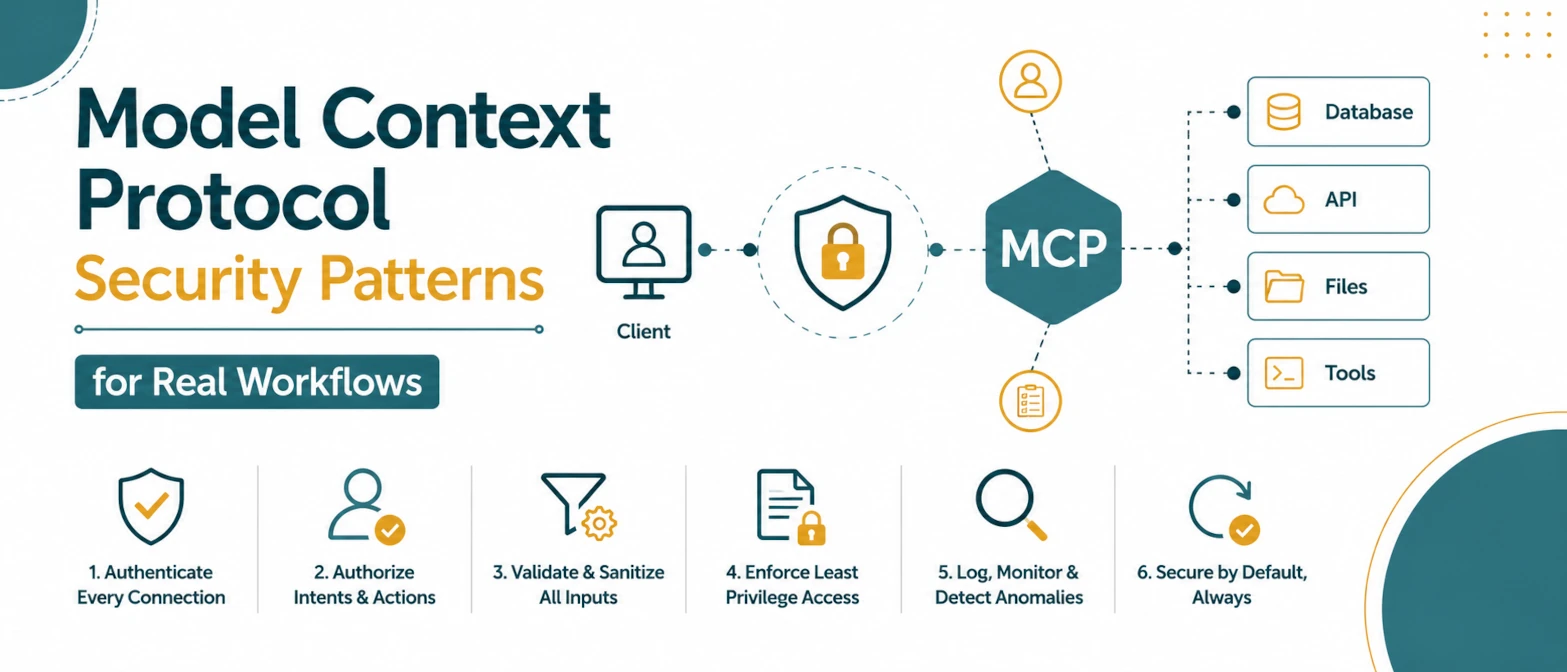
Model Context Protocol Security Patterns for Real Workflows
A security checklist for MCP tool workflows with permission boundaries, parameter validation, policy gates, and audit logs.
Read Guide →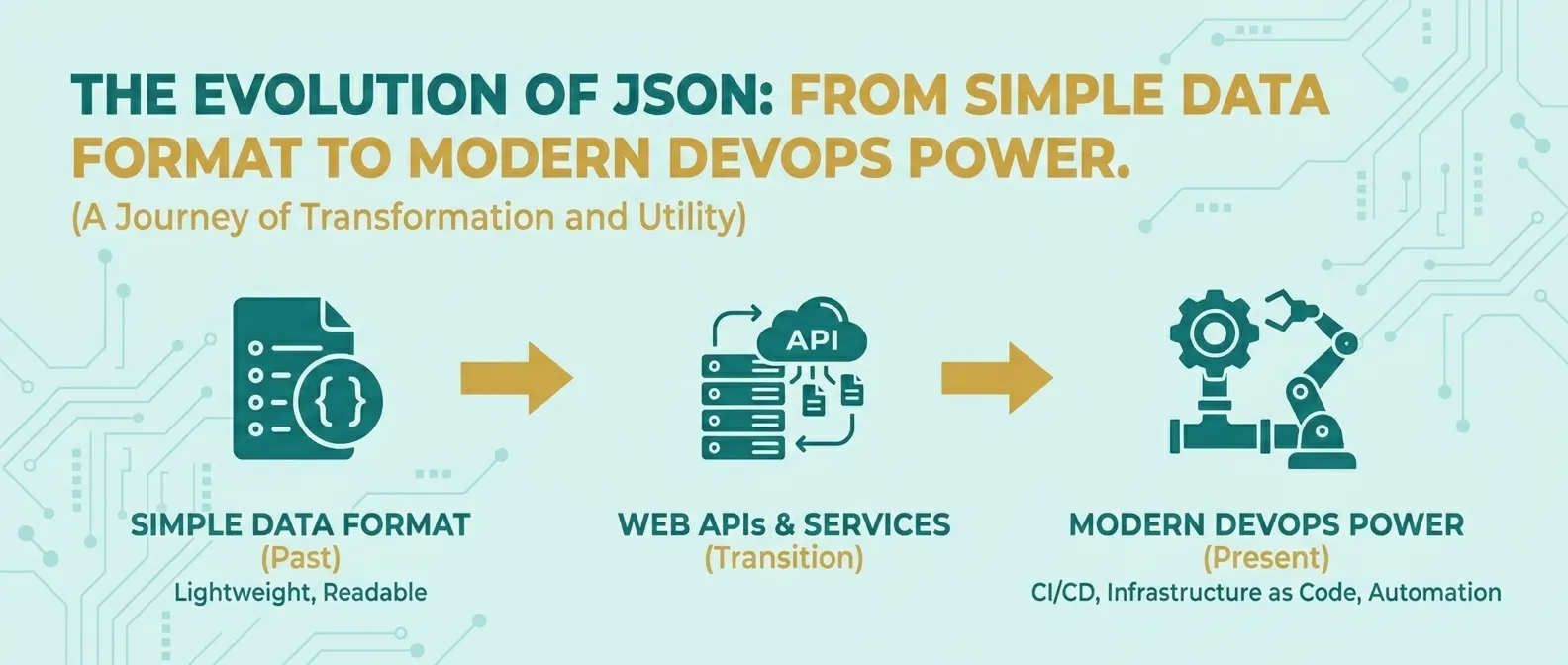
The Evolution of JSON: From Simple Data Format to Modern DevOps Power
Discover how JSON evolved from a simple lightweight format into the global standard for APIs, cloud configuration, and DevOps automation.
Read Guide →