
CSV to JSON Converter
Convert CSV rows into structured JSON objects in your browser. Use the first row as property names, review the parsed output, then copy or download the JSON. All processing happens locally in your browser.
Convert CSV to JSON
What is CSV to JSON conversion?
CSV stores tabular data as rows and columns, usually separated by commas or another delimiter. JSON represents data using objects, arrays, keys, and values. Converting CSV to JSON usually means using the header row as property names and turning each following row into a JSON object.
This is useful when data starts in a spreadsheet or CSV export but needs to be used by an API, application, script, test fixture, or another system that works with JSON.
Here is a simple CSV example:
name,age,city
Asha,29,Delhi
Ravi,34,Pune
After conversion, the headers become JSON keys and each row becomes an object:
[
  {
    "name": "Asha",
    "age": 29,
    "city": "Delhi"
  },
  {
    "name": "Ravi",
    "age": 34,
    "city": "Pune"
  }
]
How to convert CSV to JSON
-
Paste or upload CSV
Paste CSV text into the input editor or upload a supported
.csv,.tsv, or text file from your device. - Check the delimiter Use automatic detection or select the correct separator manually if your data uses commas, semicolons, or tabs.
- Convert to JSON Run the conversion to turn CSV rows into structured JSON objects.
- Review the result Check the generated keys, values, data types, and any parsing warnings before using the output.
-
Copy or download
Copy the JSON to your clipboard or download the generated
.jsonfile.
CSV to JSON examples and column mapping
The converter maps common CSV structures into JSON using these rules:
| CSV element | JSON result | How it is handled |
|---|---|---|
| Header cell | Object property | The first-row value becomes the property name for that column. |
| Data row | One JSON object | Each row below the header becomes one object. |
| CSV table | JSON array | Converted row objects are collected inside a top-level array. |
Numeric value such as 29 |
JSON number | Values recognized as normal numbers are converted to numeric values. |
Leading-zero value such as 00123 |
JSON string | Leading zeros are preserved so identifiers are not changed unexpectedly. |
true / false |
JSON boolean | Recognized boolean values are converted to JSON booleans. |
| Empty cell | null |
An empty or missing value is represented as null. |
Quoted field such as "a, b" |
One string value | Commas inside a correctly quoted field remain part of the same value. |
How CSV headers become JSON keys
The first row provides the property names for the generated JSON objects:
name,email,status
Asha,asha@example.com,active
The values in the next row are matched to those headers by column position:
[
  {
    "name": "Asha",
    "email": "asha@example.com",
    "status": "active"
  }
]
The converter also handles common header problems:
- Blank headers: A column without a header is assigned a fallback name such as
column_2and can be flagged for review. - Duplicate headers: Repeated names are given a numbered suffix such as
name_2so values are not silently overwritten.
How commas and quotes inside CSV values are parsed
CSV fields can contain commas and quotation marks when they are quoted correctly.
- Commas inside values: A field such as
"Likes coffee, tea, and coding"remains one value instead of being split into multiple columns. - Quotation marks inside values: In CSV, a double quote inside a quoted field is written as two double quotes (
"").
Example:
name,city,note
Asha,Delhi,"Likes coffee, tea, and coding"
Ravi,Pune,"She said ""hello"" before leaving"
The converted JSON contains the parsed text:
[
  {
    "name": "Asha",
    "city": "Delhi",
    "note": "Likes coffee, tea, and coding"
  },
  {
    "name": "Ravi",
    "city": "Pune",
    "note": "She said \"hello\" before leaving"
  }
]
Multiline CSV fields
A quoted CSV field can also contain a line break. When the field is parsed correctly, the newline remains part of the value instead of starting another CSV record:
name,note
Asha,"First line
Second line"
The JSON output represents that line break inside the string:
[
  {
    "name": "Asha",
    "note": "First line\nSecond line"
  }
]
Comma, semicolon, and tab delimiters
Not every tabular text file uses commas. Some spreadsheet exports use semicolons, while TSV files use tab characters between fields.
The converter can detect commonly used delimiters such as commas, semicolons, and tabs. If detection is incorrect for a particular file, choose the delimiter manually before converting.
Are CSV numbers and booleans converted to JSON types?
CSV itself stores text without JSON-style type information. This converter applies type detection so common values can become more useful JSON types while protecting values that should remain text.
- Numbers: Values such as
29and3.14become JSON numbers. - Leading zeros: Values such as
00123remain strings so identifiers, postal codes, and similar values keep their original format. - Booleans: Recognized
trueandfalsevalues become JSON booleans. - Empty cells: Empty values are represented as
null.
Review the output when exact typing matters, because a CSV file does not carry an explicit schema for each column.
Uneven rows and missing values
Some CSV files contain rows with fewer values than the header:
name,age,city
Asha,29,Delhi
Ravi,34
When a row is missing a value, the corresponding property can be set to null so the generated objects keep a consistent set of keys.
If a row contains more values than there are headers, review the parsing warning before using the output because the extra values may not have meaningful property names.
When CSV to JSON is useful
Common use cases for converting CSV to JSON include:
API testing
Convert spreadsheet records into JSON objects for API requests, mocks, and development tests.
Frontend prototypes
Turn simple tabular datasets into JSON arrays that can be used in web application prototypes.
Data imports
Prepare CSV exports for systems or scripts that expect structured JSON instead of rows and columns.
Test fixtures
Convert spreadsheet-maintained test data into JSON fixtures for automated or manual testing.
Configuration data
Turn simple configuration tables into JSON objects that are easier to use in code.
Log review
Convert tabular event or log exports into formatted JSON for easier inspection in developer tools.
CSV that converts well to JSON
CSV converts most cleanly when the file has one clear header row and each following row uses the same number of columns.
Files with unclosed quotes, duplicate headers, inconsistent delimiters, or uneven row lengths should be reviewed before the generated JSON is used in another system.
You can inspect the output with the JSON Formatter. To reverse the conversion, use the JSON to CSV Converter. You can also convert JSON into other structured formats using JSON to XML or JSON to YAML.
Common CSV-to-JSON problems
- Incorrect delimiter: If an entire row appears as one value, check whether the file uses a comma, semicolon, or tab separator.
- Unclosed quotes: A missing closing quote can cause commas or following lines to be treated as part of the same field.
- Duplicate headers: Repeated column names need unique JSON property names. Review any automatically renamed headers before using the result.
- Missing headers: CSV data without a header row does not provide meaningful JSON property names. Add clear column names before conversion.
- Uneven rows: Rows with missing or extra values should be reviewed so each value maps to the intended property.
- Large files: Browser-based parsing can take longer with large datasets depending on row count, file size, and available device memory.
Before using the JSON
- Confirm that CSV headers became the expected JSON property names.
- Check values with leading zeros to make sure their original formatting was preserved.
- Review empty cells and confirm that
nullis appropriate for your application. - Check quoted, multiline, and escaped values for correct parsing.
- Review warnings for duplicate headers or uneven rows.
- Validate the generated JSON against your application's expected structure when a schema is required.
Browser-based processing
CSV parsing and JSON generation run locally in your browser to maintain your privacy. TryFormatter does not need to upload the CSV input to its server to perform the conversion.
Avoid including passwords, API keys, access tokens, or other secrets in datasets unless they are required for the task.
Frequently Asked Questions
How does CSV data become JSON?
The first CSV row is used as property names, and each following data row becomes an object inside a top-level JSON array.
Does CSV to JSON preserve numbers, booleans, and leading zeros?
Recognized numeric values can become JSON numbers and true or false values can become booleans. Values with leading zeros, such as 00123, are preserved as strings so the zeros are not removed.
What happens to empty CSV cells?
Empty or missing cells are represented as null in the generated JSON.
Can the converter handle commas and quotes inside a field?
Yes. Correctly quoted CSV fields can contain commas without creating extra columns. Double quotes inside a quoted field are represented by two double quotes and are converted back to a single quote character.
Can CSV fields contain line breaks?
Yes. A line break inside a correctly quoted CSV field is preserved as part of the JSON string instead of being treated as a new CSV row.
Can this converter read semicolon or tab-separated data?
Yes. The converter supports common comma, semicolon, and tab delimiters and can also allow the delimiter to be selected manually.
Does TryFormatter upload my CSV data to a server?
No server upload is required for this conversion. CSV parsing and JSON generation run locally in your browser.
Related Tools
Expert Guides & Tutorials
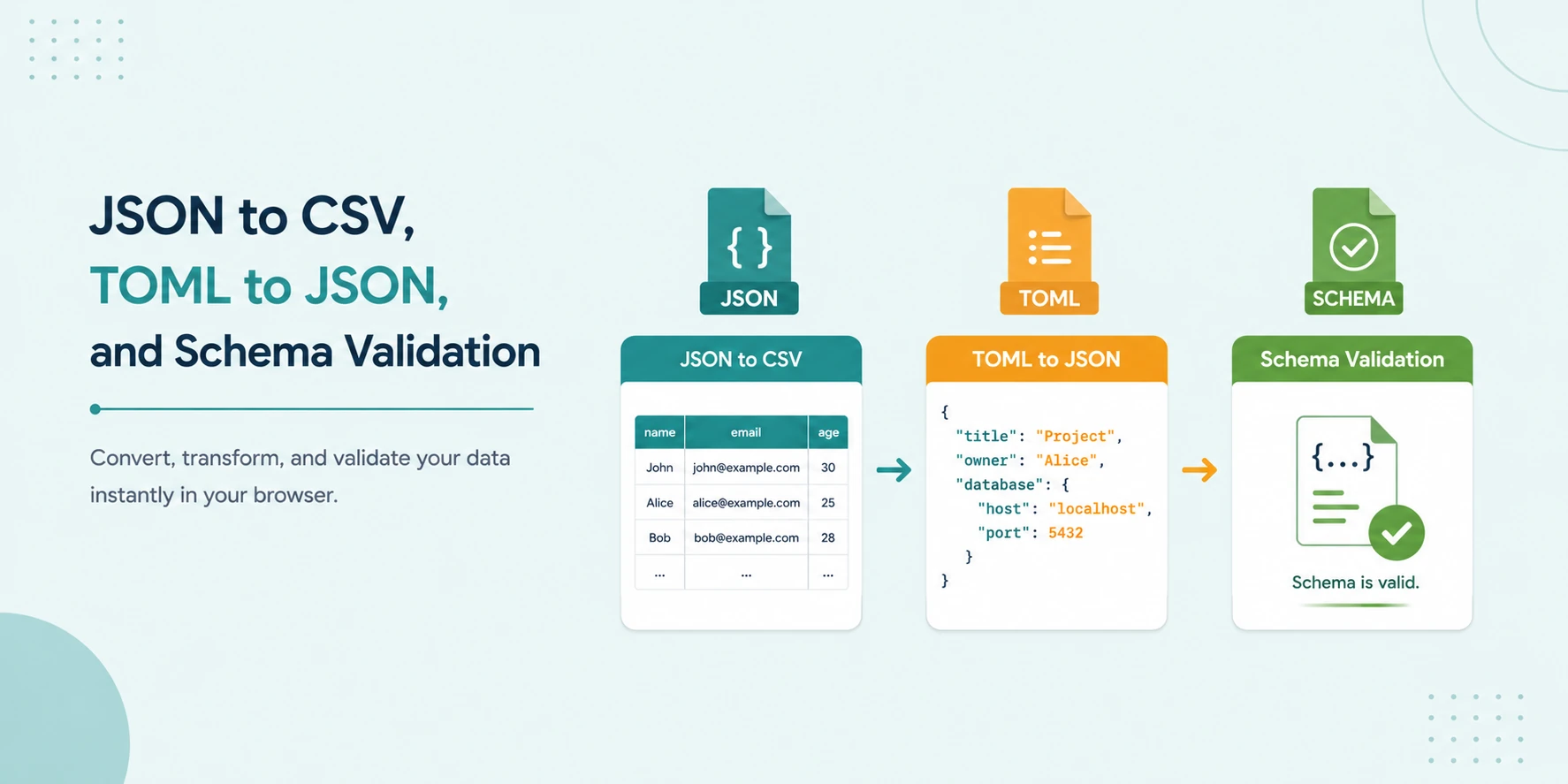
JSON to CSV, TOML to JSON, and Schema Validation: No-Upload Workflow
A secure local workflow for converting JSON to CSV, transforming TOML to JSON, and validating data with JSON Schema and Ajv.
Read Guide →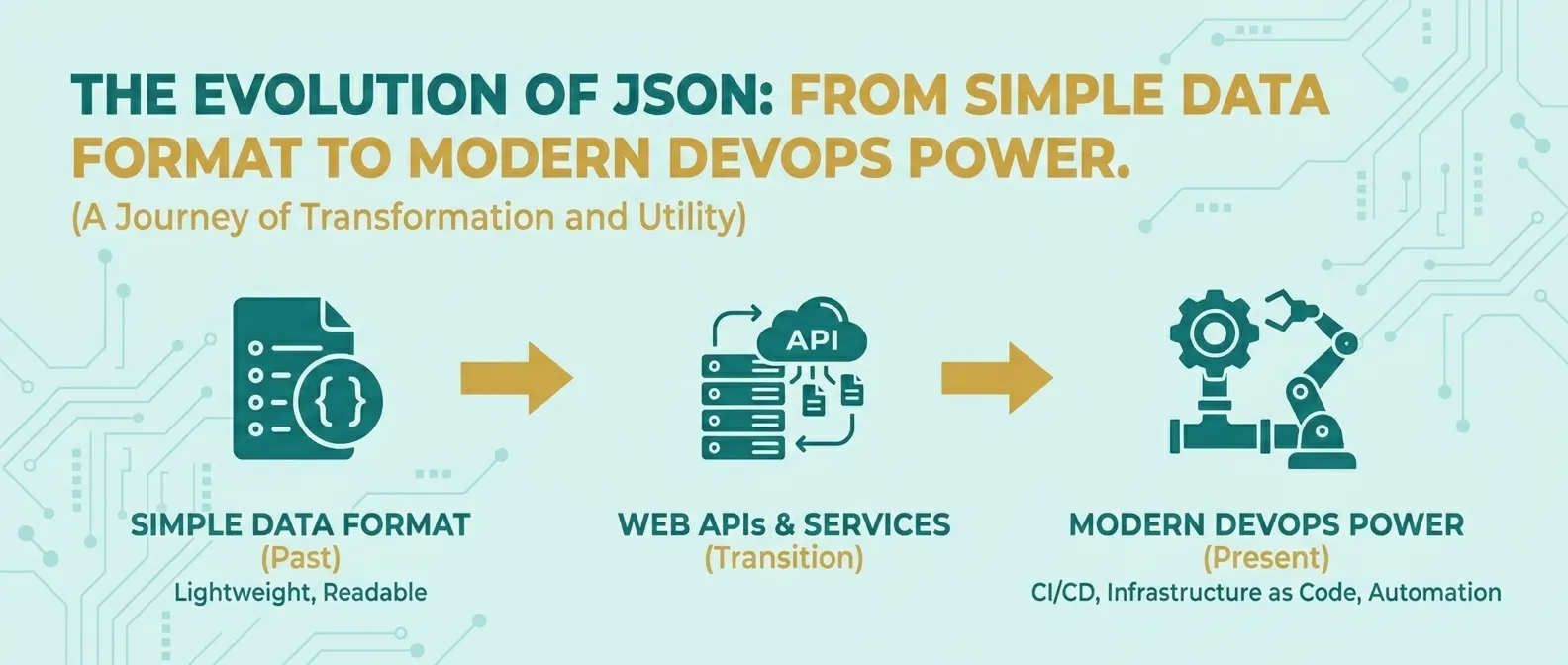
The Evolution of JSON: From Simple Data Format to Modern DevOps Power
Discover how JSON evolved from a simple lightweight format into the global standard for APIs, cloud configuration, and DevOps automation.
Read Guide →