
JSON to CSV Converter
Convert JSON arrays and objects into CSV rows and columns for spreadsheets, reports, or data imports. Nested values can be flattened into readable column names directly in your browser. All processing happens locally in your browser.
Convert JSON to CSV
What is JSON to CSV conversion?
JSON stores structured data using objects, arrays, keys, and values. CSV stores tabular data as rows and columns. Converting JSON to CSV means turning JSON keys into column headers and creating rows from individual records.
JSON is commonly used by APIs, applications, webhooks, and data exports, while CSV is useful for spreadsheets, reports, and tabular imports. This converter turns structured JSON into CSV directly in your browser.
Here is a basic example showing two records in a JSON array:
[
  {
    "name": "Asha",
    "age": 29,
    "city": "Delhi"
  },
  {
    "name": "Ravi",
    "age": 34,
    "city": "Pune"
  }
]
When converted to CSV, the keys become column headers and each object becomes one row:
name,age,city
Asha,29,Delhi
Ravi,34,Pune
How to convert JSON to CSV
-
Paste or upload JSON
Paste JSON text into the source panel or use the upload option to choose a supported
.jsonfile from your device. - Check the JSON Use the formatting or validation controls, if available, to make the JSON easier to read and identify syntax problems before conversion.
- Convert to CSV Run the conversion to turn JSON records into CSV rows and columns.
- Review the output Check the generated headers and rows. Pay special attention to nested fields, missing keys, arrays, and values containing commas or quotes.
- Copy or download Copy the CSV text to your clipboard or download the generated CSV file if that option is available.
JSON to CSV examples and conversion rules
JSON and CSV represent data differently. These common mappings show how structured JSON can be turned into a flat table:
| JSON input structure | CSV output | Typical conversion |
|---|---|---|
| Object key | Column header | Keys become the names of CSV columns. |
| Object in an array | One CSV row | Each object represents one record beneath the headers. |
| String or number | Cell value | The value is written into the corresponding cell and quoted when CSV escaping is required. |
Boolean (true / false) |
true or false |
The boolean value is represented as text in the CSV output. |
null |
Empty or blank value | The exact output depends on the converter's null-handling rule. |
| Missing key | Empty cell | If a column exists for other records, a missing value is typically left blank. |
| Nested object | Flattened column name | Nested keys can be flattened into names such as address.city. |
| Array value | Text inside one cell | Arrays can be preserved as compact JSON text when the converter supports that behavior. |
Converting nested JSON with dot notation
Real JSON often contains objects inside other objects. For example, an address may be grouped under a parent key:
[
  {
    "name": "Asha",
    "address": {
      "city": "Delhi",
      "zip": "110001"
    }
  }
]
If the converter uses dot-notation flattening, the result can look like this:
name,address.city,address.zip
Asha,Delhi,110001
This keeps the relationship between the parent and child keys while fitting the data into a two-dimensional CSV table.
How arrays are handled
CSV does not have a native array type. When a JSON property contains an array, one practical approach is to preserve that array as text inside a single CSV cell.
[
  {
    "name": "Asha",
    "tags": ["news", "tech"]
  }
]
If arrays are serialized as compact JSON text, the CSV may look like this:
name,tags
Asha,"[""news"",""tech""]"
The array remains available as text in one cell instead of being split across separate CSV columns. Verify that this matches the converter's actual array-handling behavior.
How missing keys and inconsistent records are handled
JSON objects do not need to contain exactly the same keys. For example:
[
  { "name": "Asha", "city": "Delhi" },
  { "name": "Ravi" }
]
If the converter creates columns from the keys found across the records, the output can look like this:
name,city
Asha,Delhi
Ravi,
The second row keeps an empty cell for city, which preserves alignment with the CSV header.
How commas, quotes, and line breaks are handled
CSV uses commas to separate fields, so values containing commas, double quotes, or line breaks usually need quoting.
- Values with commas: A value such as
Ravi, Jr.is enclosed in double quotes so the comma stays inside one cell. - Values with double quotes: Quotes inside a quoted CSV field are represented by doubling them.
- Values with line breaks: Multi-line text is enclosed in double quotes so it remains inside one CSV field.
For example, this JSON:
[
  {
    "name": "Asha",
    "note": "Uses commas, quotes like \"this\", and line\nbreaks"
  }
]
can produce CSV like:
name,note
Asha,"Uses commas, quotes like ""this"", and line
breaks"
This follows common CSV escaping conventions for commas, quotes, and line breaks.
When JSON to CSV is useful
Common use cases for converting JSON to tabular CSV include:
API response review
Turn API records into rows that are easier to filter, sort, and inspect in a spreadsheet.
Spreadsheet analysis
Convert structured JSON into a table that can be reviewed by people who do not normally work with JSON.
Data import preparation
Prepare JSON records for systems that accept tabular CSV imports.
Log inspection
Convert structured log records into rows so timestamps, messages, and other fields are easier to compare.
Test data review
Turn JSON fixtures or mock records into a simple reference table for testing and documentation.
Data quality checks
Review columns, missing values, and inconsistent records before importing or sharing a dataset.
JSON that converts well to CSV
CSV works best when the source JSON contains records with a similar structure. An array of objects with consistent keys is usually the easiest shape to convert:
[
  { "id": 1, "name": "Asha", "status": "active" },
  { "id": 2, "name": "Ravi", "status": "inactive" }
]
Keep in mind that spreadsheet applications may reinterpret some CSV values after opening the file. Dates, long numbers, and identifiers with leading zeros such as 00123 may need to be imported as text if their exact formatting matters.
When CSV may not be the right format
CSV is a flat table format. If you need to preserve deeply nested objects, multi-level arrays, strict data types, or schema relationships, keeping the data as JSON may be a better choice.
You can inspect or format JSON with the JSON Formatter, convert it to XML with JSON to XML, or convert it to YAML with JSON to YAML. To reverse the workflow, use the CSV to JSON Converter.
Common JSON-to-CSV issues
- Invalid JSON: Missing quotes, trailing commas, or broken brackets can prevent parsing. Use the JSON Formatter to inspect the input if needed.
- Unsupported root value: Primitive JSON values such as
"hello"or42do not naturally map to rows and columns. Check whether the converter expects an object, an array of objects, or both. - Primitive arrays: An array such as
[1, 2, 3]has no object keys to use as column names unless the converter applies a special rule. - Different keys across records: Records with missing fields may produce empty cells where other records contain values.
- Nested arrays or objects: Complex structures may need flattening or serialization before they fit cleanly into CSV.
- Large inputs: Browser-based conversion can take longer with larger files, deep nesting, or devices with limited memory.
Before using the CSV
- Check that the expected JSON properties became the correct CSV columns.
- Review how nested values were flattened or serialized.
- Check records with missing properties for correctly aligned empty cells.
- Confirm that commas, quotes, and line breaks appear correctly.
- Open the downloaded CSV in the destination application and review how it interprets dates, numbers, and leading zeros.
Browser-based processing
The JSON-to-CSV conversion runs locally in your browser to maintain privacy and does not require uploading the JSON input to TryFormatter's server to produce the CSV output.
Avoid including passwords, API keys, access tokens, or other secrets in datasets unless they are required for the task.
Frequently Asked Questions
What JSON structure works best for CSV conversion?
An array of objects with similar keys works best because each object can become one CSV row and each key can become a column header.
How does the converter handle nested JSON objects?
If nested-object flattening is enabled, child keys can be turned into column names such as address.city and address.zip. The exact behavior should match the converter implementation.
What happens when JSON records have different keys?
If the converter creates columns from all available keys, a record that does not contain one of those keys will have an empty cell in that column.
How are commas, quotes, and line breaks handled in CSV?
Values containing commas, quotes, or line breaks are typically enclosed in double quotes. Quotes inside a quoted CSV field are represented by doubling them.
Can I convert a single JSON object instead of an array?
If the converter supports single objects, one JSON object can be converted into one CSV data row beneath the generated headers.
Can I open the downloaded CSV in Excel or Google Sheets?
Yes. CSV files are supported by common spreadsheet applications. Review import settings when your data contains dates, leading zeros, long numeric identifiers, or international characters.
Does TryFormatter upload my JSON data?
The JSON-to-CSV conversion runs locally in your browser and does not require uploading the JSON input to TryFormatter's server.
Related Tools
Expert Guides & Tutorials
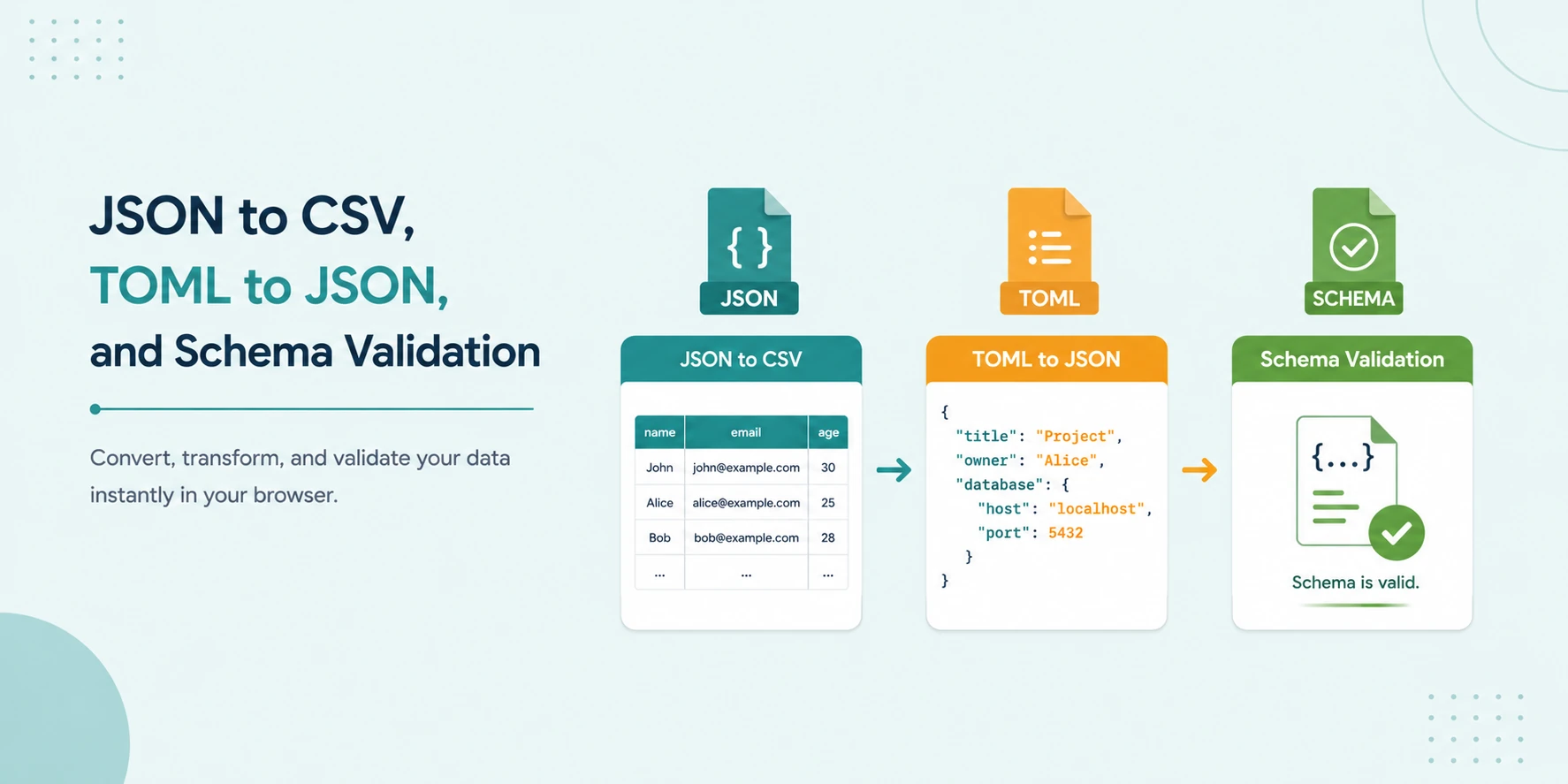
JSON to CSV, TOML to JSON, and Schema Validation: No-Upload Workflow
A secure local workflow for converting JSON to CSV, transforming TOML to JSON, and validating data with JSON Schema and Ajv.
Read Guide →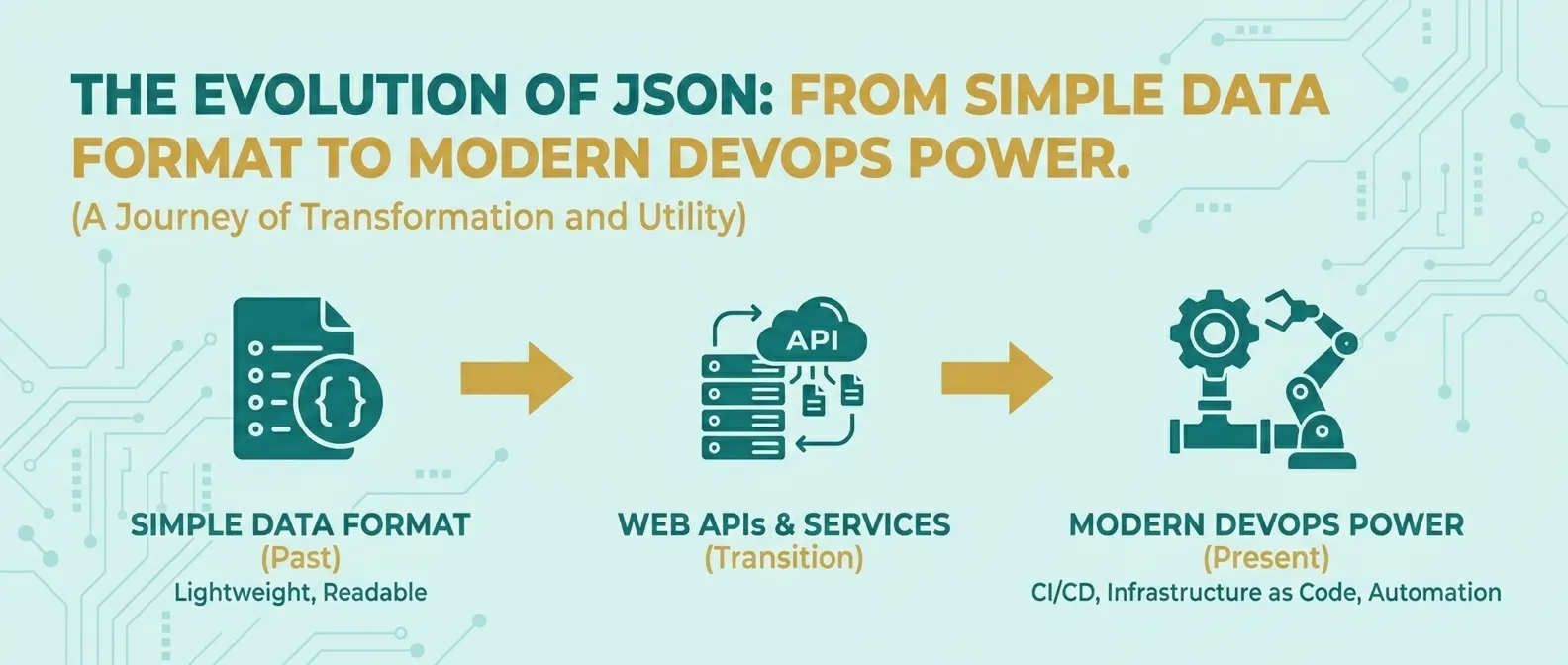
The Evolution of JSON: From Simple Data Format to Modern DevOps Power
Discover how JSON evolved from a simple lightweight format into the global standard for APIs, cloud configuration, and DevOps automation.
Read Guide →