
Stop Pasting Tokens: The Hidden Dangers of Cloud-Based JWT Decoders
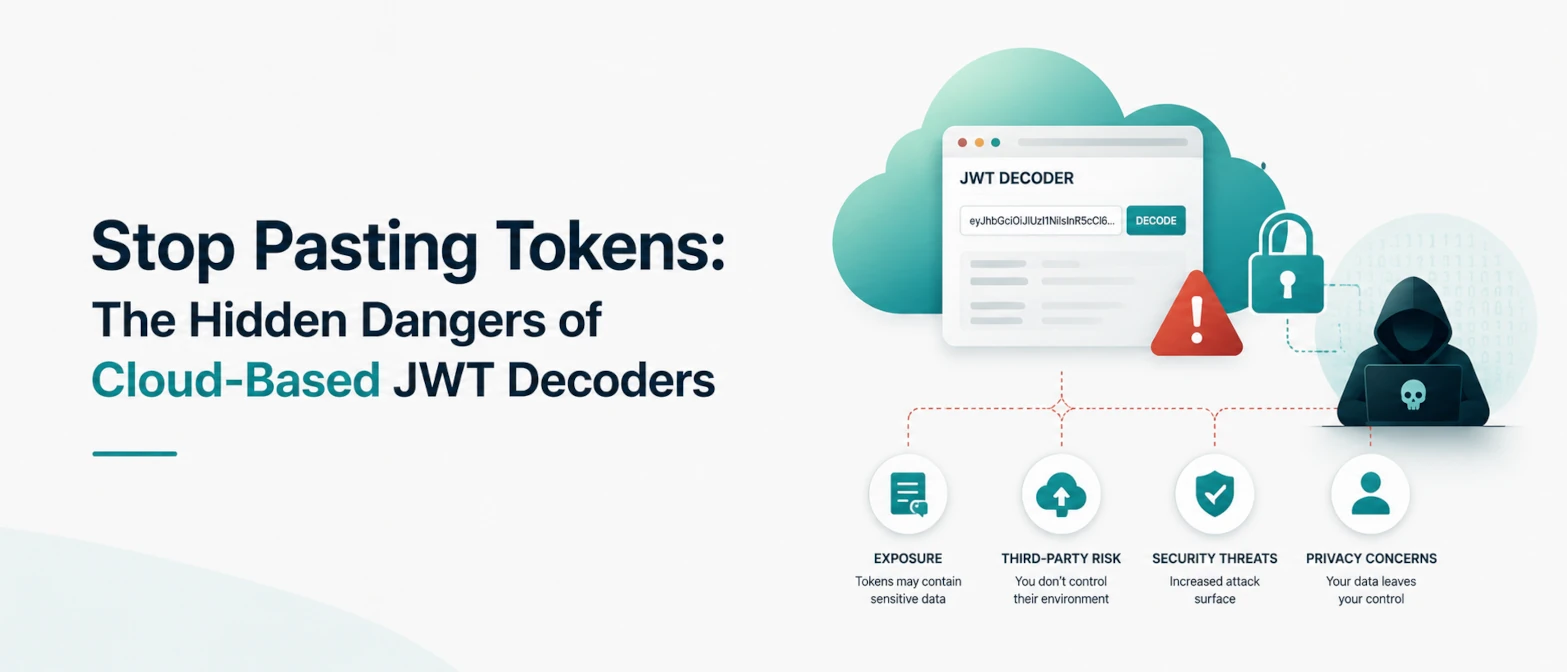
JWT debugging is part of daily backend and frontend work. Engineers inspect claims to verify session roles, expiration windows, issuer values, and audience checks. The risk starts when this routine task is done in random upload-based websites. A token copied from production can expose real identity and authorization data if it lands in third-party logs.
This guide explains why cloud JWT decoders are risky, what secure local decoding looks like, and how to design a safe team workflow for token inspection. It also clarifies a common misconception: JWT payloads are encoded, not encrypted, so anyone holding the token can read claims.
Short answer
Pasting a JWT into cloud tools can leak active credentials through request logs, analytics capture, or compromised infrastructure. Use browser-local JWT decoding and verification instead. When processing happens entirely in your browser, the token stays on your device and does not need server upload.
Why JWT exposure is dangerous
A JWT often contains identity, scope, role, tenant, and timing claims. Even expired tokens can reveal system design and internal naming patterns. If the token is still valid, leakage can lead to direct account impersonation.
Common leak paths in cloud decoders
- HTTP request logging: token content stored in reverse proxy and app logs.
- Session replay scripts: clipboard and input fields captured by analytics tooling.
- Temporary caching: payload preserved in edge cache layers longer than expected.
- Third-party dependencies: vulnerable scripts reading page content.
JWT anatomy refresher
- Header: algorithm and token type.
- Payload: claims such as sub, exp, aud, iss, roles.
- Signature: integrity proof for header and payload.
Decoding the payload does not validate trust. You still need signature verification and claim checks.
Safe local workflow
- Use a browser-local JWT debugger with no upload behavior.
- Paste token only in trusted environment.
- Decode header and payload locally.
- Verify signature locally with correct key/secret and algorithm.
- Check exp, nbf, iat, aud, and iss before any conclusion.
- Clear local state after debugging.
Verification checklist for engineering teams
- Algorithm lock: reject unexpected algorithms.
- Issuer policy: accept only approved issuer values.
- Audience scope: require exact audience match.
- Time window: enforce expiration and not-before checks with small clock skew.
- Key rotation: validate against active key set and decommission retired keys.
Examples
1. Role mismatch incident
Issue: support account unexpectedly had admin scope.
Local debug result: stale claim source from legacy auth bridge.
Fix: refreshed claim mapping and stricter issuer check.
2. Token expiry bug
Issue: valid users logged out early.
Local debug result: client clock skew and incorrect timezone conversion.
Fix: normalized UTC checks and controlled grace window.
3. Multi-tenant audience confusion
Issue: cross-tenant API requests occasionally failed.
Local debug result: audience claim generated from wrong tenant context in one service.
Fix: standardized audience builder and regression tests.
Policy recommendations
- Never paste production JWTs in unknown external websites.
- Use masked test tokens in docs and demos.
- Treat tokens as secrets in incident workflows.
- Document approved local debugging tools for all teams.
Advanced incident-response workflow for JWT exposure
If a production JWT was pasted into an unsafe tool, treat it as a potential credential exposure incident. The response should be fast and structured:
- Revoke or rotate impacted credentials: invalidate sessions and rotate keys if needed.
- Audit token issue window: identify what claims were exposed and for how long they were valid.
- Check access logs: detect abnormal token reuse patterns and suspicious geographies.
- Review downstream services: verify no unauthorized scope expansion occurred.
- Document the timeline: create an incident report with containment and prevention controls.
Teams that predefine this process reduce recovery time and avoid repetitive mistakes during pressure situations.
Developer enablement checklist
- Create a secure debugging guide in your engineering handbook.
- Provide approved local token inspection tools with clear usage notes.
- Train developers to mask sensitive claims in bug reports.
- Require code review for auth middleware and token verification changes.
- Include JWT misuse scenarios in quarterly security drills.
Hardening controls that reduce JWT risk
Local debugging is the first defense, but platform controls matter just as much:
- Short-lived access tokens: reduce impact if one is leaked.
- Refresh token rotation: prevent long-term replay chains.
- Scoped claims: avoid broad privileges in default tokens.
- Audience isolation: separate tokens by service boundary.
- Structured logging hygiene: block token values from logs by default.
These controls do not replace secure developer behavior. They provide layered protection when mistakes happen.
TryFormatter security tools
Secure token and payload workflow
Frequently asked questions
No. Most JWTs are only encoded and signed. Claims are readable to anyone who has the token.
Yes. They can still reveal identifiers, roles, issuer details, and architecture metadata.
No. Trust requires signature validation plus issuer, audience, and timing checks.
Use the disconnect test. If decoding works with network disabled, processing is likely local.
Conclusion
JWT debugging should never require exposing real tokens to third-party servers. A local, no-upload workflow gives the same debugging speed while removing a major leak path from your security posture.