
Secure Online JWT Debugger (Free & No Upload)
The TryFormatter JWT Debugger & Signature Verifier is a professional-grade security utility designed to help you deconstruct and audit JSON Web Tokens with absolute privacy. Because the entire process happens locally in your web browser memory, the tool is incredibly fast and completely secure. Your tokens, secrets, and keys never leave your device and are never uploaded to any server, giving you the perfect choice for auditing authentication payloads privately. All processing happens locally in your browser.
What is JWT Debugger & Signature Verifier?
JWT Debugger & Signature Verifier is a browser-based utility built for practical technical workflows where clarity, speed, and privacy all matter. It runs entirely in your browser, requires no server upload, and data never leaves your device. This local model is useful for developers and analysts who handle internal snippets, private configurations, and production-adjacent content.
In everyday work, teams use tools like this to reduce repetitive cleanup, standardize output, and avoid manual mistakes during release preparation. Instead of switching between multiple desktop apps or risky upload websites, you can complete one focused operation with predictable results and continue directly to the next step.
How to use JWT Debugger & Signature Verifier
- Open JWT Debugger & Signature Verifier and paste or load the source input.
- Select only the options needed for your destination workflow.
- Run the operation and review output for structure and consistency.
- Copy or download result and validate it in the downstream environment.
This workflow is intentionally short so it can be repeated during QA, migration, troubleshooting, and release checks.
Use cases
- Code and data hygiene: keep operational content readable and predictable.
- Validation before deploy: catch structural issues before shipping changes.
- Documentation consistency: produce copy-paste-safe output for runbooks and tickets.
- Cross-team reliability: reduce interpretation differences across contributors.
- Audit support: create repeatable outputs that are easy to verify and trace.
Common mistakes and prevention
- Skipping input validation: malformed source often leads to misleading output.
- Wrong mode selection: confirm format or operation type before export.
- No downstream check: always test output in the target system.
- Over-trusting one sample: include edge cases in your validation set.
- Missing process notes: document successful settings for team reuse.
Troubleshooting strategy
If output is not as expected, troubleshoot in layers:
- First verify input quality and encoding.
- Then confirm operation mode and option settings.
- Retest with smaller chunks to isolate problematic segments.
- Compare output against schema, parser, or runtime expectations.
- Record root cause and update team guidance for future prevention.
Privacy and security model
JWT Debugger & Signature Verifier follows a strict local-processing model: execution runs entirely in-browser, requires no server upload, and data never leaves your device. This is important when handling private tokens, internal scripts, proprietary schemas, or confidential documentation drafts.
Local execution does not remove the need for internal governance, but it significantly reduces exposure compared with unknown third-party upload tools.
Conclusion
JWT Debugger & Signature Verifier is most valuable when combined with clear process discipline: prepare input carefully, run predictable operations, validate output downstream, and document successful patterns. That combination improves delivery speed and reduces avoidable production errors.
How to use JWT Debugger & Signature Verifier
- Paste your encoded JWT into the professional-grade workspace.
- Inspect the decoded JSON headers and payload claims in real-time.
- Optional: Enter your secret key to verify the token signature locally.
After the result appears, compare it with the expected format, algorithm, schema, token claims, or validation rules. If the output will be used in production, test it in the destination system before relying on it.
Examples
These examples show common security and validation workflows. Exact results depend on the input, algorithm, schema, validator rules, and browser support.
| Input | Action | Output |
|---|---|---|
| Token, markup, XML, JSON schema, or text value | Process it with JWT Debugger & Signature Verifier | Decoded data, validation results, error details, or generated hash output |
| Snippet copied from an API, page template, config file, or test fixture | Check structure, syntax, claims, or integrity locally | A cleaner debugging result before opening an issue or changing code |
| Private development or QA content | Run the check in the browser workspace | Useful output without server upload |
Use cases
- Development & QA: Quickly decode tokens during development of authentication systems in a secure local environment.
- Security Research: Audit external tokens for vulnerabilities or incorrect structures without exposing them to the cloud.
- DevOps & Troubleshooting: Identify why a specific token is failing validation by inspecting its raw internal data locally.
JWT Debugger & Signature Verifier is useful for developers, QA testers, security reviewers, support teams, content teams, and anyone who needs a quick local check before sharing or deploying data.
Validation checklist
- Confirm the input is complete and copied from the correct source.
- Check that the selected algorithm, schema, validator mode, or verification option matches your real system.
- Review warnings as well as errors, especially for tokens, markup, schemas, and hashes used in production workflows.
- Do not paste secrets, access tokens, passwords, or private keys unless the tool specifically requires local verification and you understand the risk.
- Test the final result in your app, API client, CI check, browser, or validator before publishing it.
Privacy and data handling
JWT Debugger & Signature Verifier runs entirely in your browser for the active session. Your pasted input is handled in browser memory, requires no server upload, and data never leaves your device. This is important when working with JWT claims, internal markup, unpublished schemas, debugging snippets, or values that should not be sent to a cloud converter.
Even with browser-local processing, handle sensitive data carefully. Clear the editor when you finish, avoid sharing screenshots that expose secrets, and remove customer information before pasting examples into tickets, chat, or documentation.
Common mistakes to avoid
Do not confuse decoding with verification. Reading a token, markup block, schema, or hash output does not automatically prove that it is trusted, secure, complete, or ready for production. Use the result as evidence, then check the source system and surrounding configuration.
Do not ignore environment differences. A value that passes in a browser tool can fail in production because of different libraries, stricter parsers, missing keys, old browser support, line endings, encoding, or deployment rules. Keep the original input until your destination system accepts the output.
Workflow tip for online jwt debugger
Use JWT Debugger & Signature Verifier before and after a code or content change. A before-check helps capture the current problem, while an after-check confirms the fix. For repeatable work, save the cleaned test input in your project tests or QA notes so the same issue can be verified later.
Frequently Asked Questions
Is JWT Debugger & Signature Verifier safe for private content?
Yes. The tool runs entirely in your browser, requires no server upload, and data never leaves your device.
Can I use JWT Debugger & Signature Verifier in production workflows?
Yes. It is suitable for preparation and validation work. Always verify output in the destination system before final deployment.
What should I do if output is unexpected?
Check input structure, confirm selected options, and retry with a smaller sample to isolate errors before rerunning the full task.
Does TryFormatter store my source data?
No. Input is processed locally in your browser session and is not uploaded to TryFormatter servers.
Related Tools
Expert Guides & Tutorials
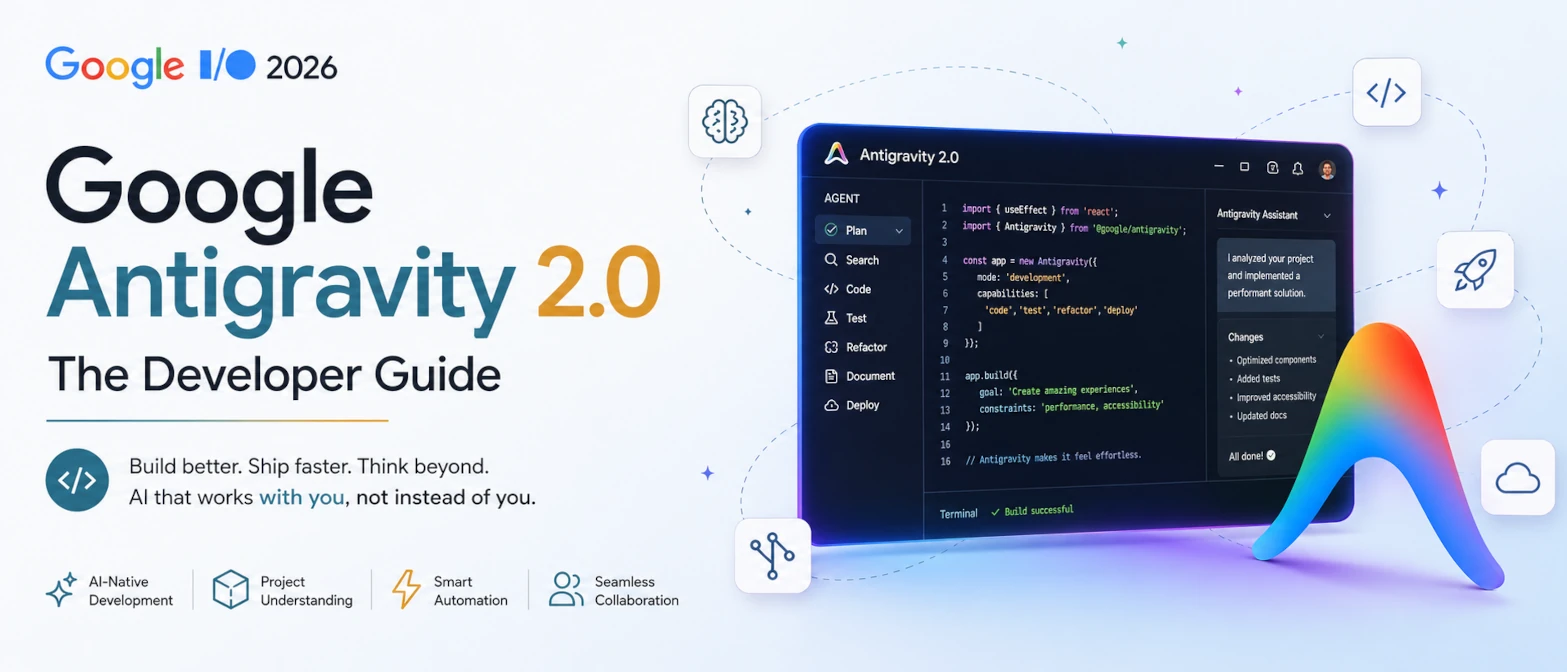
Google Antigravity 2.0: The Developer Guide from Google I/O 2026
Google Antigravity 2.0 explained for developers: multi-agent orchestration, MCP, dynamic subagents, CLI, SDK, and human-in-the-loop software delivery.
Read Guide →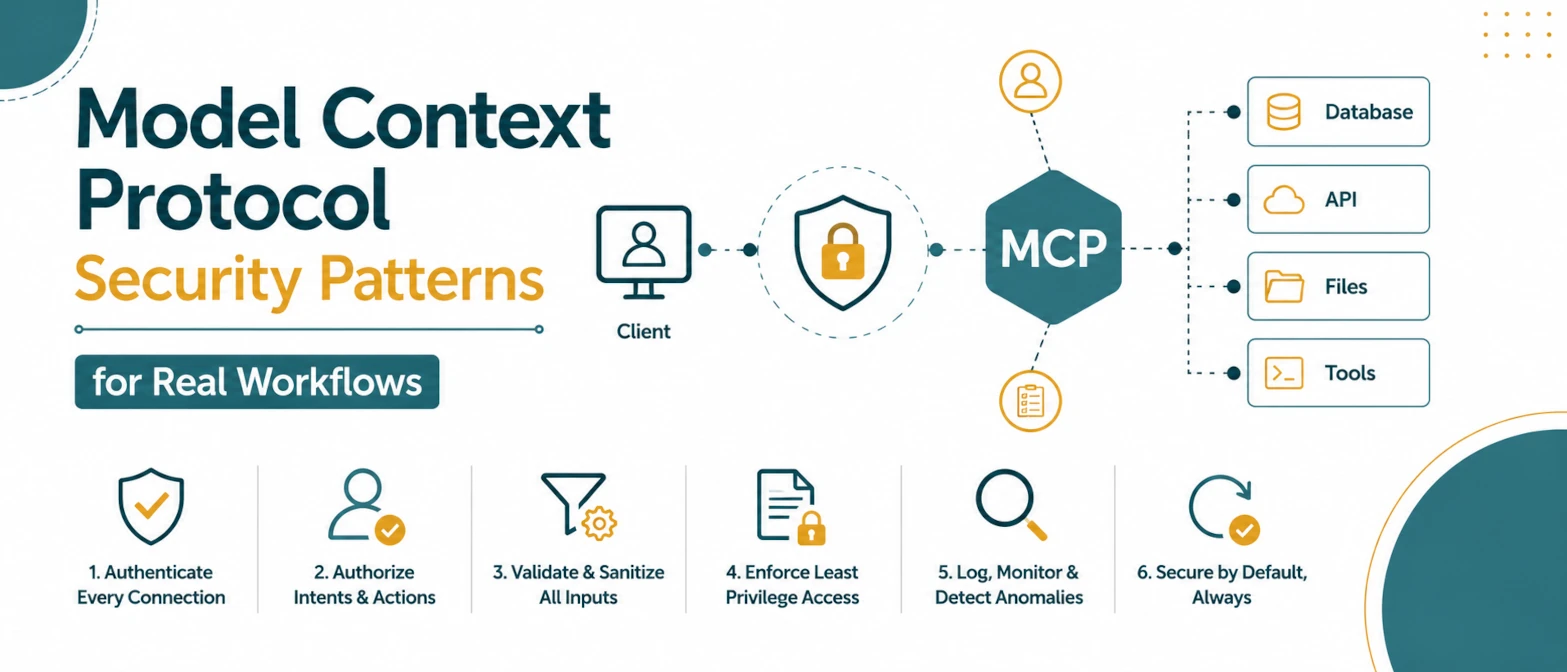
Model Context Protocol Security Patterns for Real Workflows
A security checklist for MCP tool workflows with permission boundaries, parameter validation, policy gates, and audit logs.
Read Guide →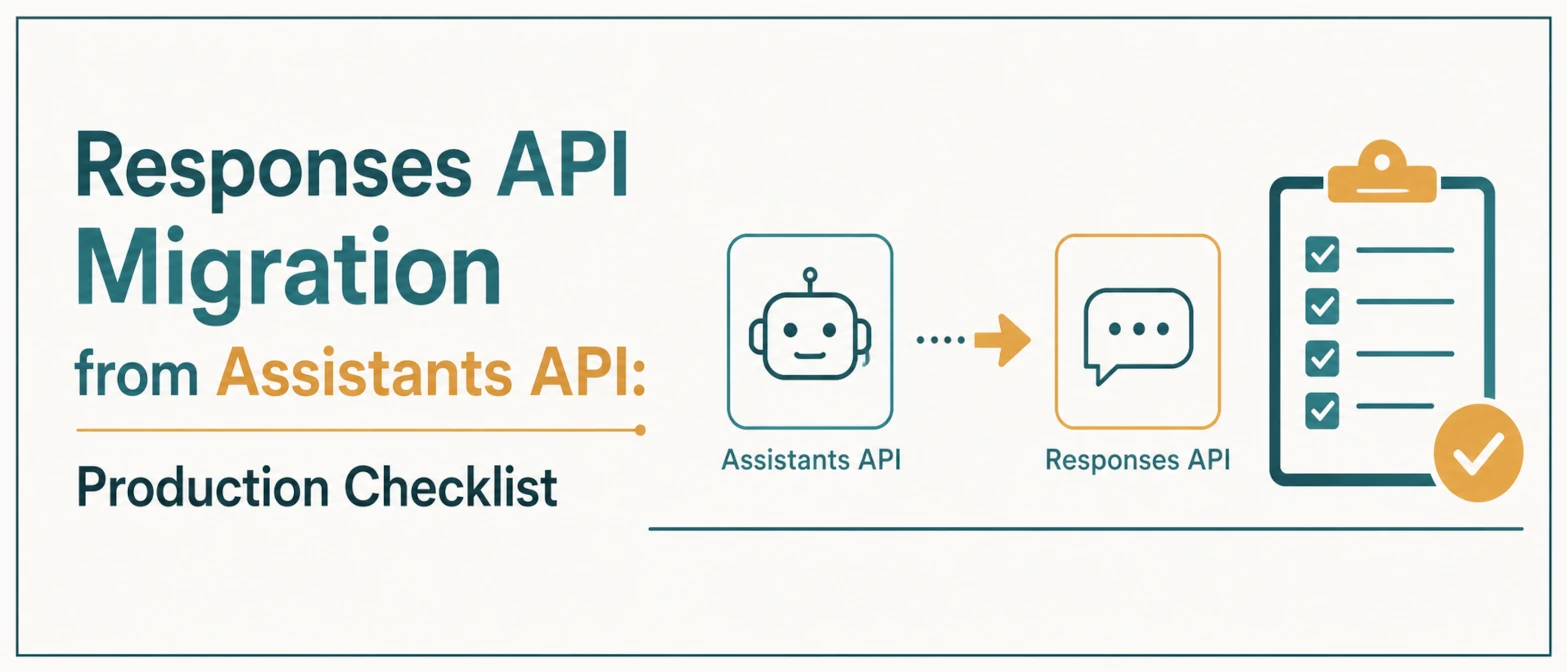
Responses API Migration from Assistants API: Production Checklist
A production migration checklist for moving Assistants API workflows to the Responses API with controlled rollout and monitoring.
Read Guide →
Why Online JSON Formatters Are a Security Risk (And How to Stay Safe)
Are online JSON formatters safe? Learn the hidden security risks of uploading API keys and sensitive data to cloud-based tools and why local processing is the future.
Read Guide →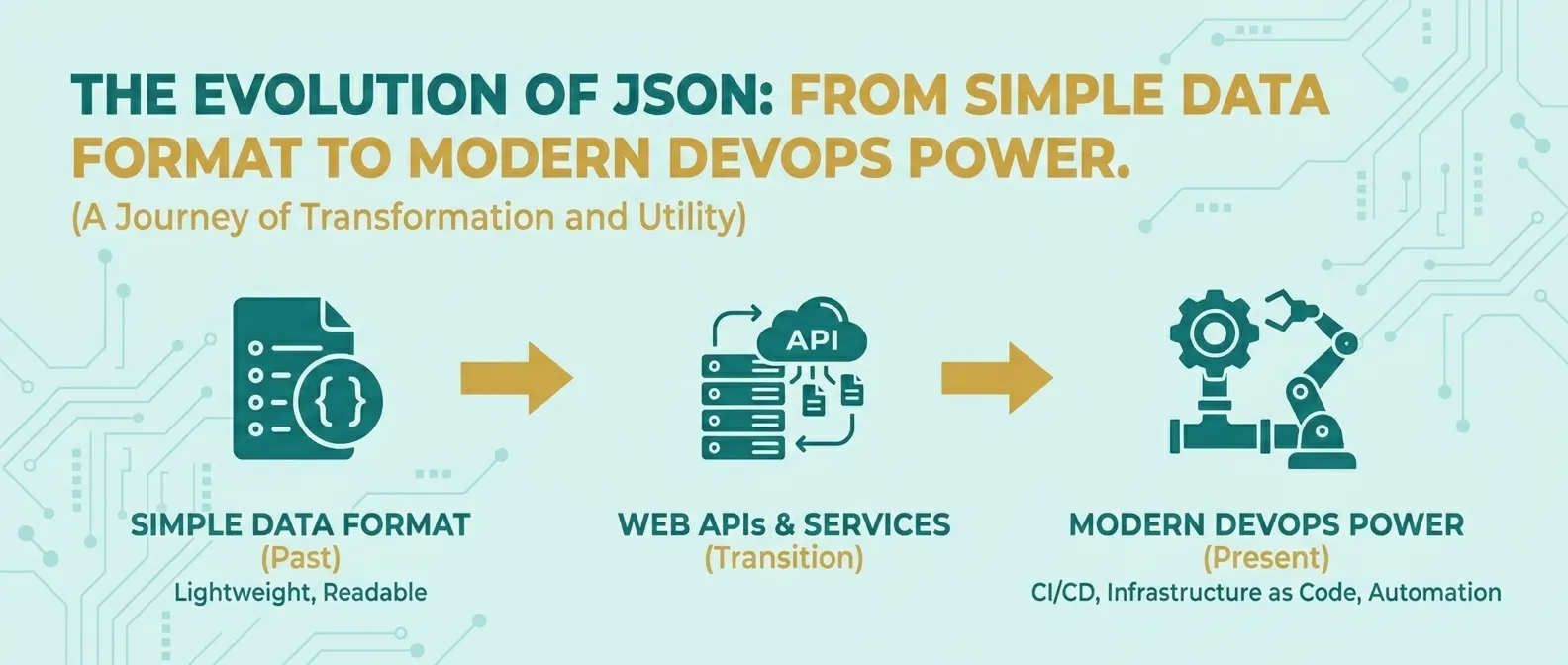
The Evolution of JSON: From Simple Data Format to Modern DevOps Power
Discover how JSON evolved from a simple lightweight format into the global standard for APIs, cloud configuration, and DevOps automation.
Read Guide →
Android 17 + AI Agents: What Google I/O 2026 Means for App Developers
Google I/O 2026 clarified what Android 17, adaptive-first layouts, Android CLI 1.0, and agentic Android Studio workflows mean for production app teams.
Read Guide →