
Free LLMS.txt Generator With No Upload
Create a concise llms.txt file based on the current community proposal for compatible AI assistants and agents. Build structured markdown sections, add important public URLs, and download the file without uploading its contents. All processing happens locally in your browser.
LLMS.txt Studio
/llms.txt. Use robots.txt for crawler permissions.1. What is an LLMS.txt Generator?
An LLMS.txt generator is a developer utility for creating the Markdown orientation file described by the community llms.txt proposal. Jeremy Howard introduced the idea through Answer.ai, and version 2 was published in August 2026. A site can expose a file at /llms.txt or at a relevant subpath, then point compatible agents to curated documentation, features, and public resources.
The proposal is not a web standard and support varies. It can reduce the work a compatible client needs to do when locating useful Markdown resources, but it cannot guarantee crawling, citation, factual accuracy, or search visibility. Google Search explicitly says it does not use llms.txt. Treat the file as optional agent documentation alongside established controls such as robots.txt and XML sitemaps.
2. Key Use Cases for Publishing an LLMS.txt File
Publishing an llms.txt file delivers strategic advantages across developer tooling, enterprise SaaS, and modern organic search discovery:
Developer API & SDK Guidance
Give coding assistants (Cursor, GitHub Copilot, Claude Code) direct paths to your clean documentation and code snippets.
Compatible Agent Orientation
Give tools that choose to read the proposal a concise route to official product and documentation pages without promising citations.
Context Window Token Conservation
Reduce token bloat by pointing models to stripped raw Markdown documents instead of 500KB client-rendered JavaScript single-page apps.
Confidential Site Mapping
Build and curate staging site maps and private enterprise documentation indexes securely in your browser with zero remote logging.
3. Technical Comparison: LLMS.txt vs Robots.txt vs Sitemap.xml
Understanding where llms.txt fits into your technical infrastructure requires comparing it against the two existing root protocols:
| Standard File | Primary Audience | File Syntax | Operational Purpose |
|---|---|---|---|
| /robots.txt | Web crawlers (Googlebot, Bingbot, GPTBot) | Robots Exclusion Protocol (User-agent, Allow, Disallow) | Controls access permissions and crawl rate limits; does not describe content meaning. |
| /sitemap.xml | Search engine indexing bots | XML schema (loc, lastmod, changefreq, priority) | Lists exhaustive URL inventories for discovery; contains zero content summaries or context. |
| /llms.txt | LLMs, AI agents & conversational bots | Markdown proposed by the llms.txt community specification | Offers curated links and concise summaries to compatible clients; it does not control access. |
4. How to Build and Deploy Your LLMS.txt File
Follow these four simple steps to construct and publish a compliant llms.txt file:
-
1
Enter Site Metadata & Summary
Type your project name into the H1 field and write a concise, one-sentence blockquote describing your site's core purpose and value proposition.
-
2
Organize Logical Content Sections
Create thematic H2 categories such as Core Tools, Documentation, API Reference, or Optional Context. Grouping links helps AI models navigate hierarchy.
-
3
Add Curated Links with One-Line Notes
Add URLs to your top public pages. Accompany each link with a short, objective description explaining what the page does (e.g.,
- [Image Resizer](https://...): Free client-side image dimension tool.). -
4
Download and Publish
Click Download to save the file. Publish it at the root or a relevant subpath. Version 2 also recommends advertising it with an HTTP
Linkheader or HTMLlinkelement usingrel="alternate"orrel="describedby"and typetext/markdown.
5. Concrete Examples: Valid LLMS.txt Structures
Below are practical examples that follow the proposal's Markdown structure. Compatibility still depends on the client choosing to read the file:
| Section | Markdown Syntax Example | Technical Explanation |
|---|---|---|
| Title & Summary | # TryFormatter |
H1 title followed by a blockquote summary that establishes immediate entity context for the AI model. |
| Core Section | ## Important Tools |
H2 heading grouping top utility pages with explicit absolute URLs and actionable, objective one-sentence summaries. |
| Optional Section | ## Optional |
The "Optional" section instructs models to avoid consuming tokens on secondary logs unless specifically queried. |
6. Best Practices for AI Agent Compatibility
Keep these technical guidelines in mind when preparing the file for compatible agents:
- Curate Instead of Mirroring a Sitemap: The proposal sets no fixed link limit. Include the resources an agent needs for the stated topic and remove duplicate, obsolete, or low-context links.
- Point to Markdown Endpoints When Possible: If your documentation platform provides raw markdown versions of pages (e.g.,
/docs/install.md), link directly to those files to spare models the overhead of parsing HTML tags. - Write Objective, Jargon-Free Descriptions: Avoid promotional fluff like "the world's most revolutionary widget". Use clean, direct verbs: "Validates JSON Schema version 7", "Calculates Flesch-Kincaid grade level".
- Treat LLMS-Full.txt as Optional: Some publishers use
llms-full.txtfor concatenated documentation, but it is a convention rather than a required part of the version 2 proposal. Large files may also be impractical for many clients.
7. Pure Client-Side Generation & Complete Privacy
Many online generator tools require you to submit your internal architecture, unreleased product documentation links, and corporate notes to external server endpoints. This poses real security risks for pre-release products and private enterprise repositories.
TryFormatter's LLMS.txt Generator builds the file inside your browser. The generator does not send the summaries, link collections, or section text to a generation API or store them in an application database.
Frequently Asked Questions
What is the difference between /llms.txt and /llms-full.txt?
An /llms.txt file follows the community proposal for a concise Markdown orientation page. Some publishers also create /llms-full.txt by concatenating documentation, but that larger file is an optional convention rather than a required part of the version 2 proposal.
Does publishing an llms.txt file replace my existing robots.txt file?
No. The robots.txt file is a web standard that controls crawler access permissions (Allow/Disallow rules) and links to sitemaps. An llms.txt file does not provide access rules; it provides curated content guidance and documentation links for AI systems.
Where should I host the generated llms.txt file on my website?
The familiar location is https://yourdomain.com/llms.txt, and version 2 also permits files at relevant subpaths. The proposal recommends advertising the resource with an HTTP Link header or HTML link element using rel=alternate or rel=describedby and type=text/markdown.
Does an llms.txt file improve Google rankings or AI citations?
There is no such guarantee. Google Search says it does not use llms.txt, so the file is not a Google ranking mechanism. Other agents may choose to read it, but support differs and publishing one cannot guarantee crawling, accurate answers, or citations.
Should I include all pages of my website in the llms.txt file?
No. Unlike an XML sitemap, which lists every indexed URL, an llms.txt file should be curated to include only your most authoritative, high-signal pages—such as API documentation, core feature guides, pricing terms, and privacy policies.
Can I generate my llms.txt file offline without an active internet connection?
Yes. Once the page is loaded in your browser, the entire builder runs locally in JavaScript memory. You can configure sections, edit links, and download the final text file without sending any requests to external servers.
Related SEO Tools
Expert Guides & Tutorials
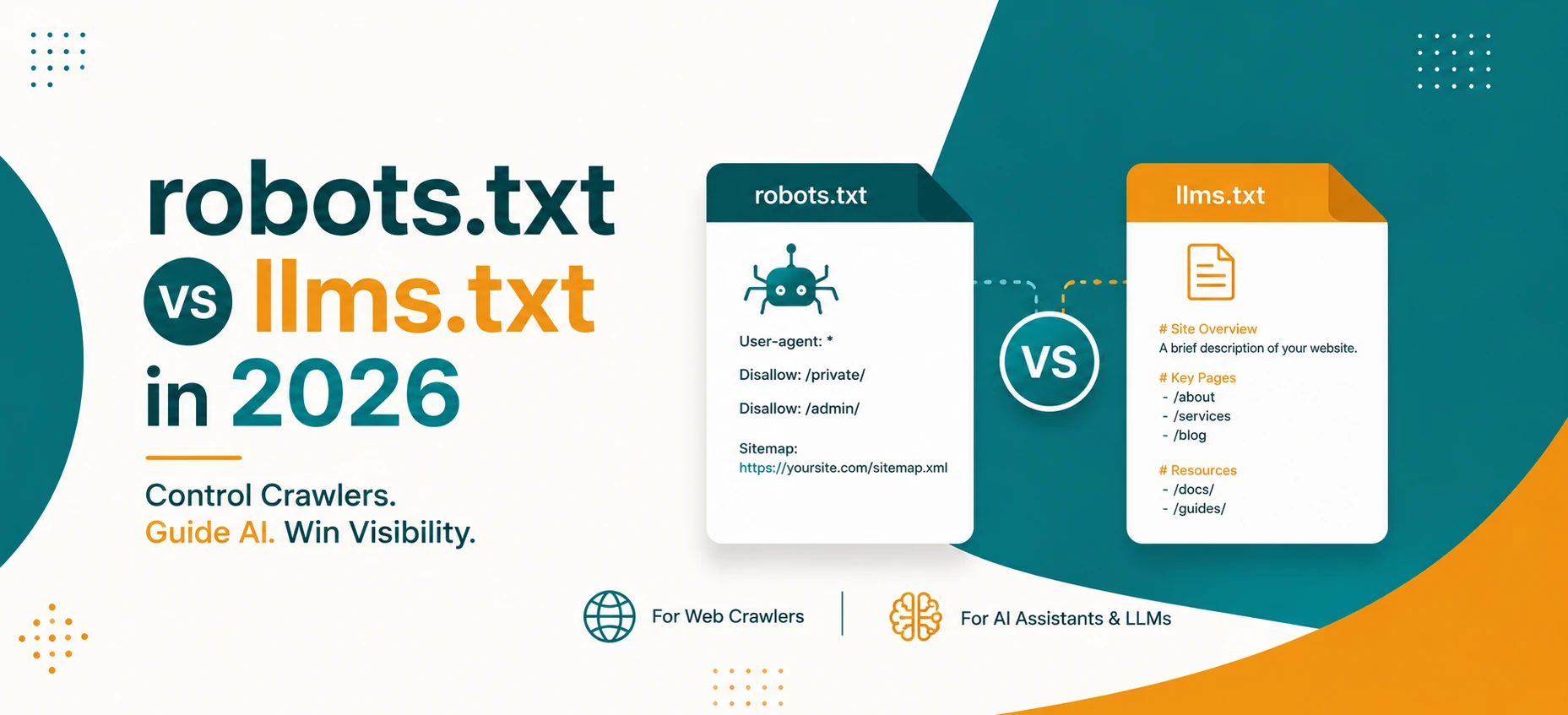
robots.txt vs llms.txt in 2026: What AI Crawlers Actually Use
A practical guide to robots.txt, llms.txt, Google AI features, OpenAI crawlers, snippets, indexing controls, and safe crawler policy in 2026.
Read Guide →
AI Agents and Web Tools: How to Make Your Website Agent-Friendly
A practical guide to making websites easier for AI agents to read, navigate, cite, and use without confusing users or weakening privacy.
Read Guide →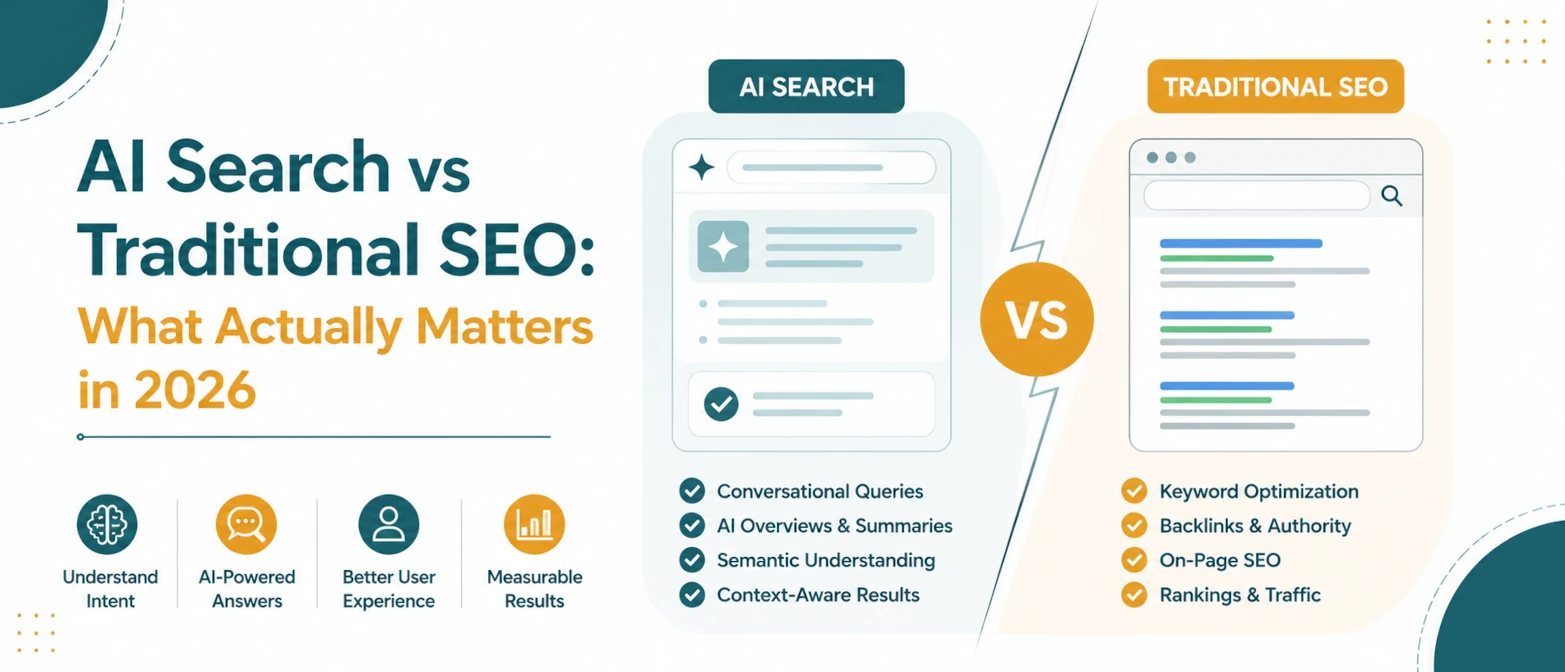
AI Search vs Traditional SEO: What Actually Matters in 2026
A simple guide to what still matters in traditional SEO, what changes for AI search, and how to prepare pages for both in 2026.
Read Guide →
AI Search SEO in 2026: How to Optimize Your Website for ChatGPT, Gemini & Google AI
Learn how AI Search SEO and Generative Engine Optimization help websites appear in ChatGPT, Gemini, Google AI Overviews, Claude, and Perplexity.
Read Guide →