
YAML to JSON Converter
Convert YAML into JSON with anchors resolved, merge keys expanded, and a clear list of the YAML features that JSON cannot carry over. All processing happens locally in your browser.
Convert YAML into JSON
Parsing uses js-yaml, so anchors are resolved, merge keys are expanded and errors name the line and column. Features that JSON cannot represent are listed rather than silently dropped.
{
  "name": "web-api",
  "replicas": 3,
  "resources": {
    "limits": {
      "cpu": "500m",
      "memory": "512Mi"
    }
  }
}| Feature | Found | What happens |
|---|---|---|
| Comments | 2 | JSON has no comment syntax, so every comment is lost on conversion. |
Converting YAML to JSON is one-way for anything JSON lacks: comments, anchors, and multiple documents in one stream. The data survives; the authoring conveniences do not.
What is lost going from YAML to JSON
The data survives. YAML's authoring conveniences do not, because JSON has no way to express them. That makes this direction genuinely lossy, and it is worth knowing which parts of your file will not come back.
| YAML feature | What happens in JSON |
|---|---|
Comments (#) |
Removed. JSON has no comment syntax at all. |
Anchors and aliases (&name, *name) |
Expanded into full copies. Shared structure becomes duplicated data. |
Merge keys (<<:) |
Flattened into the surrounding mapping. |
Multiple documents (---) |
Only the first is converted; JSON holds one value. |
Block scalars (|, >) |
Become ordinary strings with escaped newlines. |
| Timestamps | Become ISO 8601 strings; JSON has no date type. |
.inf, .nan |
Become null; JSON numbers cannot be infinite or NaN. |
| Non-string keys | Stringified; JSON object keys must be strings. |
Tags (!!set, !!binary) |
Resolved to the nearest JSON shape, losing the type signal. |
This page detects each of these in your input and lists them, with a count, rather than converting silently. The intent is that you know what changed before you rely on the output.
How to convert
- Paste your YAML A parse failure names the line and column, and translates the common cases — tabs, misaligned indentation, an undefined alias — into plain English.
- Choose the JSON formatting Two or four spaces for readability, or minified for transport.
- Read the lossy-feature panel It lists what could not survive, with counts, so nothing disappears without notice.
- Check the type-change warnings Timestamps, infinities and non-string keys are called out individually because they change type rather than just formatting.
Anchors and merge keys, resolved
Anchors are YAML's way of writing something once and reusing it. They are extremely common in CI configuration and Docker Compose files.
defaults: &defaults
  retries: 3
  timeout: 30

primary:
  <<: *defaults
  host: primary.internal

replica:
  <<: *defaults
  host: replica.internal
Converted to JSON, the shared block is copied into each place that referenced it:
{
  "defaults": { "retries": 3, "timeout": 30 },
  "primary":  { "retries": 3, "timeout": 30, "host": "primary.internal" },
  "replica":  { "retries": 3, "timeout": 30, "host": "replica.internal" }
}
The values are correct. What is gone is the relationship — that all three were meant to stay in step. Change retries in the JSON and you have to change it in three places instead of one.
Two details worth knowing about anchors. First, an anchor must be defined before the alias that uses it; a forward reference is a parse error, and this page reports it as one. Second, an alias expands to a full copy in most parsers, so a deeply nested anchor referenced many times can expand a small file into a very large JSON document.
Examples: values whose type changes
YAML infers types from unquoted text, so a value that looked like a string in the file may not arrive as one.
| YAML | JSON | Note |
|---|---|---|
feature: yes |
"feature": "yes" |
js-yaml follows YAML 1.2 here, keeping it a string |
debug: true |
"debug": true |
A real boolean |
version: 1.0 |
"version": 1 |
Unquoted, so it is a number and the trailing zero is gone |
version: '1.0' |
"version": "1.0" |
Quoted in the source, so it stays a string |
port: 08080 |
"port": "08080" |
Not a valid number, so it stays a string |
released: 2026-03-14 |
"released": "2026-03-14T00:00:00.000Z" |
Parsed as a timestamp, then serialised as ISO 8601 |
ratio: .inf |
"ratio": null |
JSON has no infinity |
missing: |
"missing": null |
An empty value is null in YAML |
The date row surprises people most. Writing released: 2026-03-14 produces a full timestamp at midnight UTC, not the date string you typed. If you want the literal text, quote it in the YAML: released: '2026-03-14'.
Common parse errors and what they mean
- A tab character. YAML forbids tabs as indentation, full stop. This is the most common cause of a file that looks fine in one editor and fails in CI. The error names the line.
- Inconsistent indentation. Siblings must align exactly. Being one space out is a structural error, not a style problem, and can silently nest a key under the wrong parent when it happens to still be valid.
- A duplicate key. Legal YAML, but the later value wins silently. It is almost always a mistake — usually two people editing the same config — so it is reported here.
- An undefined alias.
*namewithout a preceding&name. Usually caused by copying a block out of a larger file and leaving the anchor behind. - An unterminated quoted string. A missing closing quote lets the parser run to the end of the document, so the reported line is often far from the real problem. Look upward from it.
- A colon inside an unquoted value.
title: Report: Q1is ambiguous. Quote the value. - Missing space after the colon.
key:valueis a single scalar string, not a mapping. YAML needskey: value.
Use cases
- Feeding a config to code that expects JSON. Many libraries and CLI tools take JSON only, while the config is maintained as YAML.
- Querying a config. Convert to JSON and then use the JSONPath Tester to pull out a deeply nested value.
- Validating against a schema. JSON Schema tooling works on JSON, so converting first lets you check a YAML config with the JSON Schema Validator.
- Understanding what your YAML actually parsed to. This is the strongest use: the JSON shows the real types, revealing that
version: 1.0became a number or that a date became a timestamp. - Diffing two configs meaningfully. Convert both with keys sorted and compare the JSON, so reordering and comment changes do not show up as differences.
- Debugging an anchor. The expanded JSON shows exactly what a merge key resolved to, which is hard to read from the YAML alone.
To go back the other way, JSON to YAML handles the quoting correctly. The YAML Formatter tidies a file without converting it.
Privacy
Parsing runs in your browser with js-yaml. The YAML is not uploaded, which matters because config files routinely contain internal hostnames, service names and secret references. Usage analytics record only the indentation setting, a coarse size band and how many lossy features were detected.
Frequently Asked Questions
Why did my comments disappear?
Because JSON has no comment syntax, so there is nowhere to put them. This is the single most important thing to know about this direction: if the YAML file is the source of truth, do not convert it to JSON, edit it, and convert back — the comments will not survive the trip.
What happens to anchors and aliases?
They are expanded, so every alias becomes a full copy of the anchored value. The data is correct but the relationship is lost, meaning a value that was maintained in one place is now duplicated in several. A heavily aliased file can also expand dramatically in size.
Why did my date become a long timestamp string?
Because YAML has a timestamp type and 2026-03-14 unquoted matches it, so it parses to a date and serialises as ISO 8601 at midnight UTC. To keep the literal text, quote it in the YAML as '2026-03-14'. This is flagged in the type-change warnings.
My YAML has several documents separated by ---. Why did I only get one?
JSON holds exactly one value, whereas a YAML stream can hold many documents. This is common in Kubernetes manifests that bundle several resources in one file. Split the stream and convert each document separately, or assemble them into a JSON array yourself.
Why does version: 1.0 become the number 1?
Because it is unquoted, so YAML reads it as a number and 1.0 equals 1. The trailing zero is formatting, not data. Quoting it in the source keeps it a string. This catches people out most often with version numbers and zero-padded codes.
Why is a tab an error rather than just bad style?
The YAML specification forbids tabs as indentation outright, so a compliant parser must reject the document. It is the most common reason a file that renders correctly in one editor fails in a build, because the tab is invisible.
Is a duplicate key really a problem if YAML allows it?
YAML permits it and most parsers let the last value win silently, which is exactly what makes it dangerous. It nearly always means two edits collided, and the losing value looks present in the file while having no effect. It is reported here rather than resolved quietly.
Related Tools
Expert Guides & Tutorials
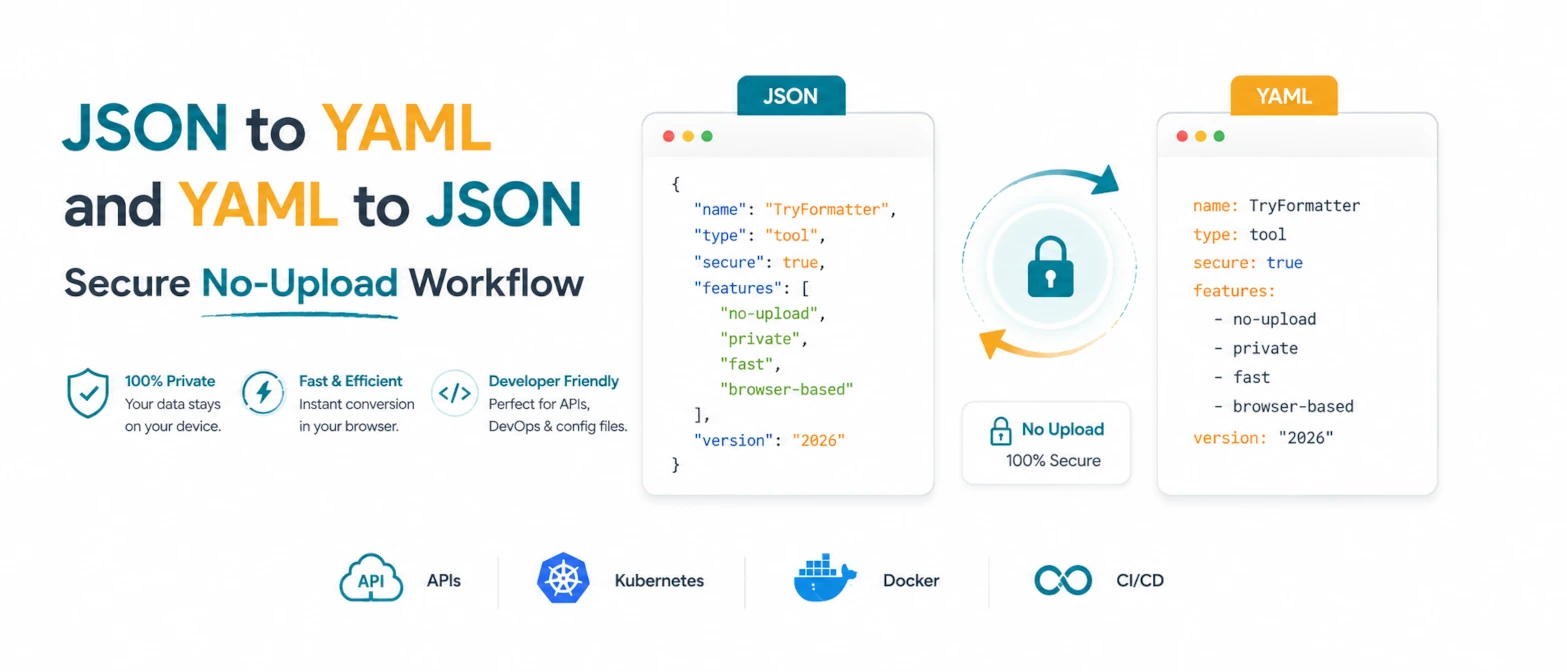
JSON to YAML and YAML to JSON: Secure No-Upload Workflow
A practical guide to converting JSON and YAML locally for APIs, Kubernetes, Docker, and configuration review without uploading private data.
Read Guide →
The Evolution of JSON: From Simple Data Format to Modern DevOps Power
Discover how JSON evolved from a simple lightweight format into the global standard for APIs, cloud configuration, and DevOps automation.
Read Guide →