
Bulk Image Compressor Online
Compress multiple JPG, PNG, WebP, and GIF images in your browser. Reduce file size, preview savings, and download the compressed batch as a ZIP file with no upload or signup. All processing happens locally in your browser.
Bulk Image Compressor Workspace
Drop Images Here
Compress JPG, PNG, WebP, or GIF files locally in your browser memory.
What is Bulk Image Compressor?
Bulk Image Compressor Online is a browser-based image utility built for real-world workflows where privacy, speed, and file size control matter. It enables developers, content creators, and marketing teams to compress multiple images at once directly in their browser. By utilizing local processing power, the tool eliminates the need for server uploads, meaning your files stay safe on your own device and are never transmitted to external services.
Instead of relying on tools that limit file counts or require uploads, Bulk Image Compressor lets you upload multiple images, configure quality options, preview savings, and download the optimized batch in a ZIP archive.
Files Stay on Your Device
Image compression is executed locally in your browser memory. No data is sent to external servers.
Batch Compression
Compress dozens of JPG, PNG, WebP, or GIF files simultaneously in a single processing loop.
ZIP Archive Export
Package your compressed images automatically and download the full batch in one simple ZIP file.
Before & After Preview
Inspect exact pixel quality differences and preview target KB sizes before deciding to download.
Why compress multiple images at once?
Uploading separate images manually when working with large volumes of media assets is tedious and inefficient. Modern content publishing requires standardizing and optimizing batch files to hit exact size parameters. In online operations, bulk compression is essential across several core environments:
- Websites and Blogs: Optimizing images in one batch prevents heavy pages, boosts Google Lighthouse scores, and increases Core Web Vitals performance.
- E-commerce Product Listings: Major marketplaces enforce strict image file limits. Standardizing listing images ensures smooth catalog uploads.
- Creative Portfolios: Photographers and designers need to present high-resolution visual work without causing page loading lag.
- Social Media Campaigns: Social managers upload multiple assets daily. Batch processing optimizes dimensions and file sizes in seconds.
- Email Marketing and Attachments: Heavy images clog inboxes and cause deliverability issues. Pre-compressing ensures crisp and lightweight campaigns.
- Enterprise CMS Uploads: Large digital asset managers (DAM) and WordPress sites function better when images are pre-optimized.
How image compression works
Image compression reduces file size by changing how visual data is encoded. Depending on the selected output format, the browser may reduce quality, convert the image format, or apply a smaller output size when advanced resize settings are used.
For JPG and WebP, the quality slider controls how much detail is preserved. Higher quality keeps more detail but usually creates larger files. Lower quality creates smaller files but may introduce visible artifacts if pushed too far.
- Image loading: The selected image is loaded into the browser workspace.
- Preview rendering: The image is rendered for preview and processing.
- Optional resizing: If advanced dimensions are enabled, the image can be reduced before export.
- Encoding: The browser exports the image in the selected format and quality.
- Size comparison: The output size is compared with the original file size so the tool can show savings or mark the file as already optimized.
JPG vs PNG vs WebP compression
Selecting the correct image format is critical to balance visual quality and compression savings. Different file types handle transparency, details, and color tables differently. Refer to the table below to make the best choice for your project:
| Format | Transparency | Best Use Cases | Compression Characteristics |
|---|---|---|---|
| JPG / JPEG | No | Complex photographs, realistic textures, and colorful scenery. | Lossy. High compression ratio. Quality degradation occurs on flat color borders. |
| PNG | Yes | Logos, UI screenshots, vector icons, and graphics with text. | Lossless. May stay large. Highly detailed screenshots will not shrink much unless converted. |
| WebP | Yes | Modern web design, blog headers, and responsive site assets. | WebP often creates smaller web-friendly files than JPG or PNG while still supporting transparency. |
| GIF | Yes (Binary) | Simple animations, low-color icons, and basic graphics. | Indexed Color. Limited compression options. Animated GIFs are processed as static files in standard canvas. |
Quality settings explained
The quality slider directly adjusts the lossy compression level applied to WebP and JPG files. Finding the sweet spot ensures your images load instantly without looking pixelated or blocky. Here is a guide to interpreting these ranges:
- Quality 80–85 (Recommended Balance): This is the default range. It provides the best ratio of size reduction to visual clarity. Differences are virtually invisible to the human eye, but file sizes are often reduced by 70% to 80%.
- Quality 60–75 (High Savings / Web Optimization): Ideal for background assets, secondary blog graphics, or image-heavy listings. Saves massive amounts of bandwidth, although minor artifacting may appear in areas of fine contrast.
- Quality 90–100 (Best Quality / Visual Perfection): Best for hero illustrations, detailed photography prints, or client previews. Size savings are modest, but the image remains visually flawless.
How to compress multiple images
Follow this graphical timeline step-by-step to optimize your files securely in a single batch flow:
Step 1: Upload Images
Drag and drop your files or click to select JPG, PNG, WebP, or GIF images into the secure workspace.
Step 2: Choose Compression Quality
Move the slider to configure the target quality preset. We recommend 80 or 85 for a balanced web output.
Step 3: Select Output Format
Choose to keep original formats, or convert the entire batch to JPG, PNG, or WebP to maximize savings.
Step 4: Compress Batch
Click the main action button to process your images locally. Check individual cards to review size reductions.
Step 5: Download ZIP
Save individual compressed images or extract the complete optimized folder by clicking Download ZIP.
Original Image vs Compressed Image Preview
Compare the visual quality of the original PNG photo (2.2 MB) against the compressed WebP image (203 KB) using the interactive slider. Drag the bar to inspect details and sharpness after compression.
Examples of Bulk Image Compression
These real-world examples show typical performance gains and file size savings under standard compression parameters:
Example 1: High-Resolution Photo
Original: 4000×3000 pixels JPG, 5.0 MB file size.
Settings: Output WebP, Target Quality 82.
Result: 650 KB · Saved 87%
Example 2: Detailed Software Screenshot
Original: PNG desktop screenshot, 1.8 MB file size.
Settings: Output WebP, Target Quality 85.
Result: 320 KB · Saved 82%
Browser-Based Privacy and No-Upload Processing
TryFormatter's Bulk Image Compressor processes selected images locally inside your browser during the compression workflow. The tool does not require a server upload, account, or file storage workspace. This helps keep personal photos, client files, product images, and business assets under your control while you optimize them.
Use cases
Batch image compression fits perfectly into multiple regular creative and technical workflows:
Website Performance
Load assets faster, decrease server egress fees, and improve Google Core Web Vitals and SEO audit scores.
Ecommerce Products
Prepare catalog listings and product thumbnails in bulk for platforms like Shopify, eBay, Amazon, or Etsy.
Blogs & Content Management
Standardize post illustrations and preview graphics for WordPress, Webflow, or custom head CMS platforms.
Social Media Campaigns
Upload campaign folders and screenshots and crop/optimize formats for X, Instagram, LinkedIn, and Facebook.
⚠️ Common Image Compression Mistakes
- Compressing too aggressively: Quality settings below 50% often introduce highly visible pixel blocks, color banding, and edge noise.
- Exporting transparent PNG as JPG: JPG lacks an alpha channel, meaning empty spaces will be filled with a solid color. Keep transparency in PNG or WebP.
- Expecting PNG to always shrink: PNG uses lossless algorithms. If transparency or text borders matter, expect smaller sizes only through resizing or WebP.
- Uploading huge dimensions: Keep your max widths and heights aligned with user screen layouts. Large resolutions consume client resources.
- Deleting original files before testing: Always run quality assurance on local downloads before permanently removing your master files.
Related Image Tools
Combine Bulk Image Compressor with other browser-native image tools inside the TryFormatter suite to manage your asset workflow:
Deployment & Compression Quality Checklist
Verify your configuration steps to ensure high-fidelity compressions. Checked items persist in your local browser settings.
Frequently Asked Questions
How does Bulk Image Compressor protect my privacy?
Bulk Image Compressor processes images locally inside your browser. Your files are not uploaded to TryFormatter servers, and the compressed output remains under your control.
Can I compress multiple images at once?
Yes. You can upload multiple JPG, PNG, WebP, or GIF images, apply compression settings, and download the compressed batch as a ZIP file.
Which image formats are supported?
Bulk Image Compressor supports common browser-compatible formats such as JPG, PNG, WebP, and GIF. Output format support depends on your browser.
Will compressed images always be smaller?
Often yes, but not always. Some images may already be optimized, and PNG files may not shrink much unless converted to WebP or resized. If the output is larger than the original, the tool should keep the original or mark it as already optimized.
What is the best quality setting for web images?
For most website and blog images, a quality setting between 80 and 85 provides a good balance between visual quality and smaller file size.
Can I keep image transparency?
Transparency is preserved when exporting to PNG or WebP where supported. If you export a transparent image as JPG, transparent areas may become a solid background because JPG does not support transparency.
Can I download all compressed images together?
Yes. After compression, you can download individual files or download all compressed images together as a ZIP archive.
Is there a file size or batch limit?
There is no server-enforced limit. Performance depends on your device memory, browser, image dimensions, and number of files.
Does compression reduce image dimensions?
Compression mainly reduces file size by changing quality or format. If advanced resize options are enabled, dimensions can also be reduced to make files smaller.
Does Bulk Image Compressor work offline?
The compression process is browser-based, so it may continue after the page has loaded if the required scripts and assets are already available. Initial page access still requires an internet connection.
Related Tools
Expert Guides & Tutorials
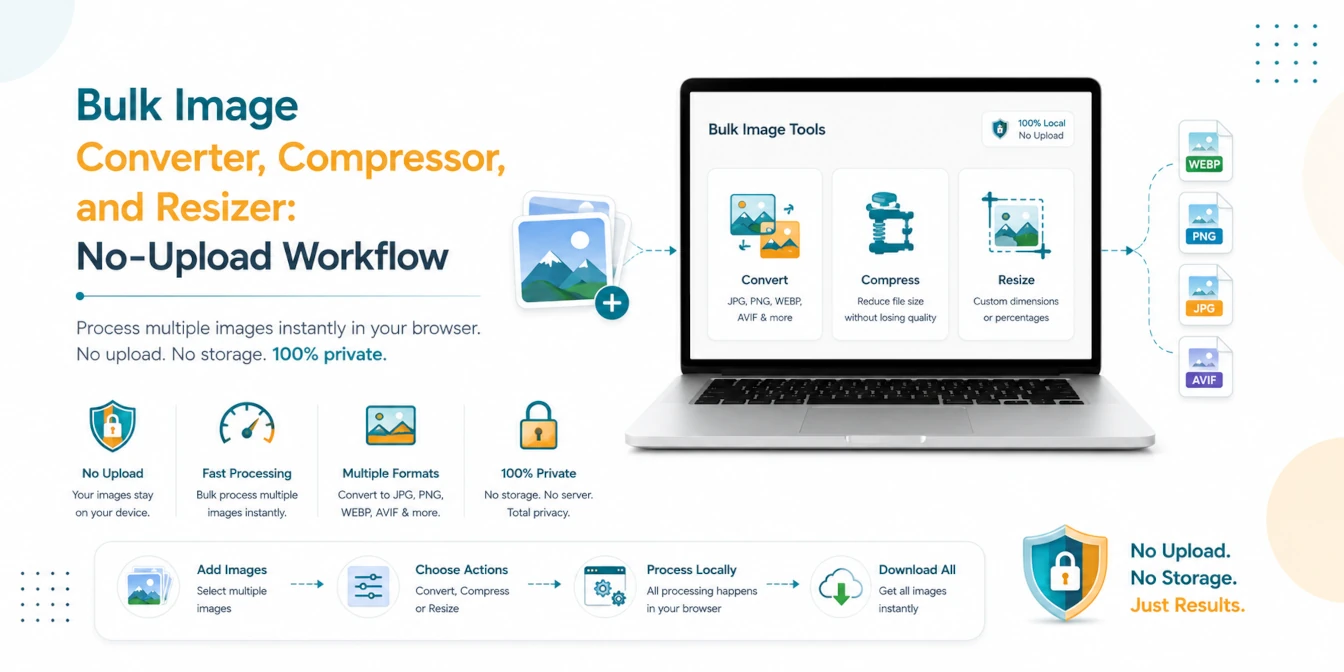
Bulk Image Converter, Compressor, and Resizer: No-Upload Workflow
A practical batch image workflow for converting, compressing, and resizing JPG, PNG, WebP, AVIF, and HEIC files locally in your browser.
Read Guide →
How to Optimize Images for Web Performance: The Ultimate 2026 Guide
Slow websites lose users. Learn the professional secrets of image optimization—from WebP conversion to bulk compression—and boost your Core Web Vitals instantly.
Read Guide →
How to Compress Image to 10KB, 20KB, 50KB or 100KB Online (Free & Instant)
Need to meet strict file size limits for government forms? Learn how to compress images to exactly 10KB, 20KB, 50KB, or 100KB in your browser with 100% privacy.
Read Guide →