Original Photo
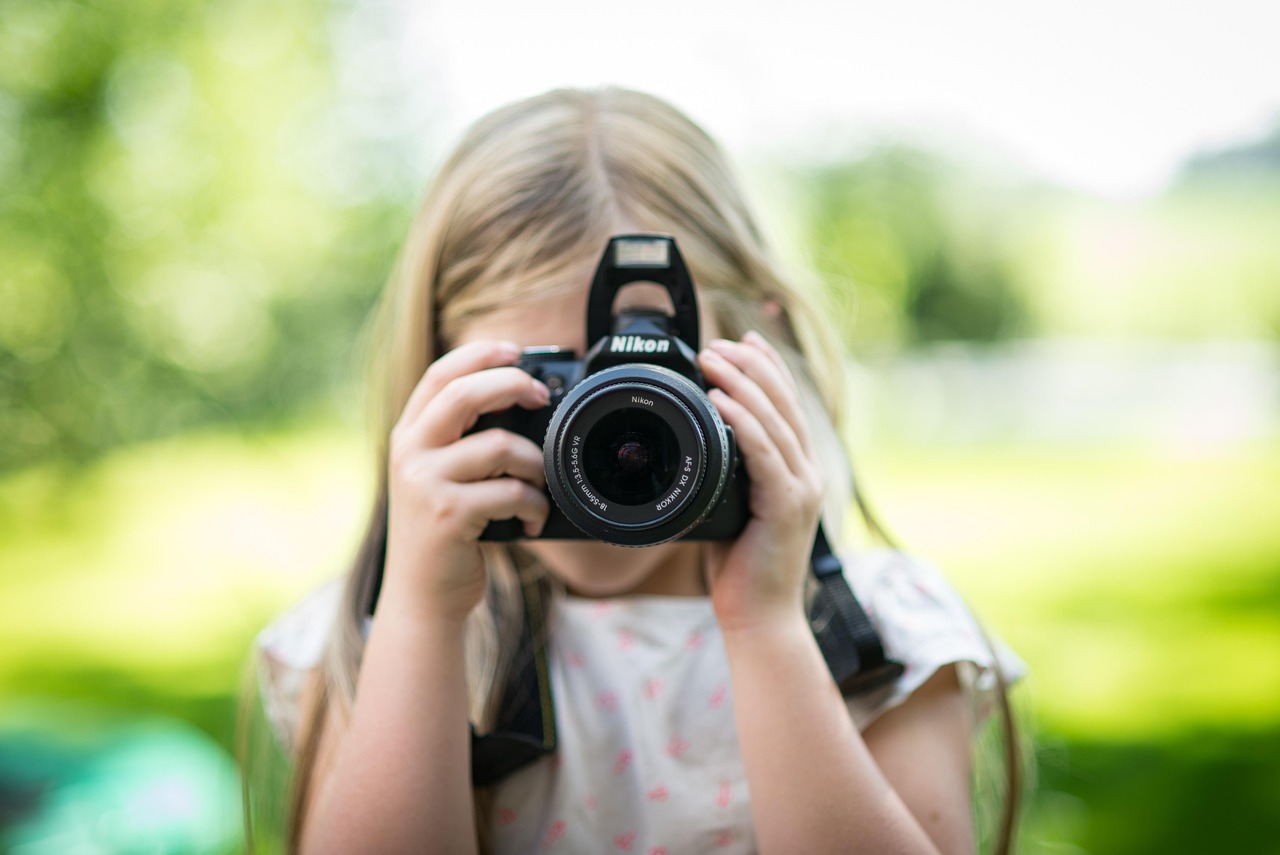
Dimensions: 1200 × 800 px
File size: 125.1 KB
Framing: Source portrait framing

Crop and resize a photo for profile images, account avatars and square upload fields. Preview both square and circular views before downloading. All processing happens locally in your browser.
Drop a clear JPG, PNG or WebP photo here, or choose a file from your device.
Supports JPG, PNG and WebP filesPresets are convenient examples. Always follow the dimensions requested by your specific app or website.
Selected colour fills crop margins when zooming out or fitting the photo.Note: To turn an existing background transparent or white, use our free Magic Background Remover first.
The tool aims to produce a result at or below the selected limit. Very small limits may reduce image clarity.
A profile picture resizer crops and scales an image for account avatars, social profiles and square upload fields.
Many websites accept a square file but display it inside a circular frame. A useful profile image should therefore look balanced in both views.
This tool lets you move, zoom and crop a portrait, logo or avatar before choosing the final size and format.
This example starts with a landscape portrait that has extra space around the subject. The result uses a square crop and keeps the face clear inside the circular preview.
Dimensions: 1200 × 800 px
File size: 125.1 KB
Framing: Source portrait framing
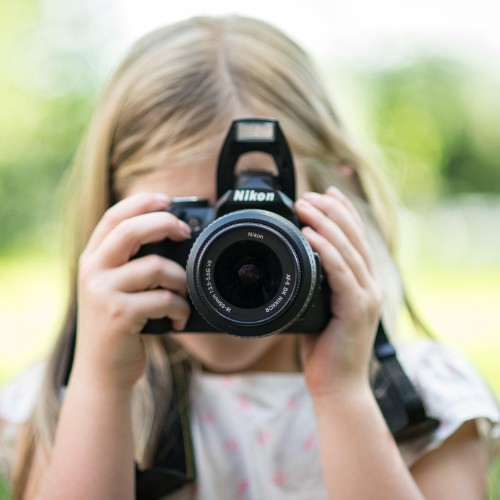
Dimensions: 500 × 500 px
File size: 41.2 KB
Format: JPG
Quality: 90%
The source photo was cropped to a square without cutting the forehead or chin. The subject remains visible in both square and circular profile views.
Most profile-image uploads use a square file.
Some apps display that square inside a circle. Content near the corners may disappear even though it remains in the downloaded image.
Use the circular preview to check that the face, logo or main subject stays clear.
Most profile images use square dimensions, but the accepted size can vary by website or app.
| Preset | Output size | Suitable for |
|---|---|---|
| Large profile picture | 1080 × 1080 | High-resolution account image |
| Standard avatar | 512 × 512 | Apps, forums and account pages |
| Small avatar | 256 × 256 | Compact user lists and comments |
| Website avatar | 400 × 400 | Member profiles and dashboards |
| Custom size | User selected | A service with its own upload rule |
Always follow the dimensions and file-format rules shown by the destination service.
Common scenarios and use cases for resizing profile photos include:
Crop to Fill uses the full square and may remove areas near the image edges.
Fit With a Background keeps the complete source image and fills unused space with a colour or blur.
Crop to Fill usually works well for portraits. Fit can be useful for logos, illustrations or artwork that should not be cut.
| Format | Useful for | Transparency | File-size note |
|---|---|---|---|
| JPG | Portraits and photos | No | Usually creates a smaller photo file |
| PNG | Logos and transparent artwork | Yes | Can create a larger file |
| WebP | Web avatars and photos | Yes | Often balances quality and file size when supported |
Keep the main subject near the centre of the crop.
For a portrait, leave a small amount of space above the head and avoid placing the chin against the lower edge.
For a logo, keep important text and shapes inside the circular safe area.
Check the result at a small display size because fine details may be difficult to see in an avatar.
A circular display may cut the forehead, hair or chin.
The subject may appear very small when the profile image is displayed as an avatar.
A small image can look soft when it is enlarged.
A circular display mask may hide letters or logo details.
JPG removes transparency, while PNG may create a larger file.
Skin, hair and fine logo edges may become unclear.
Confirm the required dimensions, format and file size on the destination service.
Some services may crop, zoom or reposition an uploaded image.
The tool does not automatically detect or centre a face unless that feature is implemented.
Enlarging an image cannot restore detail missing from the source.
The normal downloaded file remains square unless a circular export is specifically selected.
The final appearance may change after upload to another service.
Save the source so you can create another crop, size or format later.
Privacy is fundamental when handling personal profile photos. The image is processed in your current browser session and does not need to be uploaded to TryFormatter servers for resizing.
No files leave your device, ensuring complete privacy for your account avatars and personal photos. Large images may use more device memory and take longer to process locally.
Keep the page open until the image has been generated and downloaded.
A square image works for most profile fields. A 1080 × 1080 export is useful when you want a large master copy, but the destination may accept a smaller size.
The standard download remains square. The circular preview shows how many apps may display it.
Yes. Use PNG or WebP when the logo needs transparency and keep important details inside the circular safe area.
Yes. Use the WhatsApp display photo preset or choose another square size.
Yes. Adjust quality, choose JPG or WebP, or use the optional target KB setting.
It will be cropped when Crop to Fill is selected. Use Fit With a Background to keep the complete source image.
Yes, with PNG or supported WebP output. JPG does not support transparency.
The source image may be too small, or the destination service may have compressed it after upload.
No file upload is needed for resizing. The image is processed in the current browser session.
Yes. Keep the source so you can create another crop or size later.