
Secure AI FAQ Generator (Smart Extract)
Extract question-and-answer blocks from articles and notes with a browser-local heuristic. Review every pair, then copy it as Markdown, semantic HTML details, or FAQPage JSON-LD for systems that consume structured data. All processing happens locally in your browser.
AI FAQ Studio
1. What is an AI FAQ Generator?
An AI FAQ generator is a content extraction tool designed to parse existing articles, customer support docs, product descriptions, or meeting notes, automatically identifying questions and corresponding answers embedded in the text. Rather than manually combing through thousands of words to build a Q&A section, the generator detects interrogative syntax (such as What, How, Why, Can, Do, and question marks) and isolates the immediate explanatory sentences that follow.
Once extracted, the tool formats these Q&A pairs into three distinct web formats: structured Markdown for editorial blogs, accessible HTML <details> and <summary> accordions for interactive web pages, and Schema.org FAQPage JSON-LD code blocks for search engine indexing. This allows publishers to upgrade standard articles with rich interactive and machine-readable FAQ elements in seconds.
2. Common Use Cases Across Web Publishing
Structured FAQs improve both technical discoverability and user conversion across multiple digital touchpoints:
Machine-Readable FAQ Publishing
Create valid Schema.org JSON-LD that mirrors visible FAQ content for crawlers and other systems that consume structured data.
SaaS Pricing & Checkout Pages
Resolve buyer hesitation at the bottom of the funnel by clarifying refund policies, seat billing, and cancellation terms.
Technical Documentation Portals
Convert long troubleshooting guides into easily searchable problem-and-solution accordions for developer documentation.
Confidential Draft Processing
Extract FAQs from unreleased product briefs, legal contracts, and press releases securely without cloud API data leakage.
3. FAQ Formats Compared: JSON-LD vs HTML vs Markdown
Depending on where your FAQ content lives, different markup formats serve different architectural purposes:
| Format Type | Primary Target | Implementation Method | Key Benefit |
|---|---|---|---|
| JSON-LD Schema | Search crawlers (Google, Bing) | Injected inside <script type="application/ld+json"> in page <head> or body. |
Explicit machine readability without altering visible CSS layout or page design. |
| HTML Details Accordion | Human site visitors | Native semantic <details> and <summary> markup. |
100% accessible, keyboard navigable, zero JavaScript library dependencies. |
| Markdown Q&A Blocks | Content editors & CMS | Headings (### Question) followed by standard paragraph text. |
Clean copy-paste compatibility with static site generators (Astro, Hugo, Next.js MDX). |
4. How to Extract and Deploy FAQs
Follow these four steps to transform raw body copy into production-ready FAQ elements:
-
1
Paste Source Text or Load Sample
Paste your draft article, customer support document, or guide text into the input console. You can also click Sample to test with demo text.
-
2
Run Local Extraction
The client-side heuristic parser examines sentence structures, identifying explicit questions and extracting the following explanation as the candidate answer.
-
3
Edit, Refine, or Add Items
Review the extracted pairs in the interactive editor cards. Polish questions for search clarity, trim verbose answers, or click Add FAQ to write custom entries.
-
4
Export in Desired Format
Select your desired output mode (JSON-LD Schema, HTML Details, or Markdown) and copy the result directly into your website template or codebase.
5. Concrete Examples of Extracted Q&A Pairs
Below are typical examples of how unstructured paragraphs are parsed into concise, high-utility FAQ items:
| Source Text Excerpt | Extracted Question | Cleaned Answer |
|---|---|---|
| "Many users wonder if WebP images work in older Safari browsers. Safari added full WebP support in macOS Big Sur and iOS 14. For older browsers, a fallback JPEG or PNG is recommended." | Do WebP images work in Safari? | Safari supports WebP on macOS Big Sur (version 14+) and iOS 14+. For older browser versions, provide a fallback JPG or PNG. |
| "Is there a maximum file size limit when compressing photos? Our browser tool does not impose any file size cap because processing runs on your local device RAM." | Is there a file size limit for image compression? | No artificial file size limit is imposed. File handling capacity depends only on your local computer's available memory. |
| "What happens when you redirect with 301 vs 302? A 301 informs search engines that the move is permanent, passing ranking equity, whereas a 302 signifies a temporary relocation." | What is the difference between a 301 and 302 redirect? | A 301 redirect indicates a permanent move that transfers search equity, while a 302 redirect marks a temporary relocation without transferring canonical authority. |
6. Structured Data Accuracy and Current Google Support
FAQPage remains a Schema.org type, but Google removed FAQ rich results from Search in May 2026. Adding JSON-LD therefore does not create expandable Google dropdowns or improve rankings. Use it only when it accurately represents the visible page and another crawler, agent, or publishing system can benefit from the machine-readable data.
- All FAQs Must Be Visible to Users: Never include questions or answers in JSON-LD that do not appear in the visible HTML body of the page. Hidden schema is considered deceptive by Google and can lead to a structured data manual action.
- Single Canonical Answer Required: Use
FAQPagemarkup only when the page provides a single definitive answer written by the site owners. If users can submit alternative answers (like a forum or discussion thread), useQAPageschema instead. - Do Not Treat Markup as Promotion: Structured data should describe the page, not add advertising claims or hidden keywords that readers cannot see.
- Write for Readers First: Give a direct answer, then add only the context needed to prevent misunderstanding. There is no universal word count required by Schema.org.
7. Complete In-Browser Privacy Protection
Many online text-processing tools send your pasted content across unencrypted APIs to external cloud servers, where drafts may be stored in server logs or used to train third-party AI models. This creates serious compliance hazards for internal documents, unannounced product specs, and legal disclosures.
TryFormatter's AI FAQ Generator performs sentence splitting, question detection, editing, and output generation inside your browser. The tool does not send the source text to a generation API or save it to an application database.
Frequently Asked Questions
How does the tool identify questions without sending text to an external AI API?
The tool uses localized regex pattern matching and grammatical heuristics. It scans for interrogative pronouns (What, Why, How, When, Who, Can, Is, Are, Do, Does), detects question marks, and pairs them with adjacent declarative sentences to build clean Q&A pairs directly in browser memory.
Why should I include both on-page HTML FAQs and JSON-LD schema?
Structured data should match content that readers can see on the page. Visible HTML accordions give visitors accessible answers, while matching JSON-LD gives compatible machines a separate representation of the same information. Google Search no longer displays FAQ rich results, so do not add the markup for a promised visual enhancement.
Does adding FAQPage schema guarantee that Google will display rich dropdowns in search results?
No. Google removed FAQ rich results from Search in May 2026, so FAQPage markup does not produce expandable Google dropdowns. The markup may still be useful to other systems that consume Schema.org data, provided it accurately matches the visible FAQ content.
Can I use FAQPage schema on e-commerce product pages?
Google's structured data guidelines discourage using FAQPage markup on pages where multiple users can submit alternative answers for a single product (use QAPage instead). However, you can use FAQPage markup on product landing pages if the questions and answers represent official merchant policies (e.g., shipping times, warranty details, returns).
What is the recommended answer length for FAQ accordion items?
There is no universal schema limit. Answer the question directly in the first sentence, add the context needed for accuracy, and link to deeper documentation when a full procedure would make the accordion difficult to scan.
Can I add custom HTML links or formatting inside my FAQ answers?
Yes. Google's FAQPage schema specification allows a limited set of HTML tags within the answer text, including hyperlinks, , , , ,
, and
Related SEO Tools
Expert Guides & Tutorials
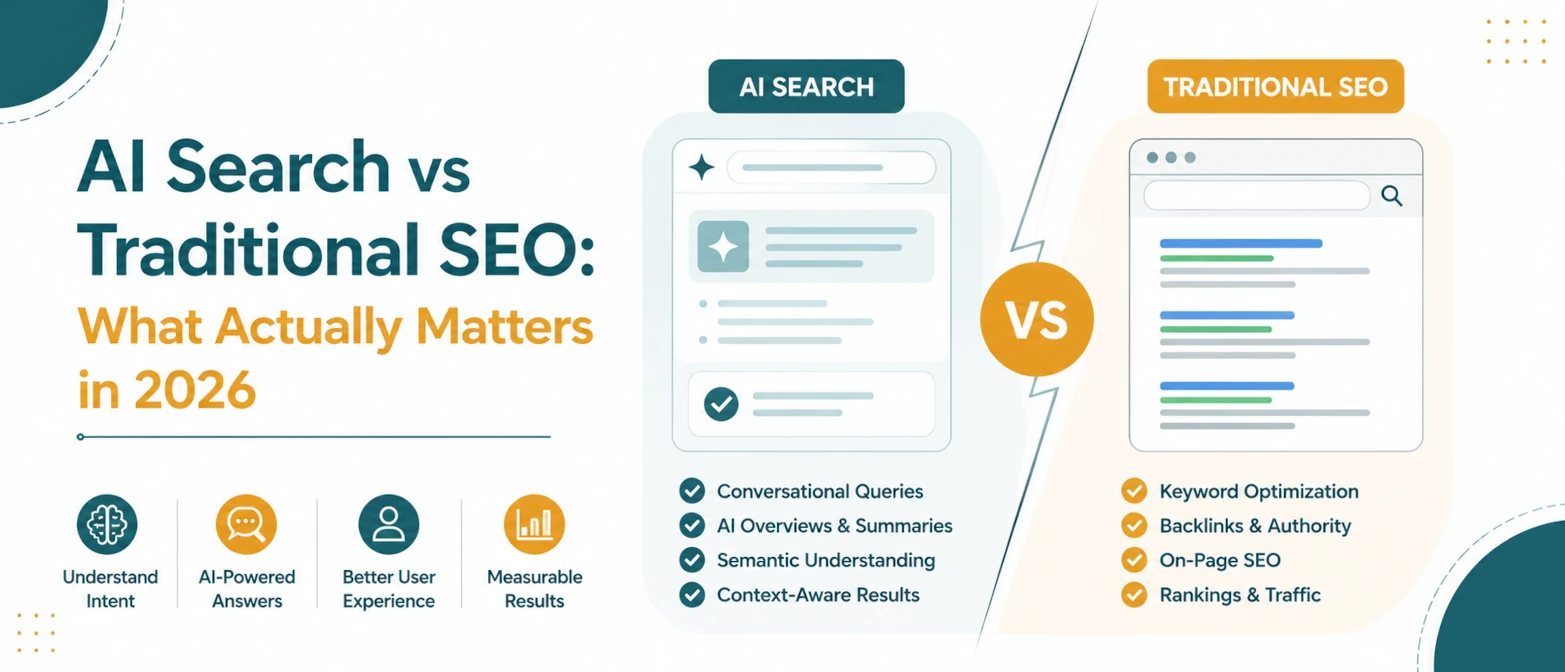
AI Search vs Traditional SEO: What Actually Matters in 2026
A simple guide to what still matters in traditional SEO, what changes for AI search, and how to prepare pages for both in 2026.
Read Guide →
AI Search SEO in 2026: How to Optimize Your Website for ChatGPT, Gemini & Google AI
Learn how AI Search SEO and Generative Engine Optimization help websites appear in ChatGPT, Gemini, Google AI Overviews, Claude, and Perplexity.
Read Guide →