
Secure Internal Link & Anchor Analyzer
Audit your website's linking structure without third-party crawlers. Extract all internal and external links from your HTML code, analyze anchor text for SEO relevance, and identify potential "NoFollow" issues locally. All processing happens locally in your browser.
Link & Anchor Studio
Analyze HTML to see links
What is an Internal Link Analyzer?
An internal link analyzer extracts every hyperlink from a page's HTML source and categorizes each one — internal, external, nofollow, sponsored, or empty — so you can audit your link structure without manually reading through markup. TryFormatter's Internal Link & Anchor Analyzer does this entirely in your browser: paste HTML source code, and the tool instantly parses every <a> tag, its anchor text, href value, and rel attribute.
No page crawling, no URL fetching, no server upload. Your HTML stays in your browser session and is never sent to any server. This makes it safe to analyze private staging pages, unreleased content, or internal drafts without exposing them to third-party tools.
Why internal linking matters for SEO
Internal links are how search engines discover and prioritize your pages. When Googlebot crawls your site, it follows internal links to find new content and uses the anchor text of those links as a signal about what each destination page covers. Pages with many high-quality internal links pointing to them tend to rank better — this flow of "link equity" is one of the most controllable on-page SEO levers available to site owners.
Common internal linking problems that hurt rankings include: using generic anchor text like "click here" or "read more", linking to the wrong page version (non-canonical), over-linking the same destination with different anchor texts, and having important pages that receive no internal links at all (orphaned pages). The Internal Link Analyzer surfaces all of these issues at a glance.
How to use the Internal Link & Anchor Analyzer
- Open the page you want to audit in your browser. Right-click and choose View Page Source (or press Ctrl+U / Cmd+U).
- Select all the HTML source (Ctrl+A) and copy it (Ctrl+C).
- Paste the HTML into the HTML Source editor on the left panel.
- Click Extract Links — or the tool will analyze automatically as you type.
- Review the extracted links panel on the right: green cards are internal links, purple are external, red are empty or fragment-only links.
- Check each link's anchor text and
relattribute for SEO issues. - Click Copy CSV to export the full link list for documentation or reporting.
You can also click Sample to load a demonstration HTML snippet and see how the tool works before pasting your own code.
Examples
Here are concrete scenarios where the Internal Link Analyzer saves time in a real workflow:
| Scenario | What to paste | What you find |
|---|---|---|
| Pre-publish content audit | HTML source of a new blog post before it goes live | Whether all internal links use descriptive anchor text and point to the right canonical URLs |
| Template link audit | HTML source of a header, footer, or sidebar component | Count of sitewide internal links, nofollow external links, and any empty href attributes |
| CMS migration check | Source of a migrated page | Whether internal links still use the new URL structure or still reference old paths |
| Affiliate/sponsored link audit | Source of a product review or comparison page | Whether all paid/affiliate links correctly carry rel="sponsored" as required by Google |
Use cases
- Auditing internal link anchor text to ensure keywords are descriptive and relevant to the destination page.
- Identifying external links that need
rel="nofollow"orrel="sponsored"to comply with Google's link scheme guidelines. - Finding empty, broken, or fragment-only links (
href="#") that provide no navigational value. - Documenting all outbound links on a page for a client SEO report or link profile analysis.
- Checking that sitewide navigation templates don't create excessive duplicate internal links across every page.
- Verifying that links in imported or syndicated content don't point to competitor domains.
This tool is practical for SEO professionals, web developers, content editors, digital marketing agencies, and site owners who want to maintain clean, intentional link structures without switching to a paid crawl platform.
Validation checklist
- Every internal link should use anchor text that describes the destination page — not "here", "this article", or "more".
- External links to untrusted or commercial sources should carry
rel="nofollow". - Paid or sponsored links must carry
rel="sponsored"per Google Webmaster Guidelines. - User-generated content links (forum posts, comments) should use
rel="ugc". - Links with an empty
hreforhref="#"should be fixed or removed — they create poor UX and waste crawl budget. - Verify that internal links point to the canonical version of the page (with or without trailing slash, with www, etc.).
- Check for over-optimization: using the exact same keyword-rich anchor text for every link to a destination page looks unnatural.
Privacy and data handling
The Internal Link & Anchor Analyzer processes HTML entirely in your browser using the browser's built-in DOM parser. No HTML content you paste is sent to TryFormatter servers. There is no sign-up, no upload, and no logging of your source code. You can safely analyze HTML containing internal URLs, staging paths, or unreleased content.
The only data that leaves your machine is if you explicitly copy the CSV output and paste it into another tool. Keep that in mind if the page contains sensitive campaign URLs or internal tracking parameters.
Common mistakes to avoid
- Analyzing rendered HTML instead of source HTML: JavaScript-rendered links (added by React, Vue, etc.) will not appear in raw View Source. Use browser DevTools → Copy OuterHTML of the
<body>to capture rendered links. - Treating all external links as problems: External links to authoritative sources are good for SEO. The issue is external links without appropriate
relattributes, not external links in general. - Ignoring anchor text variety: If every internal link to a page uses identical anchor text, it can look over-optimized. Vary phrasing while keeping it descriptive.
- Not checking sitewide templates: Header and footer links appear on every page. A bad link in a template is multiplied across your entire site.
Conclusion
A well-maintained internal link structure is one of the highest-leverage on-page SEO improvements you can make. The Internal Link & Anchor Analyzer gives you a fast, private way to audit any page's links without a full site crawl. Use it as part of your pre-publish checklist, post-migration review, and template audits — and you'll maintain a cleaner, more authoritative link graph across your entire site.
Frequently Asked Questions
What types of links does the analyzer detect?
Does the tool fetch the URL I enter or crawl my website?
No. The tool only parses HTML that you paste directly into the editor. It does not make any network requests or crawl any URLs. All processing happens in your browser using the built-in DOM parser.
Why are some of my JavaScript-rendered links not showing up?
If your page uses a JavaScript framework like React or Vue, links may be added to the DOM after the page loads and will not appear in the raw HTML source from View Source. To capture those, open DevTools, right-click the
element, and choose "Copy → Copy OuterHTML" to get the fully rendered HTML.What is the difference between nofollow, sponsored, and ugc rel values?
Google recognizes three link rel hint values: rel="nofollow" for links you do not want to vouch for, rel="sponsored" for paid or affiliate links, and rel="ugc" for user-generated content like comments and forum posts. The analyzer shows the rel attribute for every link so you can verify compliance.
Can I export the link analysis results?
Yes. Click the "Copy CSV" button in the results panel header to copy the full link list — including anchor text, URL, link type, and rel attribute — to your clipboard in CSV format, ready to paste into a spreadsheet.
Does TryFormatter store the HTML I paste?
No. The HTML is processed entirely in your browser session using the DOMParser API and is never uploaded to any server. When you close or refresh the tab, the content is gone.
Related SEO Tools
Expert Guides & Tutorials
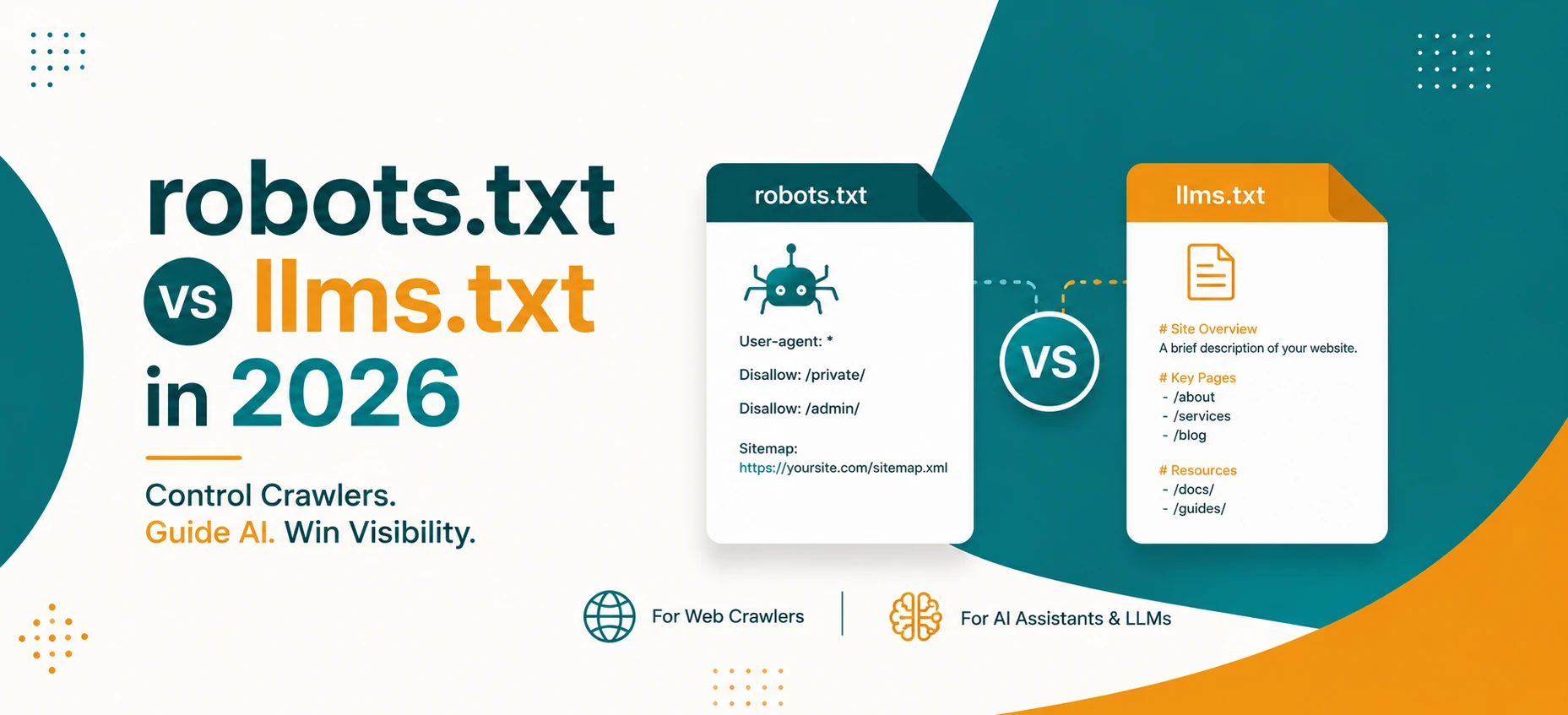
robots.txt vs llms.txt in 2026: What AI Crawlers Actually Use
A practical guide to robots.txt, llms.txt, Google AI features, OpenAI crawlers, snippets, indexing controls, and safe crawler policy in 2026.
Read Guide →
AI Agents and Web Tools: How to Make Your Website Agent-Friendly
A practical guide to making websites easier for AI agents to read, navigate, cite, and use without confusing users or weakening privacy.
Read Guide →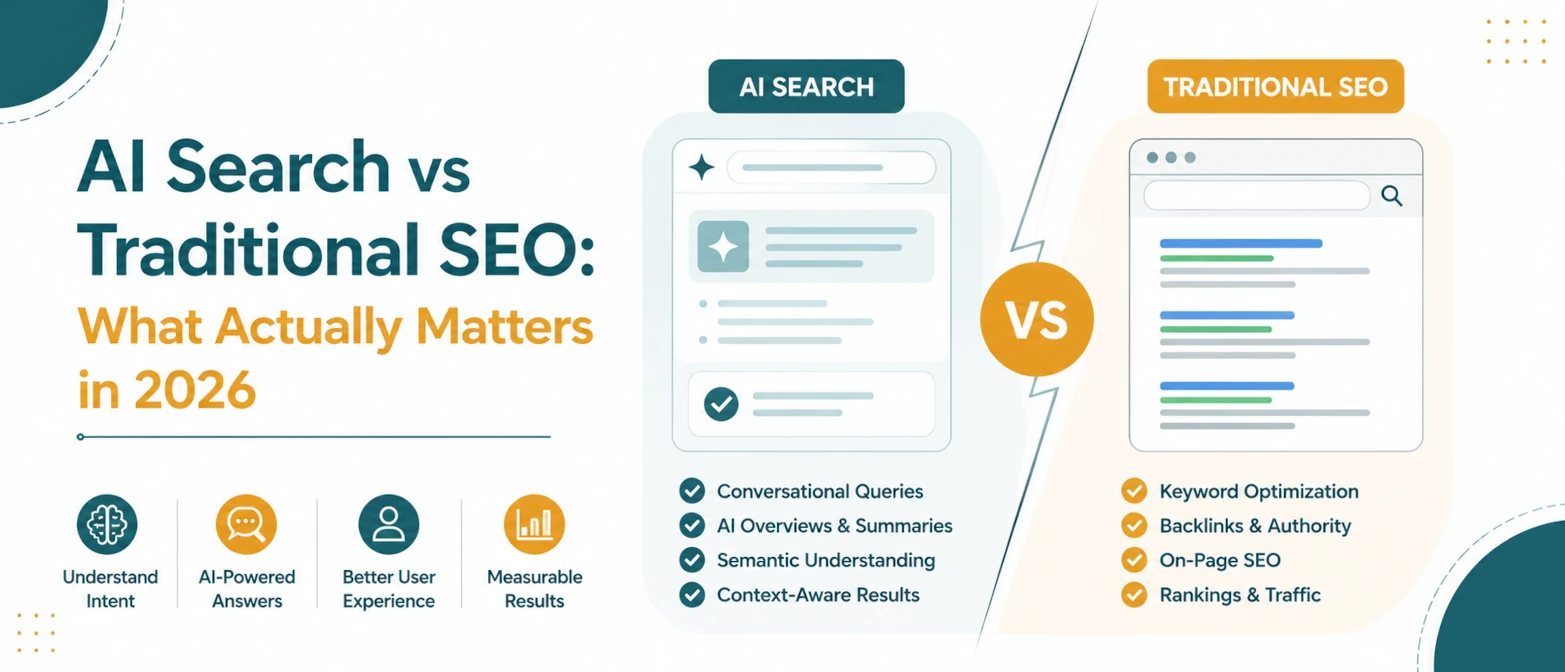
AI Search vs Traditional SEO: What Actually Matters in 2026
A simple guide to what still matters in traditional SEO, what changes for AI search, and how to prepare pages for both in 2026.
Read Guide →
AI Search SEO in 2026: How to Optimize Your Website for ChatGPT, Gemini & Google AI
Learn how AI Search SEO and Generative Engine Optimization help websites appear in ChatGPT, Gemini, Google AI Overviews, Claude, and Perplexity.
Read Guide →