
SQL INSERT to JSON Converter
Paste SQL INSERT statements and get JSON rows back. Values containing commas, brackets and escaped quotes are parsed correctly, and nothing is executed. All processing happens locally in your browser.
Turn SQL INSERT statements into JSON rows
The statement is scanned character by character rather than with regular expressions, so commas, parentheses and doubled quotes inside string values are handled correctly. No SQL is executed and no database is contacted.
[
  {
    "id": 1,
    "name": "Ada Lovelace",
    "email": "ada@example.com",
    "is_active": true
  },
  {
    "id": 2,
    "name": "Alan Turing",
    "email": "alan@example.com",
    "is_active": true
  },
  {
    "id": 3,
    "name": "Grace Hopper",
    "email": "grace@example.com",
    "is_active": false
  }
]Parsed 1 statement into 3 rows across 1 table. Nothing was executed.
| id | name | is_active | |
|---|---|---|---|
1 | Ada Lovelace | ada@example.com | true |
2 | Alan Turing | alan@example.com | true |
3 | Grace Hopper | grace@example.com | false |
What is in scope: INSERT statements, not queries
This tool reads SQL INSERT statements and turns their VALUES tuples into JSON objects. That is the whole scope, and it is worth being precise about because "SQL to JSON" is an ambiguous phrase.
| Input | Supported? | Why |
|---|---|---|
INSERT INTO t (a, b) VALUES (1, 'x'); |
Yes | The statement contains the data itself |
| Several INSERT statements at once | Yes | Each is parsed and can be grouped by table |
INSERT INTO t SET a = 1, b = 'x'; |
Yes | MySQL's alternative single-row form |
SELECT * FROM users; |
No | A SELECT describes data to fetch. There is no data in the text to convert. |
CREATE TABLE users (...); |
No | Defines a schema, contains no rows |
INSERT INTO a SELECT * FROM b; |
No | The rows come from another table, not from literal values |
No SQL is executed. This page does not connect to a database, open a network connection, or evaluate any statement. Your SQL is read as text. That also means an expression such as NOW() cannot be resolved to a value — there is no database to ask.
How to convert INSERT statements
-
Paste one or more statements
Line comments (
--,#) and block comments (/* … */) are stripped, so a statement copied straight from a dump file or migration works as-is. - Choose the output shape A flat array of every row, or an object keyed by table name when the input touches more than one table.
- Check the row preview The first ten rows are shown as a table so you can confirm the columns lined up before trusting the JSON.
- Copy or download The download filename is taken from the table name in the statement.
Why a character-level parser rather than a regular expression
The obvious approach to this problem is a regex that finds bracketed groups and splits them on commas. It fails on real data almost immediately, and the failures are silent — you get JSON out, but it is wrong.
Three cases break it:
-- A comma inside a string value
INSERT INTO people (name) VALUES ('Smith, John');
-- Naive split on "," produces two columns from one value.

-- A closing bracket inside a string value
INSERT INTO companies (name) VALUES ('Acme (UK) Ltd');
-- Matching /\(([^)]+)\)/ stops at the bracket inside the string.

-- A doubled quote, the SQL way of escaping an apostrophe
INSERT INTO people (name) VALUES ('O''Brien');
-- Treating the second quote as a terminator truncates the value to "O".
The parser here walks the statement one character at a time, tracking whether it is inside a quoted string and how deep it is in nested brackets. A comma only separates values at bracket depth zero and outside a string. That is the same approach a real SQL lexer takes, and it is the reason those three cases come out correctly.
Both '' (the SQL standard) and \' (the MySQL extension) are recognised as escaped quotes.
Examples: how SQL values map to JSON types
Input:
INSERT INTO orders (id, total, discount, note, created_at, paid) VALUES
  (1001, 129.99, NULL, 'Gift wrap', NOW(), TRUE);
Output:
[
  {
    "id": 1001,
    "total": 129.99,
    "discount": null,
    "note": "Gift wrap",
    "created_at": "NOW()",
    "paid": true
  }
]| SQL literal | JSON value | Note |
|---|---|---|
1001 |
1001 |
Integer |
129.99 |
129.99 |
Number, or a string if you enable the decimal option |
'Gift wrap' |
"Gift wrap" |
Quotes removed, escapes resolved |
NULL |
null |
Case-insensitive |
TRUE / FALSE |
true / false |
JSON booleans |
NOW() |
"NOW()" |
Kept as a string; there is no database to evaluate it |
DEFAULT |
null |
The real default lives in the table definition |
X'4A2B' |
"X'4A2B'" |
Binary literal, kept verbatim |
9007199254740993 |
"9007199254740993" |
Beyond JavaScript's exact integer range, so kept as a string |
That last row matters for real database exports. JavaScript numbers lose precision above 253−1, so a 64-bit ID such as a Snowflake identifier would silently change value if converted to a number. It is kept as a string instead, and a warning says so.
Decimals and money
By default 129.99 becomes the number 129.99. That is convenient but it is a binary float, so 0.1 + 0.2 style rounding applies downstream. When the values are currency and will be summed, switch on "Keep decimals as strings" so the exact digits survive.
Column names and identifier quoting
Identifiers are unquoted before being used as JSON keys, across all three conventions:
MySQL:      `user_id`     →  user_id
PostgreSQL: "user_id"     →  user_id
SQL Server: [user_id]     →  user_id
Schema-qualified table names are preserved, so public.users stays public.users in the grouped output.
An INSERT with no column list is a special case:
INSERT INTO users VALUES (1, 'Ada', TRUE);The column names are not in the statement — they live in the table definition. Keys are generated as column_1, column_2, column_3, and a warning explains why. Rename them, or paste a version of the statement that names its columns.
When a column list is present, the value count is checked against it row by row. A mismatch is reported with the row number and both counts, because a single missing comma in a long tuple otherwise shifts every value silently.
Use cases
- Building test fixtures from real seed data. A migration's INSERT block becomes a JSON fixture for unit tests without retyping it.
- Mocking an API from a database dump. Turn a table's rows into a JSON array that a mock server or MSW handler can return.
- Moving relational rows into a document store. A first pass at the shape before adding nesting by hand.
- Reviewing a migration you did not write. A table preview of the parsed rows is far easier to check than a wall of tuples.
- Populating a spreadsheet. Convert to JSON here, then to columns with JSON to CSV.
- Finding a bad row in a failing import. The value-count check names the row and the mismatch, which is usually the actual bug.
Going the other direction, or working with different formats: CSV to JSON handles spreadsheet exports, SQL Formatter tidies the statement itself, and JSON to YAML takes the result further.
Privacy
Parsing runs entirely in your browser. The SQL is not uploaded, not stored, and not written to browser storage — it exists only in the page while the tab is open.
Analytics: only the output shape, a coarse row-count band and the number of tables are recorded. No SQL text, table name, column name or value is ever included.
Frequently Asked Questions
Can I paste a SELECT query?
No, and the tool says so explicitly rather than returning empty output. A SELECT describes rows to fetch from a database; the text contains no data. To get JSON from a query, run it in your client and export the results, or export them as INSERT statements.
Does this connect to my database?
No. There is no connection, no credential field and no network request. The statement is read as text in your browser, which is also why a function such as NOW() cannot be resolved — there is no server to evaluate it against.
Why did my value with a comma in it get parsed correctly here but not elsewhere?
Because the parser tracks quoting and bracket depth character by character instead of splitting on commas. A comma only separates values when it is outside a string and at bracket depth zero, so 'Smith, John' and 'Acme (UK) Ltd' stay intact.
What happens to NOW() or CURRENT_TIMESTAMP?
They are kept verbatim as strings, and a warning lists them. Evaluating them would require a database connection and a server clock, so inventing a timestamp would be worse than being explicit. Replace them with literal values before converting if you need real dates.
Why are my columns named column_1 and column_2?
Because the INSERT statement did not include a column list, and the real names live in the table definition rather than the statement. Either add the column names to the SQL, or rename the keys afterwards.
Why is my large ID a string instead of a number?
Any integer above 9007199254740991 cannot be represented exactly by a JavaScript number, so converting it would silently change the value. Those are kept as strings to preserve every digit, with a warning saying which value triggered it.
Should I convert decimal money values to numbers?
Usually not, if the values will be added up later. JSON numbers are binary floats, so repeated arithmetic on currency introduces rounding error. The "keep decimals as strings" option preserves the exact digits from the SQL for that case.
Related Tools
Expert Guides & Tutorials
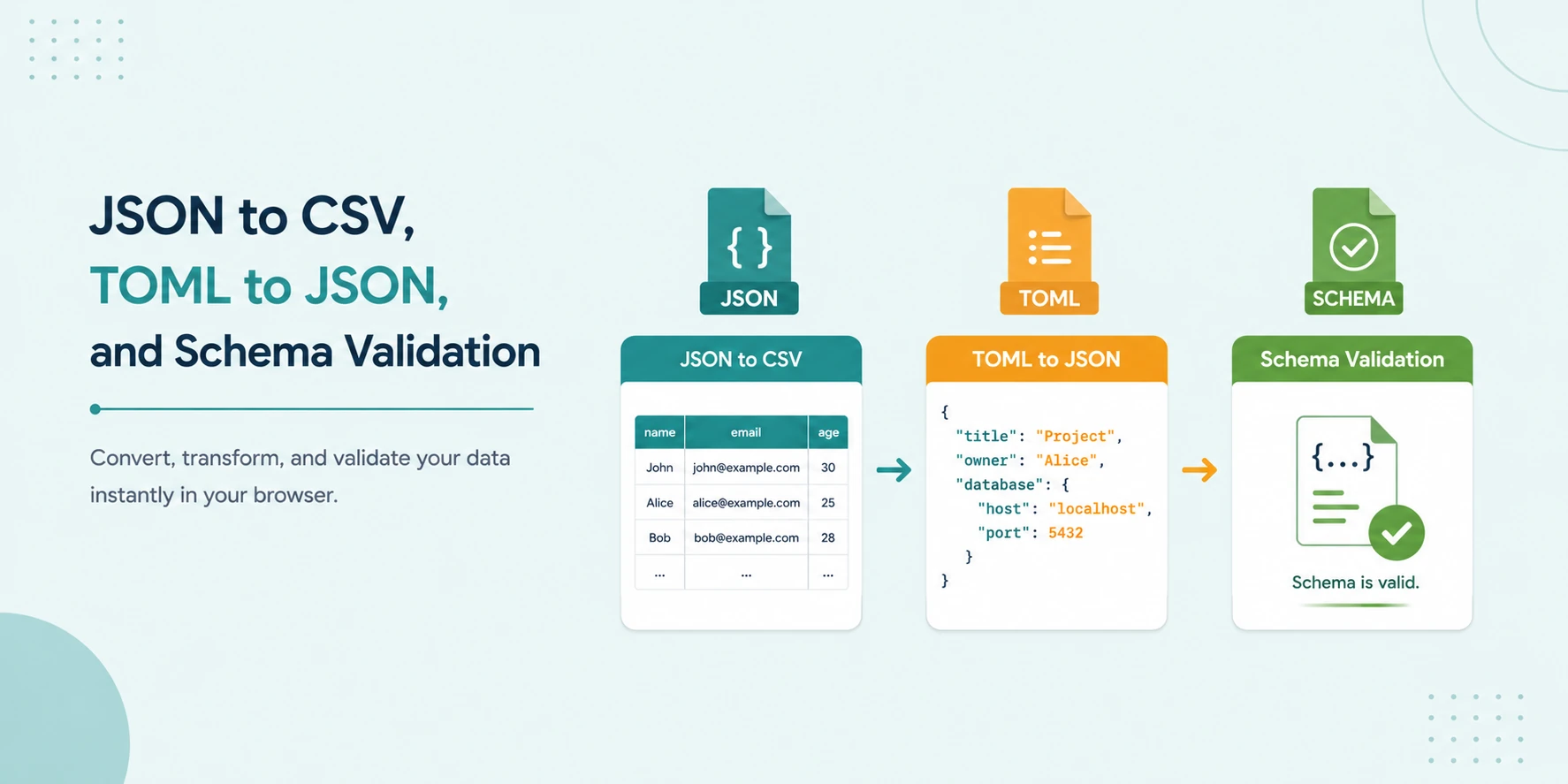
JSON to CSV, TOML to JSON, and Schema Validation: No-Upload Workflow
A secure local workflow for converting JSON to CSV, transforming TOML to JSON, and validating data with JSON Schema and Ajv.
Read Guide →
Why Online JSON Formatters Are a Security Risk (And How to Stay Safe)
Are online JSON formatters safe? Learn the hidden security risks of uploading API keys and sensitive data to cloud-based tools and why local processing is the future.
Read Guide →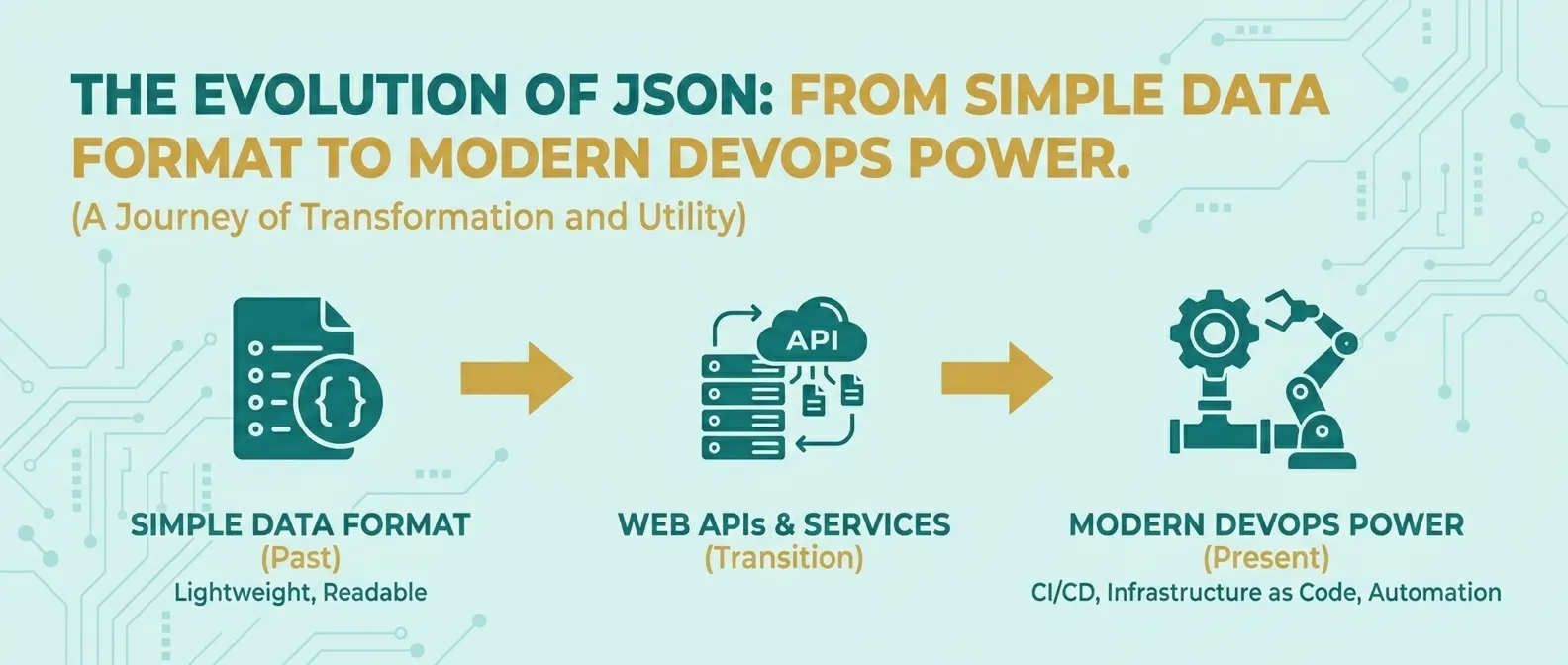
The Evolution of JSON: From Simple Data Format to Modern DevOps Power
Discover how JSON evolved from a simple lightweight format into the global standard for APIs, cloud configuration, and DevOps automation.
Read Guide →