
Secure AI SEO Content Brief Generator
Create a starting content brief from a target keyword and audience. The browser-local rule set suggests an H1, supporting H2 and H3 headings, a broad length range, and related terms for an editor to review. All processing happens locally in your browser.
SEO Brief Studio
Enter a keyword to see the brief
What is an SEO content brief?
An SEO content brief is a comprehensive plan prepared for writers, editors, or content teams before drafting begins. It outlines the topic, target audience, primary search intent, suggested heading hierarchy (H1, H2, H3), important reader questions, related concepts, and editorial guidelines for the page.
Rather than letting a writer guess what searchers need, a well-structured brief establishes clarity and direction from the start. It ensures every section directly answers user questions without padding the article with unnecessary fluff or keyword repetition.
Heuristic Planning Aid
TryFormatter's Content Brief Generator creates an initial outline from the keyword, topic, and audience details you enter using local heuristic rules. It runs entirely in your browser without querying Google search results or sending your proprietary notes to remote AI models. Use the generated brief as a starting blueprint and adapt it with your own subject expertise.
Practical use cases: when is a content brief useful?
A structured brief reduces guesswork, prevents costly editorial revisions, and keeps content aligned across different publishing workflows:
Writer Handoffs
Give writers a clear topic, target audience, intent classification, heading tree, and core questions before drafting begins.
Updating Existing Content
Plan revisions for outdated articles by identifying missing subtopics, neglected search queries, and examples that need updating.
Topic Planning
Divide broad subjects into dedicated, non-overlapping articles without causing internal keyword cannibalization.
Editorial Consistency
Maintain consistent tone, audience calibration, formatting standards, and terminology when multiple contributors write for your site.
What should an SEO content brief include?
The exact contents of a brief depend on the topic and publication style. Below are key elements to consider when preparing your editorial specifications:
| Brief Element | Strategic Purpose | Practical Guidance |
|---|---|---|
| Working Title | Defines what the page is about before writing begins. | Make it descriptive and compelling for readers. Refine it later once the article is finished. |
| Search Intent | Clarifies what the person searching is trying to accomplish. | Determine whether searchers want instructions, quick definitions, tool utilities, comparisons, or products. |
| Heading Outline (H2 / H3) | Establishes the logical narrative sequence and structure. | Use headings where they help readers navigate the topic. Avoid arbitrary heading quotas. |
| Questions to Answer | Prevents crucial user queries from being overlooked. | Address genuine, practical questions instead of adding FAQs solely to increase page length. |
| Related Terms & Concepts | Ensures the article reflects the natural vocabulary of the subject. | Use relevant terms naturally in context. Never repeat phrases to meet artificial density targets. |
| Target Audience Persona | Calibrates the appropriate reading level, tone, and terminology. | Beginners need foundational definitions and examples; experienced practitioners need implementation specifics. |
| Estimated Content Depth | Sets baseline expectations for comprehensive coverage. | Treat length suggestions as editorial guidance, not ranking requirements. Focus on answering the query completely. |
How to create a content brief
Follow this five-step workflow to generate, review, and copy a starting brief for your writing team:
-
1
Enter the Main Topic
Type your primary search phrase or focus topic into the workspace. Use a clear, focused phrase rather than an unorganized list of keywords.
-
2
Choose the Audience
Specify your intended reader persona—such as developers, small-business owners, beginners, or marketers—to calibrate the angle and tone.
-
3
Generate the Draft Brief
The client-side heuristic builds a working title, heading outline, related terms, and broad length range in browser memory.
-
4
Review the Suggestions
Check whether each proposed heading serves the reader. Plan proprietary data, case studies, product screenshots, or hands-on tutorials to add after copying the brief.
-
5
Copy the Brief
Click Copy Brief to paste clean Markdown directly into Notion, Google Docs, Slack, or your project management software for writer assignment.
Examples: how the brief changes with search intent
Different search intents require fundamentally different article structures. A searcher seeking instructions needs a procedural walkthrough, while someone comparing alternatives requires evaluation criteria:
| Example Search Query | Search Intent Category | Recommended Heading Architecture |
|---|---|---|
how to compress image for web |
How-To / Procedural |
H1: How to Compress Images for the Web H2: Choose the Optimal Image Format (WebP vs AVIF vs JPG) H2: Compress the Image with Quality Sliders H2: Verify Visual Fidelity and Dimensions H2: Common Compression Mistakes |
best static site generators |
Commercial / Comparison |
H1: Static Site Generators Compared H2: Key Evaluation Criteria (Build Speed, DX, Hosting) H2: Top Options Reviewed & Differentiated H2: Performance and Build Benchmark Matrix H2: Which Generator Fits Your Project? |
what is a 301 redirect |
Definition / Informational |
H1: What is a 301 Redirect? H2: How a 301 Redirect Works Under HTTP H2: 301 Permanent vs 302 Temporary Redirects H2: When to Use 301 Redirects in Site Migrations H2: Implementation Code Examples |
These examples illustrate how heading structure should adapt to user goals. Always review the actual search intent before finalizing your content plan.
Common content brief mistakes to avoid
Avoid these common briefing pitfalls that degrade content quality and user engagement:
Repeating the target keyword everywhere
Forcing the exact-match keyword into every heading and paragraph, creating robotic, unnatural phrasing.
Write headings for human readers first. Introduce core terminology naturally where it genuinely aids comprehension.
Treating word count as an SEO target
Assuming a higher word count automatically earns better rankings, resulting in unnecessary filler and fluff.
Match content depth to search intent. Answer straightforward queries concisely and reserve length for deep guides.
Using the wrong format for the intent
Writing a long explanatory article when searchers are looking for a quick tool, calculator, or checklist.
Identify what users need to solve their problem—an interactive tool, tabular comparison, or actionable checklist.
Copying competitor outlines without original insight
Replicating existing articles heading-by-heading, producing commoditized content with zero original perspective.
Infuse firsthand case studies, proprietary data, counter-arguments, and real-world examples that competitors lack.
Editorial verification checklist
Before handing a brief to writers or publishing a completed draft, verify that the core structural requirements have been satisfied:
Tool capabilities and scope
What This Generator Does Not Do
This generator does not query Google Search, scrape current search results, inspect People Also Ask questions, measure keyword search volume, calculate keyword difficulty, or scrape competitor websites. It creates a structural outline locally to help you plan your content.
Search performance depends on many factors beyond an outline, including whether the finished page is genuinely useful, accurate, original, technically accessible, and appropriate for the searcher's query. Perform keyword and competitor research separately to enrich the generated brief.
Privacy and browser-local processing
100% Client-Side Privacy
TryFormatter's Content Brief Generator uses browser-side rules to generate your brief. Your topic, audience notes, and generated outlines are processed entirely on your device without sending sensitive content to remote AI servers or third-party APIs.
If analytics are enabled, only privacy-safe interaction metrics (such as clicking generate or copy) are recorded. Your keyword inputs, audience notes, and generated headings are never logged or stored.
Related SEO tools
Complement your editorial planning with related browser-based SEO utilities:
Frequently Asked Questions
Does this tool use live Google search results?
No. It does not query Google, scrape search results, inspect People Also Ask boxes, or analyze current competitor pages. It creates a draft brief from the topic and audience information you provide using local rules.
Does Google have a preferred article word count?
No. There is no universal Google word-count target. Write enough to answer the reader's need clearly and completely instead of expanding a page to reach a particular number.
What should I do with the suggested word count?
Treat it only as an editorial estimate when the tool provides one. Shorten or expand the final page based on the complexity of the topic and what the reader actually needs.
Should I use every related term suggested by the brief?
No. Use a term only when it naturally belongs in the article. Do not force phrases into headings or paragraphs simply because the generator suggested them.
Are LSI keywords required for SEO?
No. You do not need a special list of LSI keywords. Use normal words, concepts, synonyms, and terminology that help explain the subject accurately.
What is the difference between an H2 and H3?
An H2 usually introduces a major section of the page. An H3 can divide that section into smaller topics when useful. Choose heading levels to make the document easier to understand rather than to satisfy a fixed SEO formula.
Can I copy the brief into Google Docs or Notion?
If the Copy Brief action outputs Markdown or plain structured text, you can paste it into your writing or project-management tool. Formatting after paste depends on how the destination application handles Markdown and rich text.
Does using this brief guarantee that a page will rank?
No. A content brief is only a planning tool. Rankings depend on relevance, usefulness, originality, competition, technical accessibility, links, and many other factors outside this generator.
Related SEO Tools
Expert Guides & Tutorials
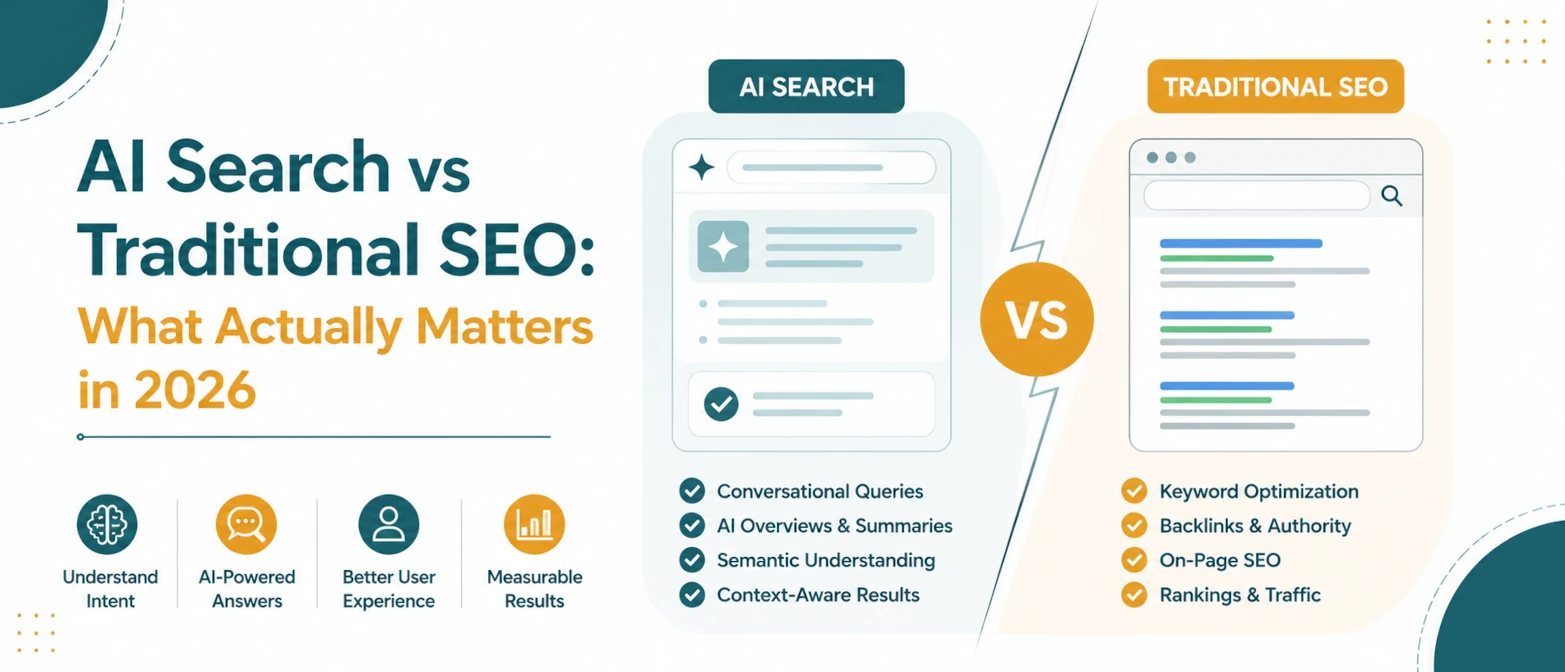
AI Search vs Traditional SEO: What Actually Matters in 2026
A simple guide to what still matters in traditional SEO, what changes for AI search, and how to prepare pages for both in 2026.
Read Guide →
AI Search SEO in 2026: How to Optimize Your Website for ChatGPT, Gemini & Google AI
Learn how AI Search SEO and Generative Engine Optimization help websites appear in ChatGPT, Gemini, Google AI Overviews, Claude, and Perplexity.
Read Guide →