
Free SEO Report Generator
Audit any URL for search visibility, accessibility, and structure locally. Identify SEO issues instantly and generate a clean, download-ready PDF report for client review or archiving.
Page-level SEO report · PDF download · No signup
What is an SEO Report Generator?
An SEO report generator reviews a public webpage and organizes supported on-page and technical SEO findings into a clear report. Instead of checking metadata, headings, links, images, and structured data one by one, you can review the main findings together and save a PDF summary for later.
TryFormatter's SEO Report Generator is designed for one public webpage at a time. Enter a URL, generate the report, review the page-level findings, and download a concise PDF summary. It is useful when you want a record of the page's current SEO state or need to share the findings with a client, developer, editor, or team member.
The report score summarizes only the checks included in this tool. It is not a Google score, does not measure every ranking factor, and does not guarantee search rankings.
How to Generate an SEO Report
Enter a public webpage URL
Paste the full URL of the page you want to review, such as
https://example.com/product-page.
Generate the report
Run the page-level check. The tool retrieves the public webpage and evaluates the SEO signals supported by the current implementation.
Review and download
Review the score, prioritized findings, passed checks, and page summary. Download the PDF when you need a compact record that can be saved or shared.
What's Included in the SEO Report?
The report focuses on page-level signals that can be detected from the retrieved HTML and related information supported by the tool.
| Report area | What may be reviewed | Why it is useful |
|---|---|---|
| Metadata | Page title, meta description, canonical URL, and supported robots directives | Helps identify missing or unclear search metadata |
| Headings | H1 presence, heading counts, duplicate text, and hierarchy notices | Helps review how page sections are organized |
| Links | Detected internal, external, and supported anchor-text signals | Helps review the page's linking structure |
| Images | Image counts, alt attributes, and supported loading or sizing signals | Helps identify image-related accessibility and implementation issues |
| Structured Data | Detected JSON-LD and schema types supported by the analyzer | Helps confirm that structured data is present and readable |
| Technical Signals | HTTPS, viewport, language, encoding, document size, and other supported page-level checks | Helps identify basic technical implementation issues |
How to Read the SEO Score and Findings
The overall score is a summary of the checks included in this tool. A higher score means the page passed more of those checks, while a lower score means more findings need review.
Findings are grouped by priority so you can focus on the more important items before reviewing smaller observations. Severity describes the tool's prioritization of the detected issue; it should not be interpreted as a direct Google ranking penalty.
Examples of Findings You May See
A report may flag a title that is likely to appear truncated in some search
result layouts, a missing canonical URL, heading-level jumps, generic link text,
images without an alt attribute, or structured data detected on the page.
Character counts should be treated as practical display guidance rather than strict search-engine rules. Search engines can rewrite titles and descriptions, and the visible length of a snippet depends on factors such as device width, query relevance, and the text itself.
When is an SEO Report Useful?
Common use cases for generating an on-demand SEO report include client reviews, pre-launch signoffs, and deployment verification.
SEO Audit Tool vs SEO Report Generator
Both tools can review page-level SEO signals, but they are designed for different workflows.
| SEO Audit Tool | SEO Report Generator |
|---|---|
| Designed for interactive diagnosis | Designed for creating a concise report |
| Explore individual issues and evidence | Review the overall summary and priority findings |
| Useful while actively fixing a page | Useful for saving, sharing, or documenting results |
| Focuses on investigation and recommended fixes | Focuses on a readable, downloadable PDF summary |
If your main goal is to investigate each issue in more detail, use the SEO Audit Tool. If you need a shareable summary of a single page, use the SEO Report Generator.
Page Report vs Complete Website Audit
The SEO Report Generator analyzes the single public webpage you enter. It does not automatically crawl every page on the same website.
A complete site-wide SEO audit requires a crawler that can discover or receive multiple URLs, follow internal links, process sitemap entries, compare metadata across pages, and summarize issues across the whole domain. That is a different workflow from this page-level report generator.
Privacy and Data Handling
To analyze a public URL, TryFormatter may need to retrieve the page through its server-side fetch process because web browsers restrict many cross-origin requests. The returned webpage data is then used to generate the page-level report.
The tool is intended for publicly accessible webpages. Do not use private network addresses, authenticated dashboards, confidential URLs, or pages containing sensitive information.
PDF generation uses the report data produced by the analysis. Any statements about logging, retention, server storage, response-size limits, or request timeouts should match the current production implementation and privacy policy.
What the Report Does Not Guarantee
- An SEO score is not a Google ranking score.
- A high score does not guarantee higher search rankings.
- Passing a structured-data check does not guarantee rich results.
- The tool does not measure backlinks, authority, or competitor traffic.
- It does not replace Google Search Console, analytics, Lighthouse, or a full site crawler.
- SEO recommendations should be reviewed in the context of the page and its users.
Frequently Asked Questions
What does the SEO Report Generator check?
It reviews supported page-level signals such as metadata, headings, links, images, structured data, HTTPS, canonical information, and other technical checks available in the current implementation. It is not a complete site crawler.
Does the SEO Report Generator analyze my whole website?
No. It analyzes the individual public webpage URL you enter. A complete website audit requires crawling multiple URLs and comparing findings across the domain.
Can I download the SEO report as a PDF?
Yes. After the report is generated, you can download a PDF summary containing the score, important findings, page information, passed checks, and recommended next steps supported by the report.
What is the difference between the SEO Audit Tool and SEO Report Generator?
The SEO Audit Tool is intended for interactive investigation of page-level issues, evidence, and fixes. The SEO Report Generator focuses on creating a concise summary that can be downloaded, saved, or shared.
Does a 100 out of 100 SEO score guarantee higher Google rankings?
No. The score only summarizes the checks included in this tool. Search rankings depend on many other factors, including relevance, content quality, competition, authority, crawlability, user experience, and search intent.
Can I generate a report for a private or password-protected page?
The URL report is intended for publicly accessible webpages. Pages that require authentication, are available only on a private network, or block retrieval may not be available for analysis.
Are title and meta description character limits strict SEO rules?
No. Character ranges are practical display guidance rather than strict ranking rules. Search engines may truncate or rewrite snippets depending on device width, query relevance, and the content of the page.
How should I use the PDF report?
Use it as a concise record of the page-level checks performed at that time. You can share it with a client or team member, keep it for documentation, or generate another report after changes are deployed.
Related SEO Tools
Expert Guides & Tutorials
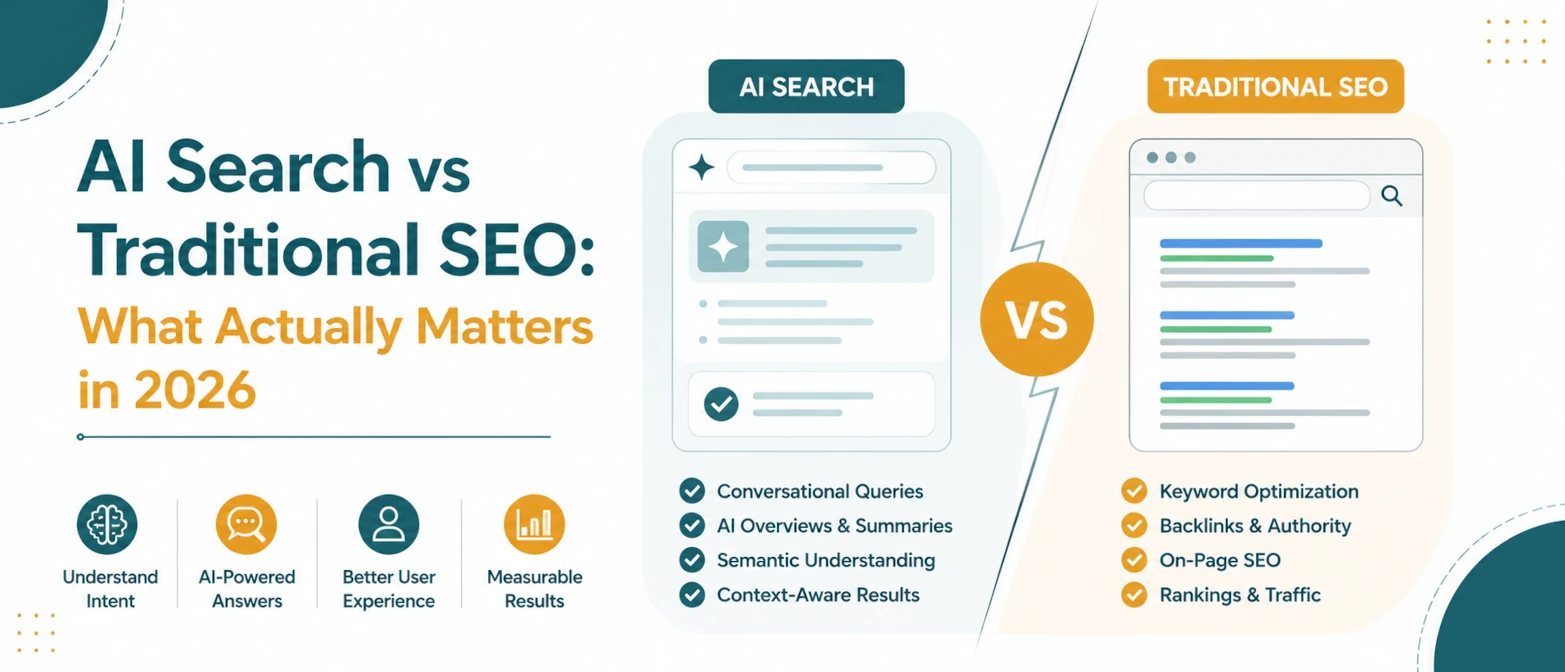
AI Search vs Traditional SEO: What Actually Matters in 2026
A simple guide to what still matters in traditional SEO, what changes for AI search, and how to prepare pages for both in 2026.
Read Guide →
AI Search SEO in 2026: How to Optimize Your Website for ChatGPT, Gemini & Google AI
Learn how AI Search SEO and Generative Engine Optimization help websites appear in ChatGPT, Gemini, Google AI Overviews, Claude, and Perplexity.
Read Guide →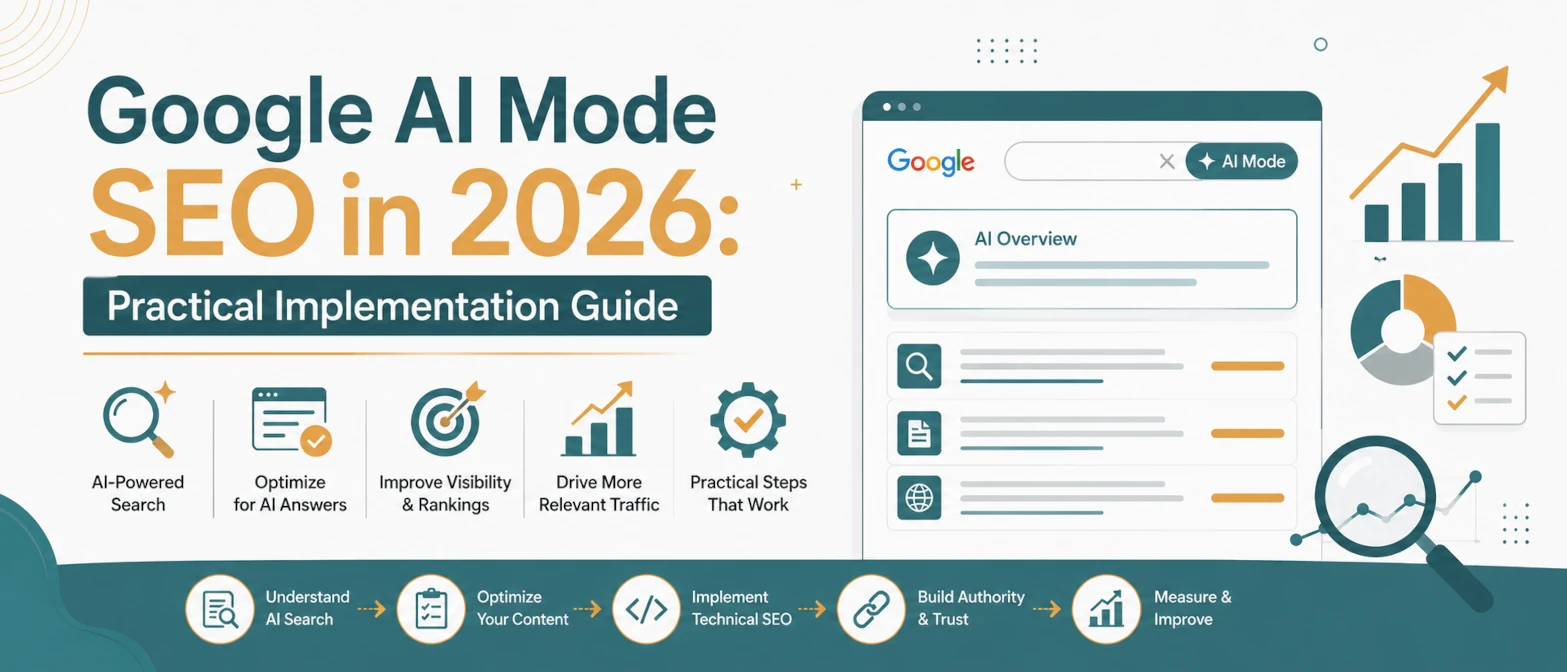
Google AI Mode SEO in 2026: Practical Implementation Guide
A practical AI Mode SEO guide for structuring pages so Google can crawl, understand, extract, and cite clear answers.
Read Guide →