
Responses API Migration from Assistants API: Production Checklist
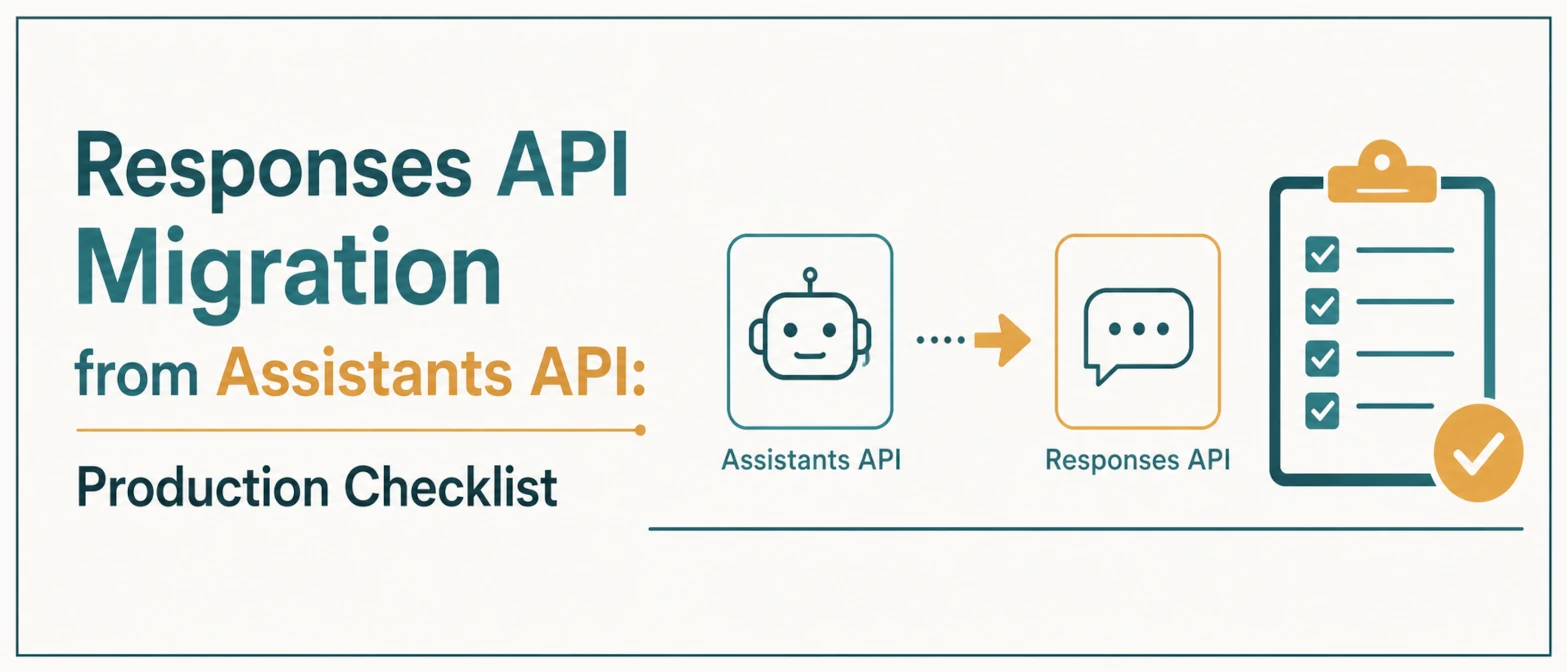
Many teams now maintain legacy Assistants API flows while building new features on the Responses API. Running both paths in production increases maintenance cost and raises failure risk. A controlled migration plan avoids regressions.
Short Answer
To migrate safely from Assistants API to Responses API, map each assistant, thread, run, and tool behavior to the new response workflow, test in shadow mode, then move traffic gradually with tracing and rollback controls. Treat the change as a production reliability migration, not only an endpoint rewrite.
Migration Goal
The target is not just API parity. The goal is stable behavior for:
- tool selection
- streaming output handling
- error recovery
- auditability and tracing
Compatibility Mapping
Before writing code, map each legacy flow to the new model:
- Assistant instructions -> reusable prompt/instruction layer.
- Thread state -> your app session model or response chaining.
- Tool definitions -> explicit tools config in each workflow.
- Run lifecycle events -> standardized streaming event handlers.
Assistant to Responses Mapping Table
| Assistants API Concept | Responses API Migration Target | Migration Check |
|---|---|---|
| Assistant configuration | Prompt or reusable instruction layer | Version instructions and tool sets explicitly. |
| Thread state | Conversation or stored response chain | Confirm retention and privacy behavior. |
| Run status | Response lifecycle and events | Update stream handling and retry logic. |
| Function calls | Tool calls with validated arguments | Reject invalid parameters before execution. |
Safe Rollout Strategy
- Shadow mode: run Responses API in parallel for selected traffic and compare outputs.
- Diff checks: measure key fields (tool call rate, completion success, latency).
- Canary release: switch a small production percentage to new path.
- Gradual expansion: increase traffic only after error budgets remain stable.
Data and Privacy Checks
Before migration, decide how much state the application should store. Teams handling private data should document whether conversation state is stored, where logs live, and how request identifiers are retained. If a workflow does not need long-term state, disable or minimize storage where the API supports it.
Pre-Migration Inventory
Create an inventory before changing code. For each assistant workflow, record:
- the assistant or workflow name
- the model and instruction version
- tools available to the workflow
- expected input and output shape
- streaming behavior
- state retention requirements
- error and retry policy
This inventory gives the migration a testable scope. Without it, teams often miss small behaviors such as partial stream events, tool retries, or conversation state assumptions.
Failure Handling
Define fallback policies in advance:
- tool timeout -> retry with capped attempts
- invalid tool args -> schema validation + model retry hint
- partial stream interruption -> recover from last confirmed state
Operational Checks
- Log request/response IDs for traceability.
- Store compact structured event logs for tool execution.
- Track P50/P95 latency split by tool-enabled and tool-disabled requests.
- Set alerts for sudden tool-call spikes and retry loops.
Acceptance Criteria
A migrated workflow should pass functional, reliability, and security checks before full rollout:
| Check | Pass Condition |
|---|---|
| Output shape | Required fields match the old production contract. |
| Tool calls | Tool arguments pass schema validation and policy checks. |
| Latency | P95 latency stays within the agreed threshold. |
| Fallback | Retries and rollback path are tested before launch. |
Example Rollout Plan
- Run a local test suite against saved production-like prompts.
- Run shadow comparisons for one low-risk workflow.
- Move 5% of traffic to the Responses API path.
- Review latency, tool errors, and output diffs for at least one business cycle.
- Increase traffic only when the rollback path has been tested.
AEO and GEO Structure for This Topic
Migration articles perform better when they answer concrete implementation questions. Include these answer blocks:
- What changed between Assistants API and Responses API?
- What should be migrated first?
- How do teams test tool calls?
- What metrics show the migration is stable?
Common Migration Pitfalls
Most migration bugs are not caused by the endpoint change itself. They come from hidden assumptions in the old integration:
- Implicit state: the application assumes a thread contains context that is no longer available in the new workflow.
- Different stream handling: UI code expects old event names or old partial-output timing.
- Loose tool arguments: old function-call paths accepted values that should now be validated more strictly.
- No rollback flag: the team cannot route traffic back to the previous path quickly.
Fix these before rollout. The migration should make the integration easier to observe and safer to operate, not just newer.
Post-Migration Review
After full traffic moves to the Responses API path, review the workflow again. Remove unused compatibility code, delete stale prompt versions, update runbooks, and keep a short record of changed assumptions. This prevents the application from carrying both API designs indefinitely.
Useful Internal Links
Developer workflow tools
Official References to Check
Use the official migration documentation before changing a production integration. OpenAI's migration guidance identifies the Responses API as the recommended path for new agentic workflows and notes the Assistants API sunset timeline.
Frequently Asked Questions
No. Start with low-risk flows, compare outputs in shadow mode, and migrate high-risk tool workflows only after logging and rollback paths are ready.
The biggest risk is behavior drift around state and tool calls. Test tool arguments, retries, streaming events, and final output shape before switching real users.
Log request IDs, response IDs, model version, tool name, validated tool arguments, latency, error code, and fallback decision.
Migration is complete when error rates, latency, output quality, and tool execution metrics remain stable at full traffic for a defined observation window.
Conclusion
Migration quality is mostly an engineering process problem. Teams that treat it like a phased reliability migration, not a quick endpoint switch, get better stability and lower rollback frequency.