AI Image Upscaler
Enlarge JPG, PNG and WebP images with Fast Upscale or AI Enhance. Choose the scale and output format, preview the result, and download the processed image.
Upload Images to Upscale
Drag and drop JPG, PNG or WebP images here, or click to browse
What is an AI Image Upscaler?
An AI image upscaler increases the width and height of a small image. It can make the image easier to use on larger screens, in presentations, or in design work.
TryFormatter provides two processing options. Fast Upscale increases the image dimensions using standard image resampling. AI Enhance uses a browser-based model to estimate additional visual patterns while enlarging the image.
Upscaling can improve the appearance of some images, but it cannot recover exact details that were never captured in the original file. The final result depends on the image size, sharpness, compression and subject.
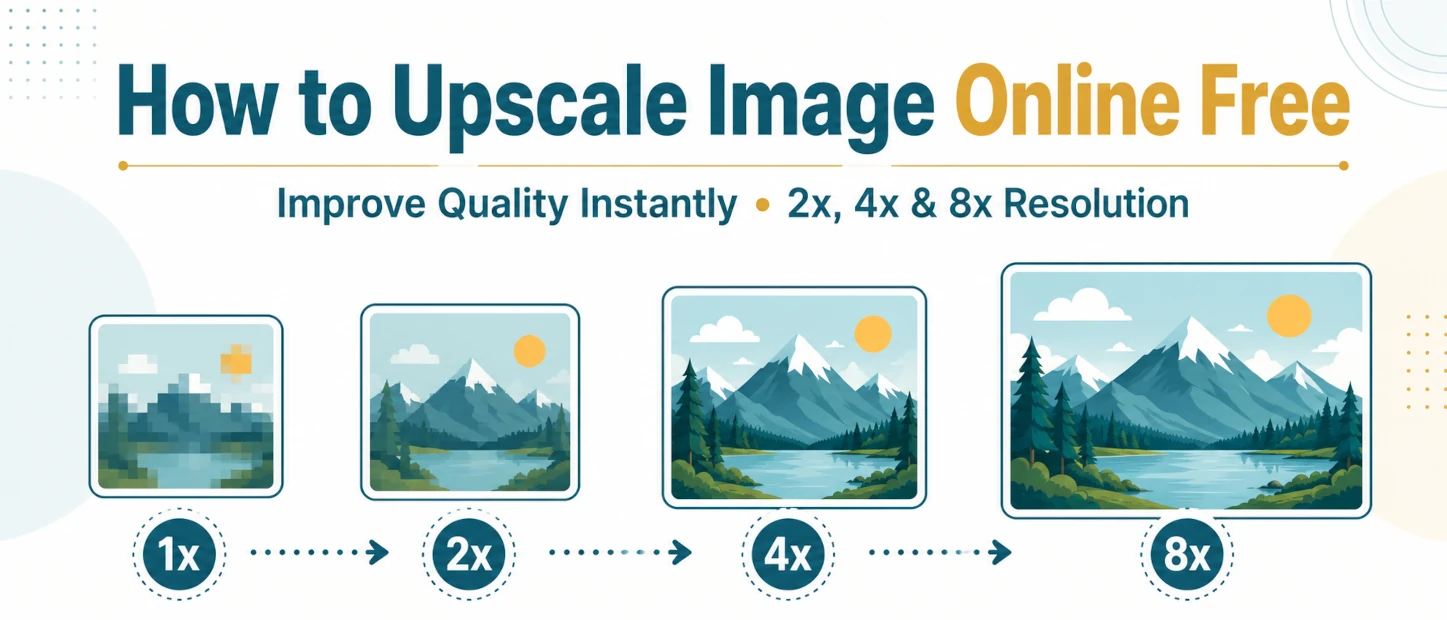
Enlarge by 2×, 4× or 8×
Use AI Enhance for 2× or 4× enlargement, or Fast Upscale for 2×, 4× and 8× output.
Compare Before Downloading
Use the comparison slider to inspect the original image and processed result before saving the output.
Process Multiple Images
Add several images, process them in sequence and download individual results or a ZIP file.
Fast Upscale versus AI Enhance
Fast Upscale is useful when you mainly need larger dimensions. AI Enhance takes longer because it loads and runs a larger processing model inside the browser.
| Feature | Fast Upscale | AI Enhance |
|---|---|---|
| How it works | Enlarges the existing pixels using image resampling. | Estimates visual patterns while increasing the image dimensions. |
| Available scales | 2×, 4× and 8×. | 2× and 4×. |
| Processing time | Usually faster and uses fewer device resources. | Usually takes longer, especially during the first use. |
| Useful for | Quick resizing, graphics and multiple images. | Photos and compressed images that may benefit from estimated detail. |
| Limitations | Increases dimensions without creating new image information. | Results vary and may change small text, faces, logos or fine lines. |
AI Image Upscaling Examples
Compare the original image with the processed result using the slider below. Check edges, textures, text and small details before downloading the enlarged image.
How to Upscale an Image
- Choose an image Select one or more JPG, PNG or WebP files from your device.
- Select a processing method Choose Fast Upscale for quicker resizing or AI Enhance for model-based processing.
- Choose the scale Select 2×, 4× or 8× based on the method and output size you need.
- Select an output format Choose JPG, PNG or WebP. Use PNG or WebP when the image needs a transparent background.
- Process and review Start the upscaling process and inspect the result using the comparison preview.
- Download the result Save one processed image or download all completed images together when batch processing is used.
What Do 2×, 4× and 8× Mean?
The scale controls how much the image width and height increase. A larger scale also creates a much larger total pixel count and may require more browser memory.
2× Scale
Doubles the width and height. An 800 × 600 image becomes 1600 × 1200 pixels.
4× Scale
Multiplies the width and height by four. An 800 × 600 image becomes 3200 × 2400 pixels.
8× Scale
Multiplies the width and height by eight. An 800 × 600 image becomes 6400 × 4800 pixels.
A larger output does not automatically mean that the image will look sharper. Start with 2× and review the result before choosing a higher scale.
Supported Image Formats
JPG and JPEG
Suitable for photographs and images that do not need a transparent background.
PNG
Useful for screenshots, logos, graphics and images that contain transparency.
WebP
Supports photographs, graphics and transparent backgrounds while often producing smaller web-friendly files.
Use cases and practical limitations
Image upscaling increases pixel dimensions. AI Enhance may improve the appearance of edges and textures in some images, but the result will not always match the original subject perfectly.
- Small photos: Clear photos with visible subjects usually provide a better starting point than heavily compressed thumbnails.
- Blurred images: Slight softness may appear better after processing, but strong motion blur or missed focus cannot be fully corrected.
- Text and logos: Small letters, thin lines and sharp logo shapes may change during AI enhancement. Review them closely before use.
- Faces: Estimated details may not match the person exactly when the original face is very small or unclear.
- Large outputs: Higher scales create larger files and may use more memory, especially on phones and lower-powered devices.
Privacy and Model Downloads
The selected image is processed inside your browser. AI Enhance may download the runtime and model files needed for processing.
The first AI Enhance task can take longer while these processing files are loaded. Your browser may reuse downloaded files later, depending on its cache settings.
Fast Upscale uses a lighter process and does not need the larger AI processing model.
Related Image Tools
Frequently Asked Questions
What is an AI image upscaler?
An AI image upscaler increases the width and height of an image while estimating visual patterns that may improve its appearance at a larger size.
What is the difference between Fast Upscale and AI Enhance?
Fast Upscale uses image resampling to increase dimensions quickly. AI Enhance loads a larger browser-based model that estimates visual patterns while enlarging the image.
Can I upscale an image by 2×, 4× or 8×?
Fast Upscale supports 2×, 4× and 8× enlargement. AI Enhance supports 2× and 4×.
Which image formats can I use?
You can use JPG, JPEG, PNG and WebP images. Use PNG or WebP when you need to preserve a transparent background.
Can the tool fix a heavily blurred image?
No. AI Enhance may improve the appearance of a slightly soft image, but it cannot recover exact details lost through strong blur, poor focus or heavy compression.
Will the upscaled image always look sharper?
No. Results depend on the original image. Small text, faces, logos, thin lines and heavily compressed areas may not improve or may appear different after processing.
Is my image uploaded to a server?
The selected image is processed inside your browser. AI Enhance may download the runtime and model files required to perform the processing.
Why does AI Enhance take longer the first time?
The first task may take longer because your browser needs to download and load the AI processing files. Later tasks may reuse cached files, depending on your browser settings.