
LLMS.txt Generator Online Free - Secure No Upload
Create a clean llms.txt file for AI assistants and agents. Build structured markdown sections, add important public URLs, and download the final file securely with no server upload. All processing happens locally in your browser.
LLMS.txt Studio
/llms.txt. Use robots.txt for crawler permissions.What is LLMS.txt Generator?
LLMS.txt Generator is a practical browser-first utility for teams that need reliable outputs without exposing private data. It runs entirely in your browser, requires no server upload, and data never leaves your device. This local processing model is useful for engineering, SEO, and operations teams working with sensitive snippets, internal drafts, or pre-release assets.
In day-to-day workflows, tools like this reduce repetitive manual work, improve consistency, and speed up validation. Instead of switching between multiple apps, you can complete one focused task with clear, repeatable output and then move directly to the next step.
Why this matters in 2026 search and publishing workflows
After the major AI-search expansion announced at Google I/O on May 19, 2026, teams need content and technical pages that are both actionable and trustworthy. That means every utility page should provide clear process guidance, practical checks, and reliable output behavior. Thin pages with minimal help text create friction for users and reduce confidence during critical tasks.
LLMS.txt Generator solves that by combining direct execution with structured guidance. You can run the task quickly, verify the result, and continue to publishing, debugging, or auditing without unnecessary guesswork.
How to use LLMS.txt Generator
- Open LLMS.txt Generator and paste or load your input data.
- Set options only where needed for your specific output or validation target.
- Run the operation and review output in the result panel.
- Copy or download the final result and validate it in your destination workflow.
This sequence is lightweight by design so it can be repeated many times during QA, incident response, migration work, and release preparation.
Common mistakes and prevention
- Skipping input checks: malformed source can create misleading output.
- Using defaults blindly: confirm selected mode matches your real target.
- No downstream validation: always test output where it will actually run.
- Ignoring edge cases: include difficult samples before final rollout.
- No process notes: record known-good settings for team reuse.
Privacy and security model
SEO Audit & On-Page Analyzer follows a strict local-processing model: it runs entirely in your browser, requires no server upload, and data never leaves your device. This is critical when you work with private URLs, internal code, customer payloads, or unreleased content.
Local execution does not replace internal governance, but it reduces unnecessary exposure compared with unknown third-party upload tools.
Conclusion
SEO Audit & On-Page Analyzer is most valuable when paired with process discipline: validate source input, run predictable settings, verify output downstream, and document repeatable patterns. That approach improves release confidence and reduces avoidable rework.
Frequently Asked Questions
Is SEO Audit & On-Page Analyzer safe for private data?
Yes. The tool runs entirely in your browser, requires no server upload, and data never leaves your device.
Can I use SEO Audit & On-Page Analyzer offline?
Yes. After the page loads, core processing continues in your browser without sending data to external servers.
What if output is not what I expected?
Check input structure, confirm selected options, and test with a smaller sample to isolate the issue before rerunning.
Does TryFormatter store my input?
No. Content is processed locally in your session and is not uploaded to TryFormatter servers.
Related Tools
Expert Guides & Tutorials
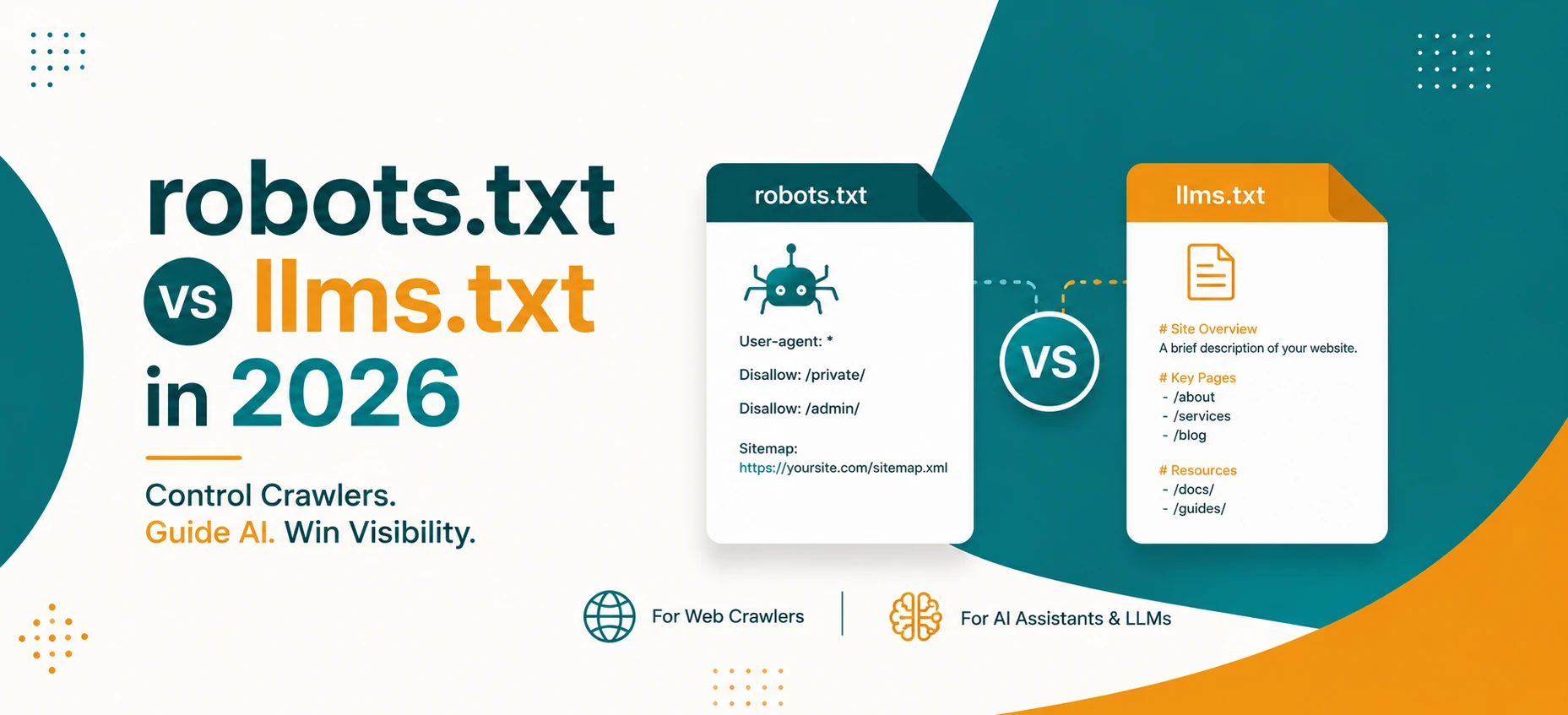
robots.txt vs llms.txt in 2026: What AI Crawlers Actually Use
A practical guide to robots.txt, llms.txt, Google AI features, OpenAI crawlers, snippets, indexing controls, and safe crawler policy in 2026.
Read Guide →
AI Agents and Web Tools: How to Make Your Website Agent-Friendly
A practical guide to making websites easier for AI agents to read, navigate, cite, and use without confusing users or weakening privacy.
Read Guide →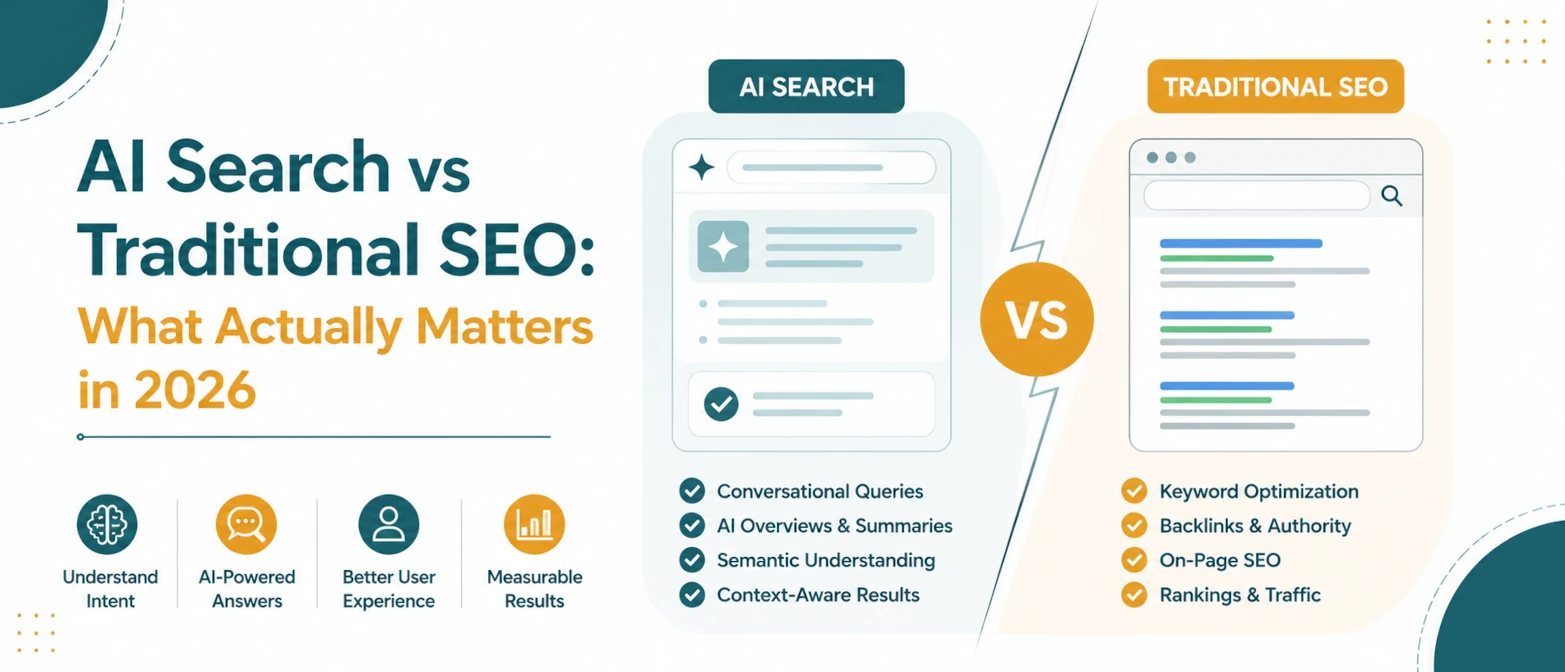
AI Search vs Traditional SEO: What Actually Matters in 2026
A simple guide to what still matters in traditional SEO, what changes for AI search, and how to prepare pages for both in 2026.
Read Guide →
AI Search SEO in 2026: How to Optimize Your Website for ChatGPT, Gemini & Google AI
Learn how AI Search SEO and Generative Engine Optimization help websites appear in ChatGPT, Gemini, Google AI Overviews, Claude, and Perplexity.
Read Guide →