
Google Antigravity 2.0: The Developer Guide from Google I/O 2026
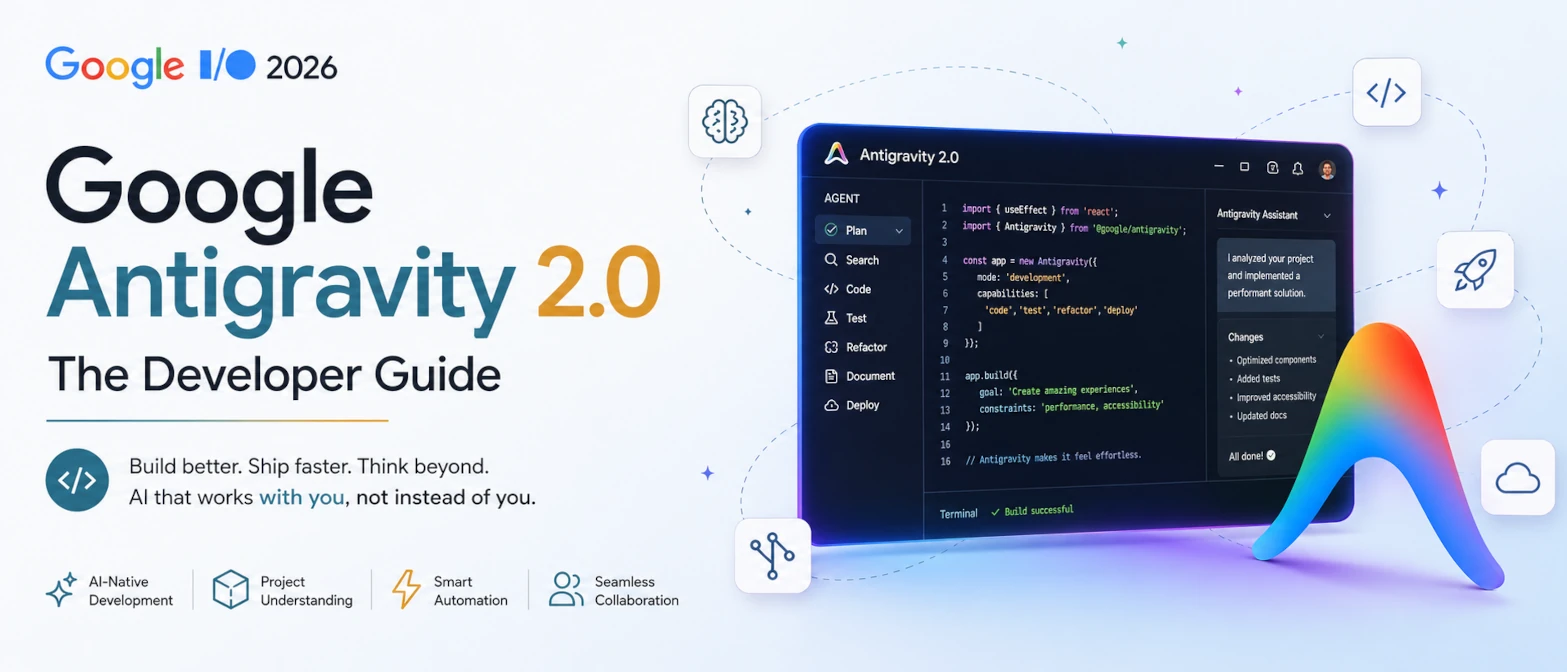
Published: May 2026 • Category: AI, Developer Tools, Agentic Coding
Google I/O 2026 was not only about Android updates or Gemini improvements. One of the biggest announcements for developers was Google Antigravity 2.0, Google's next step toward agent-driven software development.
This is more than an AI coding assistant. Antigravity 2.0 moves development from single AI completion to multi-agent orchestration, where AI agents can collaborate, plan, execute, test, and manage software workflows with a developer supervising the result.
The important shift is not that developers disappear. The shift is that developers spend less time manually coordinating every repetitive task and more time defining goals, reviewing decisions, validating output, and protecting architecture.
Short answer
Google Antigravity 2.0 is an agent-first development platform announced at Google I/O 2026. It gives developers a standalone desktop app, Antigravity CLI, SDK, managed-agent infrastructure, MCP support, dynamic subagents, scheduled tasks, artifacts, skills, and JSON hooks. Instead of asking one assistant for one code suggestion, developers can describe a goal and supervise multiple agents that split the work, modify files, run commands, create tests, and report progress through reviewable artifacts.
What is Google Antigravity 2.0?
Google Antigravity 2.0 is Google's agentic development platform designed around autonomous and semi-autonomous AI workflows. It is a standalone desktop application that works as a central command center for agents, separate from the classic IDE experience.
Instead of asking AI a narrow request such as:
Write this function.A developer can describe a higher-level goal such as:
Build authentication, create API endpoints, write tests,
update documentation, and prepare the deployment checklist.
Antigravity can coordinate agents, subagents, tools, files, browser actions, terminal commands, and artifacts around that goal. The developer still reviews and approves the work, but the orchestration layer becomes much stronger than a normal autocomplete tool.
The shift from old AI coding to Antigravity 2.0
| Old AI coding | Antigravity 2.0 |
|---|---|
| Single assistant | Multiple coordinated agents and dynamic subagents |
| Code suggestions | Workflow execution with files, commands, browser actions, and artifacts |
| Manual orchestration | Agent-managed task splitting and parallel work |
| Prompt to output | Goal to plan to execution to validation |
| Developer asks one step at a time | Developer supervises a larger agent workflow |
Why Google built Antigravity 2.0
AI coding tools evolved rapidly. Developers now use Cursor, GitHub Copilot, Claude Code, Codex, Gemini Code Assist, terminal agents, and custom internal assistants. Most of these tools started from an assistant-first model: the developer asks a question, the model replies, and the developer continues the work.
Google's direction with Antigravity is different: AI becomes closer to a set of teammates instead of only autocomplete. The Antigravity 2.0 product page describes a central command center where developers can launch, monitor, and orchestrate agent activities. Its documentation also highlights file read/write, system commands, web search, Chrome interaction, MCP servers, skills, subagents, and implementation plans.
In practical software teams, that means Antigravity can support specialized roles such as:
- Planning agents: break a large goal into smaller tasks and produce an implementation plan.
- Coding agents: edit files, create components, update APIs, and follow project conventions.
- Test agents: write unit tests, generate reproduction cases, and run validation commands.
- Documentation agents: update README files, API notes, migration guides, and changelogs.
- Review agents: summarize diffs, identify risky changes, and prepare human-readable artifacts.
- Deployment support agents: prepare release notes, check environment assumptions, and draft rollout steps.
Core architecture: the agent mesh model
Antigravity 2.0 can be understood as an agent mesh model. A human gives the goal. A main agent plans the work. Dynamic subagents handle focused subtasks in parallel. A validation step checks whether the work is ready for human review.
Developer goal
      |
      v
Planner agent
      |
      v
Task splitter
      |
      +-------------+-------------+-------------+
      |             |             |             |
      v             v             v             v
 Code agent    Test agent    Docs agent    Research agent
      |             |             |             |
      +-------------+-------------+-------------+
                    |
                    v
             Validation agent
                    |
                    v
              Human review
                    |
                    v
              Release decision
Traditional automation often looks sequential:
build()
test()
deploy()
Agentic development looks more like parallel orchestration:
agents.run({
  planning: true,
  coding: true,
  testing: true,
  docs: true,
  validation: true
})
Google's official wording emphasizes dynamic subagents and asynchronous task management. The phrase "agent swarm" is useful as an industry shorthand, but the safer product-specific language is dynamic subagents working in parallel.
Major features of Google Antigravity 2.0
1. Multi-agent collaboration
Multiple AI workers can operate at the same time. One agent may inspect existing backend APIs, another may build a React interface, another may create tests, and another may draft documentation. The developer sees artifacts, plans, and implementation notes instead of only a raw stream of code.
2. Dynamic subagents
Antigravity 2.0 supports dynamic subagents. A main agent can define and invoke focused subagents for subtasks. This helps prevent the main context from becoming overloaded and allows parts of complex work to run in parallel.
3. Asynchronous task management
Tasks and commands can run without blocking the main agent conversation. This is important for long-running checks, repo scans, tests, builds, and research tasks. Developers can keep steering the larger workflow while background tasks continue.
4. Persistent project context and artifacts
Antigravity is built around projects, conversations, artifacts, plans, and settings. This helps agents communicate what they are doing and lets developers review the work with more context. It is not just "AI said it is done." The workflow should produce evidence.
5. Native MCP support
Antigravity supports the Model Context Protocol (MCP), which lets agents connect with approved local tools, databases, documentation systems, external APIs, and developer services. MCP matters because agents become more useful when they can use real context instead of guessing from a short prompt.
Example MCP-style configuration concept:
{
  "server": "github",
  "tool": "repo_search"
}
6. JSON hooks and skills
Antigravity 2.0 adds JSON hooks so teams can intercept and control agent behavior. It also supports skills, which let developers customize how agents perform repeatable workflows. This is where human governance becomes practical: teams can encode preferences, limits, and approval rules.
7. Scheduled tasks
Scheduled tasks let developers define recurring or one-time jobs that trigger agents later. This can support routine repo checks, dependency review, documentation refreshes, or issue triage. The useful pattern is automation with clear scope, not uncontrolled background mutation.
8. Antigravity CLI, SDK, and managed agents
Google also introduced Antigravity CLI, an SDK, and Managed Agents in the Gemini API. CLI helps terminal-first developers. SDK helps teams build custom hosted agents. Managed Agents can run in isolated cloud environments with tool use and resumable state. Together, these make Antigravity more than a desktop app.
Agent swarm style workflows
Google's official product language centers on dynamic subagents, parallel agents, and asynchronous tasks. Developers may describe the pattern as an agent swarm because the work is divided across many specialized workers.
Instead of one large AI trying to complete 100 tasks, the workflow becomes:
1 main agent defines the plan
10 focused subagents handle 10 task groups
1 validation path checks the result
1 human approves or rejects the release
The advantage is speed and specialization. The risk is review overload. If 10 agents make 10 changes each, the human reviewer still needs a structured way to inspect what changed and why.
Antigravity vs Cursor vs Copilot
Every comparison is a snapshot, because developer tools move quickly. Still, the product direction is different enough to compare the basic model.
| Feature | Antigravity 2.0 | Cursor | Copilot |
|---|---|---|---|
| Multi-agent orchestration | Core direction with dynamic subagents | Partial agent workflows | Assistant and coding-agent workflows vary by plan |
| Autonomous workflow execution | Strong focus through agents, tools, commands, and artifacts | Useful for coding tasks and repo edits | Strong assistant integration, less agent-mesh oriented |
| Memory and project context | Project, skills, artifacts, MCP, hooks, and conversation context | Project-aware editor context | Editor and platform context |
| Tool execution | Native system commands, file operations, web search, Chrome, MCP | Editor and terminal-assisted workflows | Editor and GitHub-centered workflows |
| Deployment lifecycle | Can support release workflows through agents and integrations | Usually external workflow required | Usually tied to GitHub and external CI/CD |
| Primary positioning | Agent-first orchestration platform | AI-first editor | AI assistant inside developer platforms |
Antigravity targets full-lifecycle development more directly. Cursor and Copilot remain important, but Antigravity's bet is that developers will manage agent ecosystems, not only accept inline suggestions.
Example workflow: building an exam portal feature
Imagine building a student registration feature for an exam portal. A developer gives this goal:
Build student registration with JWT auth,
API docs, tests, and deployment notes.
An Antigravity-style workflow may split the work like this:
- Planner agent: breaks the feature into auth, database, API, UI, tests, and release notes.
- Backend agent: creates API endpoints and validates request/response shapes.
- Frontend agent: builds the registration UI and connects it to the API.
- Test agent: writes unit tests and integration tests for success and failure cases.
- Docs agent: creates API docs and setup instructions.
- Review agent: summarizes changed files, risks, and next actions.
The developer then reviews the output. This is the key human step. The agent can accelerate implementation, but the human must verify auth behavior, user data handling, business rules, error states, and deployment safety.
The Human Role in the Age of Agentic Coding
Antigravity 2.0 changes what developers are rewarded for. In older workflows, productivity often meant writing more code, remembering many implementation details, and manually connecting every step of the build process. In an agentic workflow, the highest-value human work moves toward judgment: defining the right goal, setting safe boundaries, reviewing evidence, and deciding whether the output is good enough to ship.
This does not make developers less important. It makes their decisions more important. When agents can produce code quickly, the scarce skill becomes knowing what should be built, what should be rejected, and what risks must be checked before users ever see the change.
| Old developer incentive | New incentive with Antigravity 2.0 |
|---|---|
| Write more code manually | Describe better goals, constraints, and acceptance criteria |
| Remember every implementation detail | Maintain architecture rules, project context, and review standards |
| Do repetitive tasks alone | Delegate safe repetitive work to agents and inspect the results |
| Debug after everything is merged | Use agents to create tests, reproductions, and validation evidence before merge |
| Trust personal speed | Trust verified output, test results, security review, and rollback planning |
That is why developers should not treat Antigravity as a simple replacement threat. It is better understood as leverage. The human role moves upward toward architecture, security, product direction, code review, system validation, and final accountability. Teams that understand this incentive shift will use agents to reduce busywork without giving up engineering control.
Impact for developers
Google is moving toward:
Developer = supervisor and system designerInstead of:
Developer = implementation machineFuture workflows may look like this:
Goal
  |
  v
Agents
  |
  v
Validation
  |
  v
Human review
  |
  v
Deployment
Human effort shifts toward:
- Architecture
- Security
- Business logic
- Code review
- Testing strategy
- Release decisions
Should developers worry?
No, but developers should adapt. Antigravity changes how software is built, not whether developers matter. Someone still has to define requirements, understand users, design systems, validate security, decide tradeoffs, and accept release accountability.
The developers most at risk are not the ones who use agents. The risk is for developers who refuse to learn how to supervise agents, review AI output, and design safer workflows. The opportunity is for developers who combine product judgment with agent orchestration skill.
Common mistakes
- Letting agents run without boundaries: define allowed files, commands, tools, and approval rules before large tasks.
- Confusing generated code with correct code: require tests, diffs, screenshots, and reproduction steps.
- Skipping security review: authentication, authorization, payment, encryption, and deletion flows need human approval.
- Overloading one agent: large tasks should be split into smaller units with clear review points.
- Ignoring cost: parallel agents can multiply token, compute, and cloud sandbox usage.
Validation checklist
- Goal clarity: the task has a clear definition of done.
- Permission scope: agents can only touch approved files, services, and commands.
- Evidence: output includes tests, logs, screenshots, or artifacts that prove behavior.
- Human review: sensitive changes require a named reviewer.
- Rollback: risky changes include a revert path.
- Documentation: the final patch explains what agents changed and why.
TryFormatter tools for agent-assisted development
Useful browser tools for reviewing agent output
Reference links
- Introducing Google Antigravity 2.0 (Google Antigravity Blog)
- Google Antigravity 2.0 product page
- Google Antigravity 2.0 documentation overview
- Antigravity MCP documentation
- Introducing Google Antigravity CLI
- Developer highlights from Google I/O 2026
- Managed Agents in the Gemini API
Frequently asked questions
No. Google presents Antigravity 2.0 as a standalone agent-first platform. It can coordinate agents, subagents, tools, commands, browser actions, artifacts, MCP servers, skills, hooks, and scheduled tasks.
Autocomplete helps with the next line or block of code. Antigravity is built for larger goals where agents can plan, split work, edit files, run tools, and produce reviewable artifacts.
Yes. Google Antigravity documentation describes MCP support so agents can securely connect to local tools, databases, external services, and other approved context sources.
The official wording focuses on dynamic subagents, parallel agent work, and asynchronous task management. "Agent swarm" is a useful shorthand for that pattern, but dynamic subagents is the more precise Antigravity term.
No. It changes the developer role. Humans still own requirements, architecture, security, validation, review, product direction, and release accountability.
Final thoughts
Google Antigravity 2.0 may become one of the most important developer announcements from Google I/O 2026 because it shows where AI coding tools are heading.
The industry is moving from:
AI coding assistants
        |
        v
Agentic development platforms
The competition is no longer only Cursor vs Copilot. It is becoming agent ecosystems vs standalone assistants.
For developers building AI products, automation systems, MCP workflows, app platforms, or internal engineering tools, Antigravity is worth watching closely. The winning skill is not blindly trusting agents. The winning skill is learning how to direct them, constrain them, review them, and turn their speed into reliable software.