
NVIDIA RTX Spark Explained: The Biggest Change to Windows AI PCs Since Apple Silicon
Introduction
NVIDIA RTX Spark is not just another laptop chip announcement. It is NVIDIA and Microsoft saying that the Windows PC should become a local AI workstation, not only a thin client for cloud models.
That is why the Apple Silicon comparison matters. Apple changed the Mac by combining CPU, GPU, neural acceleration, media engines, and unified memory into a tightly controlled platform. RTX Spark tries to give Windows a similar center of gravity, but with a very different personality: CUDA, RTX graphics, Blackwell Tensor Cores, local AI agents, creator workloads, and PC gaming.
The short version: RTX Spark is a new NVIDIA superchip for slim Windows laptops and small desktops. According to NVIDIA's announcement, it combines a Blackwell RTX GPU, a 20-core Arm CPU, up to 128GB of unified memory, and up to 1 petaflop of FP4 AI performance. Microsoft says Windows has been optimized around RTX Spark with scheduler, power, thermal, unified memory, Prism emulation, Windows ML, and TensorRT work.
If it ships well, this could be the biggest Windows AI PC shift since the industry saw what Apple Silicon did for laptops. If it ships badly, it becomes another impressive spec sheet trapped by app compatibility, driver maturity, battery claims, and unclear real-world pricing.
What Is NVIDIA RTX Spark?
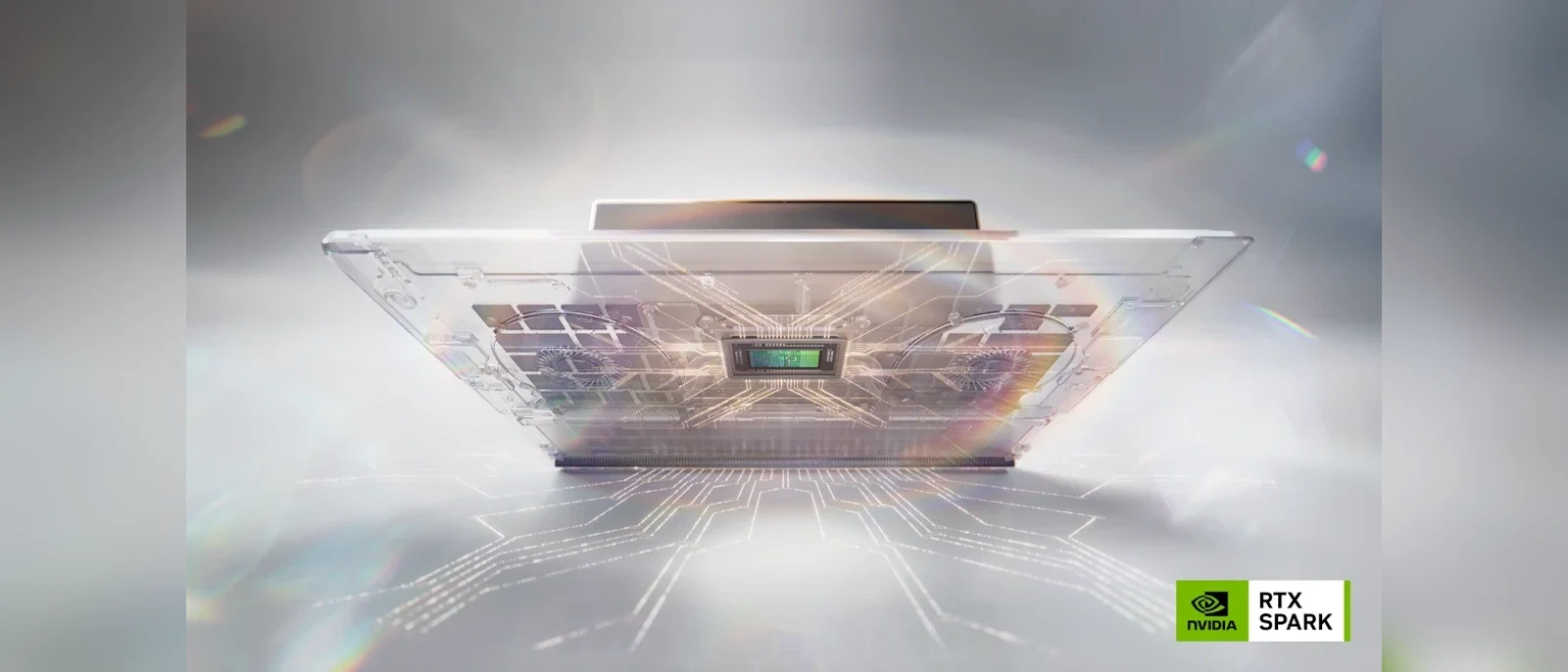
NVIDIA RTX Spark is a Windows PC platform built around a single superchip. NVIDIA describes it as the fusion of NVIDIA AI and RTX graphics in one chip for laptops and compact desktops. It is designed for three overlapping audiences: creators, AI developers, and gamers.
The headline hardware pieces are simple enough:
| Area | RTX Spark claim | Why it matters |
|---|---|---|
| GPU | Up to 6,144 Blackwell RTX GPU cores | Brings NVIDIA's modern RTX, ray tracing, Tensor Core, and creator acceleration stack into the PC chip itself. |
| CPU | Up to 20 Arm CPU cores | Makes RTX Spark a Windows on Arm platform, not a traditional x86 laptop design. |
| AI performance | Up to 1 petaflop FP4 AI performance | Targets local model inference, agent workflows, image generation, video generation, and developer experimentation. |
| Memory | Up to 128GB unified memory | Lets CPU and GPU share a large memory pool, which is especially useful for local AI models and huge creative projects. |
| Software | CUDA, RTX, TensorRT, DLSS, OptiX, Reflex, G-SYNC | Gives Windows users the NVIDIA ecosystem that already powers many AI, rendering, and gaming workloads. |
NVIDIA's RTX Spark product page positions the platform as both portable and desktop-friendly. The laptop story is all-day battery life in slim premium machines. The desktop story is a small, efficient local AI box that can stay on your desk and run personal agents or developer workloads around the clock.
Why People Are Comparing It to Apple Silicon
Apple Silicon was not important only because it made Macs faster. It was important because it changed what buyers expected from a laptop: quiet performance, long battery life, fast media work, unified memory, and a software stack tuned for the hardware.
RTX Spark is trying to create that kind of platform moment for Windows, but with NVIDIA's strengths at the center.
Apple's advantage is vertical integration. Apple controls the chip, operating system, laptop design, developer tools, media frameworks, and retail experience. NVIDIA does not control Windows or the entire PC hardware ecosystem in the same way. That makes RTX Spark harder to execute.
But NVIDIA has one advantage Apple does not have in the AI developer world: CUDA. For many machine learning, inference, rendering, simulation, and GPU computing workflows, CUDA support is still the default expectation. A Windows laptop that runs CUDA natively, has a large unified memory pool, and can also play modern PC games is a very different proposition from today's generic NPU-branded AI PC.
The Real Change: AI Moves From Cloud Feature to Local Workstation
Many first-generation AI PCs were marketed around NPUs and a handful of operating system features. That was useful, but not transformative for serious developers. A small NPU can help with camera effects, transcription, background blur, or lightweight model tasks. It does not automatically make a laptop feel like an AI workstation.
RTX Spark aims higher. NVIDIA says RTX Spark PCs can run very large local AI models, support agent workflows, generate high-resolution AI video, render huge 3D scenes, and accelerate creator apps. Microsoft's Windows Experience Blog post highlights Windows ML, TensorRT, unified memory improvements, Prism emulation enhancements, and RTX Spark-specific scheduler tuning.
That is the important framing: the PC is no longer just opening AI features. The PC is expected to host models, run agents, keep private data local, and move between local and cloud models based on policy.
What Local Agents Mean on a Windows PC
The most interesting part of RTX Spark is not only the silicon. It is the agent model NVIDIA and Microsoft are describing.
A personal AI agent on a PC is different from a chatbot in a browser tab. A real local agent may need to read files, understand windows, call tools, execute steps, search local context, inspect code, generate media, and ask for approval before taking sensitive actions. That creates three hard problems:
- Performance: local models need enough memory bandwidth, GPU compute, and acceleration libraries to be useful.
- Privacy: agents often need access to personal files, local projects, emails, screenshots, or private documents.
- Control: the operating system needs policy, identity, containment, and permission boundaries so agents cannot freely act on everything.
NVIDIA has announced OpenShell for policy and agent routing, while Microsoft is describing new Windows primitives for identity, containment, policy, and security. Those details matter more than a flashy demo. A local agent that can do useful work but cannot be trusted around private files will not become a daily computing interface.
Why Unified Memory Is the Quietly Important Spec
The 128GB unified memory claim may be more important than the raw TOPS-style marketing number. Local AI models are often memory-constrained. If the GPU cannot access enough memory, a powerful accelerator can still feel limited.
Unified memory lets the CPU and GPU share a common pool. That does not magically solve every bandwidth or latency problem, but it changes what is practical on a compact PC. Large language models, diffusion models, 3D scenes, video timelines, and agent contexts all benefit when the machine can keep more data close to the accelerator.
Microsoft specifically says it has improved how Windows supports unified memory systems, including a higher limit on total system memory accessible by the GPU and changes around shared memory page sizes. That is exactly the kind of low-level operating system work that makes a platform feel real instead of bolted together.
How RTX Spark Compares With Today's Windows AI PCs
The Windows AI PC label has become broad. Some machines have a CPU, integrated GPU, and NPU. Others include discrete RTX graphics. Some run Windows on Arm, while most still use x86 chips from Intel or AMD.
RTX Spark is different because it tries to combine the Arm laptop efficiency story with the NVIDIA GPU and CUDA story.
| Platform type | Strength | Tradeoff |
|---|---|---|
| Traditional x86 Windows laptop | Strong compatibility and mature software support | Often less efficient under heavy GPU or AI workloads unless paired with discrete graphics |
| Qualcomm Windows on Arm laptop | Battery life and thin laptop design | AI developer and gaming story depends heavily on software compatibility and GPU ecosystem |
| Gaming laptop with discrete RTX GPU | Excellent GPU power, CUDA, gaming, and creator acceleration | Can be larger, hotter, louder, and more battery-constrained |
| RTX Spark Windows PC | Unified memory, Blackwell RTX, CUDA, Arm efficiency, agent-focused Windows work | Needs real-world proof on price, app compatibility, battery life, thermals, and native Arm support |
That last row is why this announcement feels big. RTX Spark is not merely adding an NPU to a normal PC. It is trying to make the GPU-first AI workstation portable and consumer-friendly.
What It Means for Developers
For developers, RTX Spark is interesting because it brings the AI stack closer to the machine where code already lives. A developer might use local models for code search, test generation, refactoring, documentation, embeddings, image pipelines, or private prototype work without sending every artifact to a remote service.
Microsoft mentions workloads and tools such as GitHub Copilot, Claude Code, ComfyUI, Cursor, CUDA-accelerated PyTorch, llama.cpp, TensorRT, Hugging Face frameworks, Unsloth, and Kohya in the broader RTX Spark context. The practical promise is simple: fewer compromises between local experimentation and production-adjacent AI tooling.
That matters for privacy too. A browser-local workflow, like using TryFormatter's JSON Formatter for private payloads or the Image Converter for local image processing, is valuable because data stays on your device. RTX Spark points at the same direction for heavier AI tasks: keep more work local when privacy, latency, cost, or offline access matter.
What It Means for Creators
Creators are one of the clearest target groups. NVIDIA is talking about large 3D scenes, high-resolution video, RTX rendering, AI video generation, NVIDIA Studio tools, and app acceleration from companies like Adobe.
The appeal is easy to understand. Many creators want MacBook-style portability, but they also want RTX rendering, CUDA-backed tools, AV1, DLSS-related graphics features, or Windows-only creative and 3D software. If RTX Spark laptops deliver strong battery life and serious plugged-in performance, they could become a compelling middle ground.
The caveat is that creator workflows are unforgiving. A timeline that stutters, a plugin that fails under Arm emulation, or a thermal limit that cuts performance after ten minutes matters more than a keynote benchmark. RTX Spark needs software vendors to do the unglamorous optimization work.
What It Means for Gamers
Gaming is the trickiest part of the RTX Spark story. On paper, NVIDIA's stack is a huge advantage: RTX graphics, DLSS, Reflex, G-SYNC, ray tracing, and a large game ecosystem. Microsoft also says Prism emulation has been tuned for RTX Spark and highlights DirectX 12 work, neural rendering, and ray tracing optimization.
Still, PC gaming is full of edge cases. Anti-cheat systems, launchers, older dependencies, performance under emulation, driver updates, and native Arm ports all matter. RTX Spark can be an excellent gaming platform only if the compatibility story is boring in the best possible way.
That is where fall 2026 devices will need independent reviews. Claims about 1440p gaming and high frame rates are promising, but buyers should wait for real benchmarks across native Arm games, emulated x86 games, battery gaming, plugged-in gaming, and creative workloads.
The Risks NVIDIA and Microsoft Still Have to Solve
RTX Spark is ambitious, and ambition creates failure points. The largest risks are not mysterious.
- App compatibility: Prism needs to make non-native Windows apps feel reliable, especially professional tools and games.
- Native developer support: the platform needs more Arm-native Windows apps, drivers, plugins, and game components.
- Battery reality: all-day battery claims need to hold up outside light productivity demos.
- Thermals: slim laptops must sustain AI, gaming, and rendering workloads without loud or uneven performance.
- Pricing: premium silicon can become niche if the entry price is too high.
- Agent safety: local agents need clear permission boundaries, audit trails, and user control.
These caveats do not make RTX Spark less important. They are the checklist that will decide whether it becomes a real platform shift or a high-end curiosity.
Should You Wait for RTX Spark?
If you need a laptop today for school, office work, basic development, or normal browsing, do not freeze your purchase just because RTX Spark was announced. Good x86 and Arm Windows laptops already exist, and Apple Silicon Macs remain excellent machines.
But if your next machine is for local AI, CUDA development, 3D rendering, AI-assisted coding, heavy creator work, or Windows gaming in a portable package, RTX Spark is worth watching closely. The first wave of systems is expected from major PC makers including ASUS, Dell, HP, Lenovo, Microsoft Surface, and MSI, with additional models from Acer and GIGABYTE following according to NVIDIA.
The smartest buying strategy is to wait for independent reviews that answer five questions:
- How fast is local AI inference compared with current RTX laptops and Apple Silicon systems?
- How reliable is Prism for your exact Windows apps?
- How long does the battery last under real creator, coding, and agent workloads?
- How well do thermals hold under sustained GPU and AI tasks?
- How much does 128GB unified memory cost in actual retail configurations?
Practical Takeaway
RTX Spark matters because it changes the AI PC conversation from "does this laptop have an NPU?" to "can this machine run serious local AI workflows securely and efficiently?" That is a much better question.
The Apple Silicon comparison is fair as a strategic signal, but not as a guaranteed outcome. Apple proved that tight hardware and software integration could reset expectations for laptops. NVIDIA and Microsoft now have to prove that Windows can do something similar while preserving the messy, powerful, open PC ecosystem.
If they succeed, RTX Spark could become the first Windows platform that feels designed around local agents, large personal memory, GPU-native AI development, creator acceleration, and gaming at the same time. That would be more than a chip launch. It would be a new definition of a Windows AI PC.
Original Sources and Further Reading
For readers who want to verify the official announcements and technical claims, these are the primary reference links used for this article: